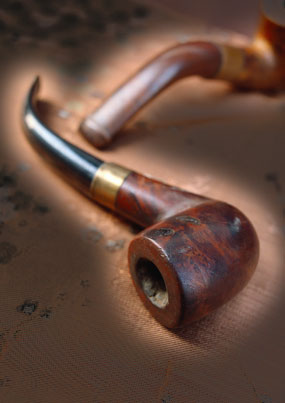
1. Open Photoshop. Open Image to apply Glowing light.
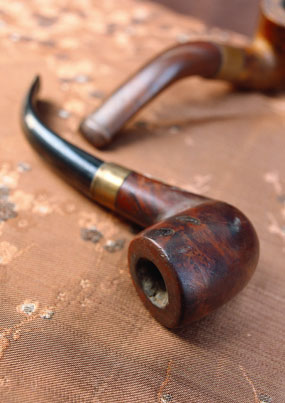
2. Make a Duplicate of the image layer and turn it into gray scale using Image > Adjustments > Desaturate

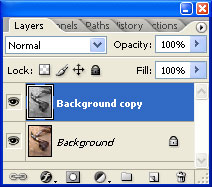
3. The layer palette will look like this. Keep the top layer selected.
4. Image > Adjustments > Invert
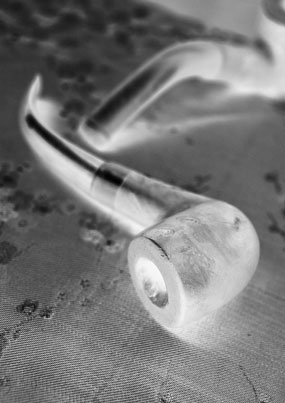
5. Change the blending mode of the top layer to Multiply.
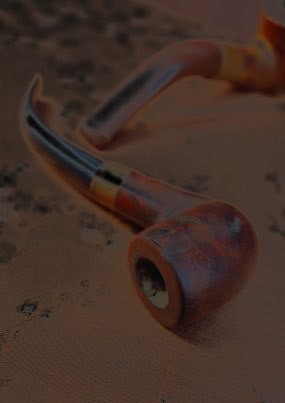
6. Be on the top layer. Select Eraser Tool with soft brush and erase the portion which you want to reveal and glow.