
In this tutorial you will be able to create Screen Blending with 2 images that can make a nice picture into something More effective in adobe photoshop.
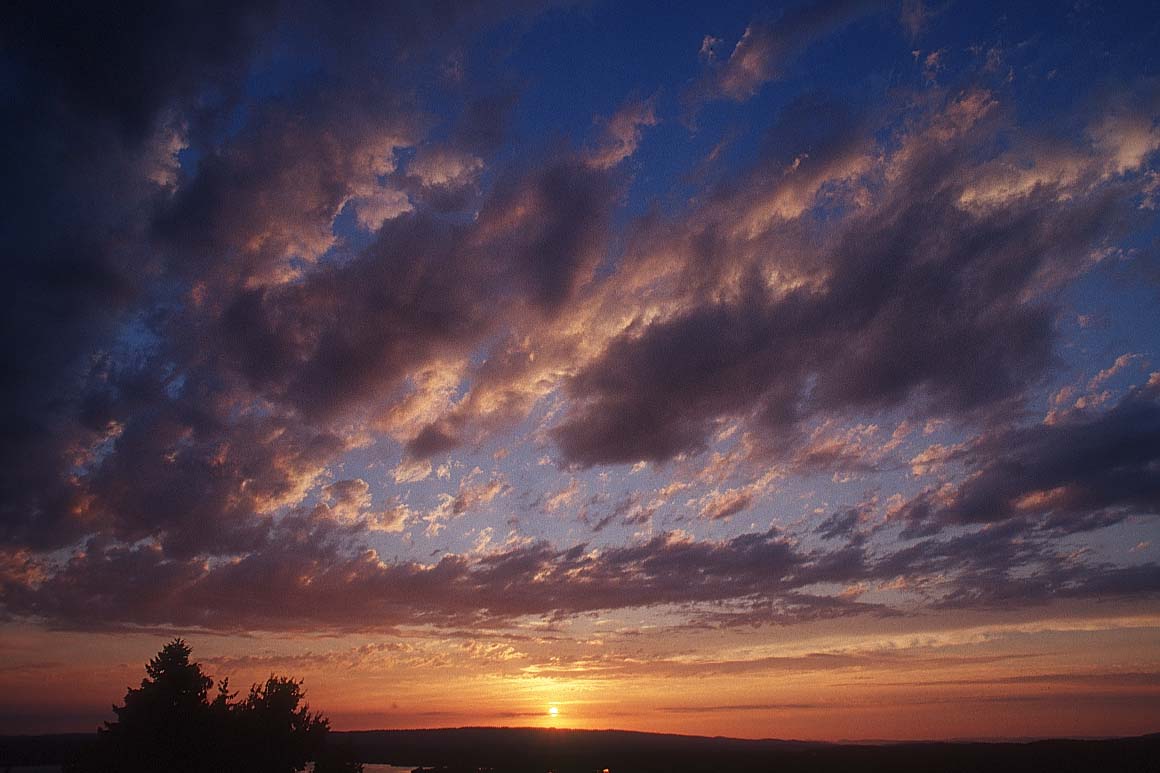
1. Open up one of your images that you want to blend with another image.
( Here's the original image )
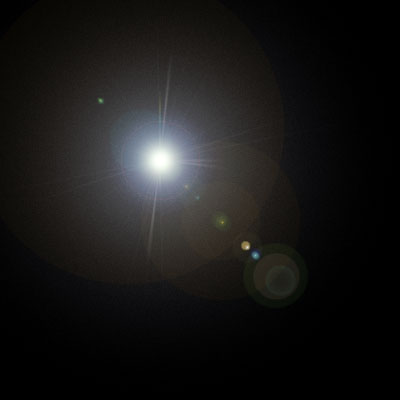
2. Now open up photoshop and create a new document this can be any size you might want to choose I've gone for 400 width and 400 height with a black background. we also want to add a lens flare this the black background. as shown below.
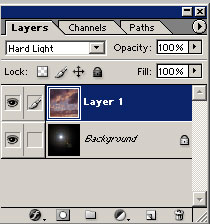
Now with the original image your going to have to select all the full image to this lens flare effect with the layer settings if you insert the following to the original image as shown below
Your Done hope you enjoy
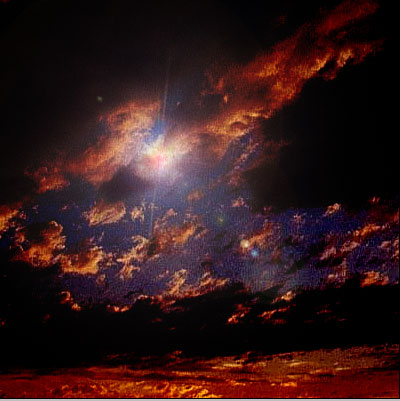
This image looks Heavenly like something you might see in the bible.
