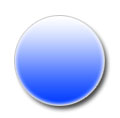
In this tutorial your going to be able to create a nice basic orb effect in adobe photoshop.
1. Open up photoshop and create a new document with a 200 pixel width and a 200 pixel height with a white background.
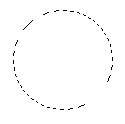
2. Now were going to start working on the outer cell of the orb select the Elliptical Marquee tool and press shift to create a perfect circle as shown below.
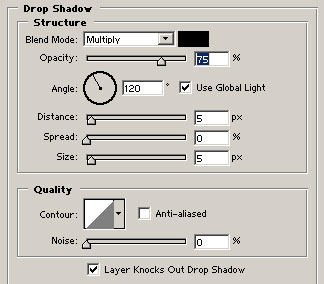
3. Now make sure you create the layer and then fill with with white #FFFFFF and then goto the blending options and settings are shown below.
Drop shadow will add a background shadow on the orb effect.
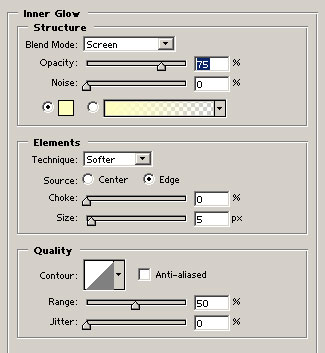
Inner Glow Structure will add a outer glow this will give you a nice out style.
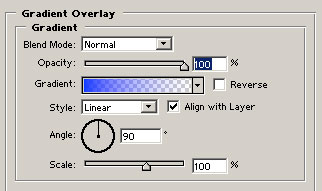
Gradient Overlay will give you a nice color to the orb this will add a nice color style to make the orb look more effective
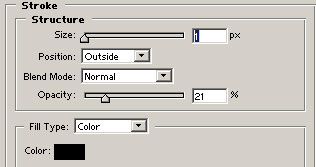
Stroke will give the outside of the orb will make it stand out even more .
Here is what you end up with after addint the options as I've told you from the ones above.