

Actions are incredibly versatile in that nearly Photoshop process and tool can be recorded inexactly the order in which it was applied. They can then be further edited and saved to generate twists on the original technique or process. There are a few things they can't tackle without help, but on the average they can assist nearly every style of Photoshop work.
In this tutorial I'll show a quick way to take a 'canned' action, or rather one pre-recorded by your's truly, and alter the end effect with the application of a couple masks.
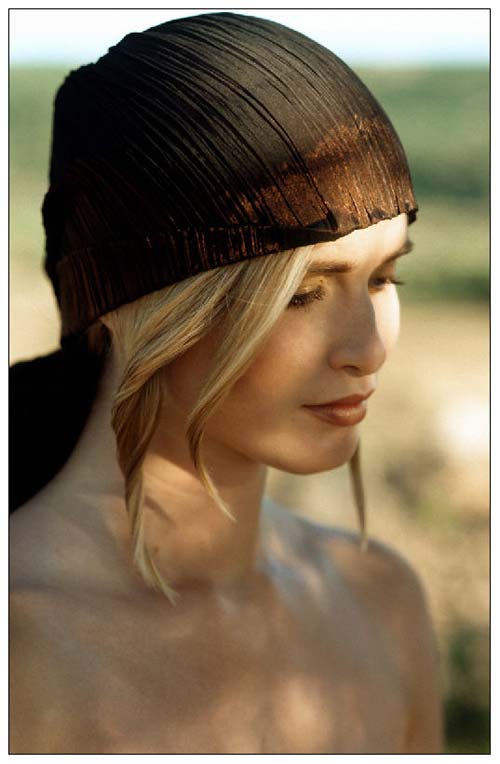
I'll start with an image from Photos.com:
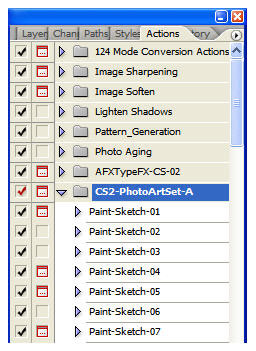
I'll use an action from the members area of ActionFx.com. This set has 64 paint-style effects for photos. Stop by the site for more information.
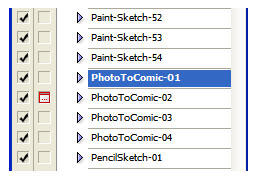
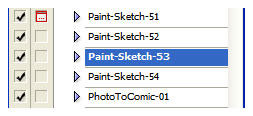
First the Action set is loaded into the Actions palette. I'll select an action from the set and play it through to completion. The end gives a comic-style rendering of the original photo.
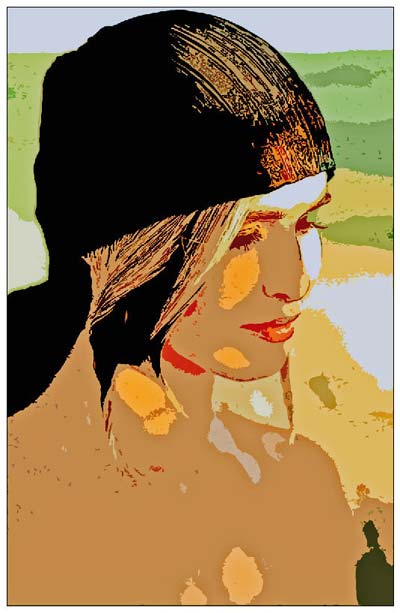
To spice this effect up a bit, let's say you would like to combine the painter effects with the original photo so they meld together at some point in the document. A mask will do this perfectly. First turn off the background layer. Go to Layers>Merge Visible and then turn the background on again. Create a mask for the top layer and draw across it with a Black/White gradient.
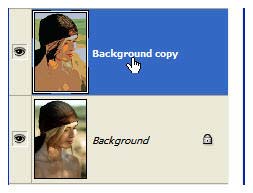
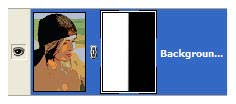
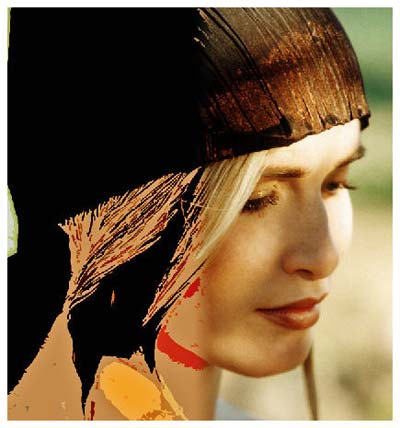
If you paint with gray using a large brush where the transition between the two sides occurs, more of the background/foreground melding occurs. Widen the area painted and the characteristics of both layers merge together in a wider area.
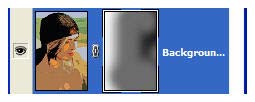
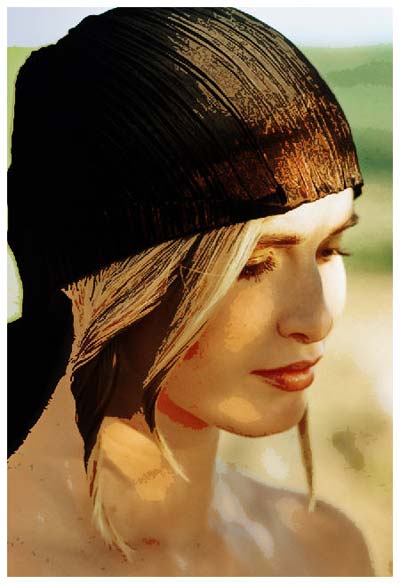
Using this same premise, you can actually record an action to do this for you, or include these steps in an action. In the next 3 examples, I've taken an untouched photo and duplicated an action of a paint effect (also in the set mentioned above), which I then ran on the photo. Then I recorded new steps at the bottom of the action that desaturated the edges with an adjustment layer, then colored the mask as outlined above with a gradient. This allowed the central area to have a splash of color and leaving the edges to appear hand sketched in black and white.
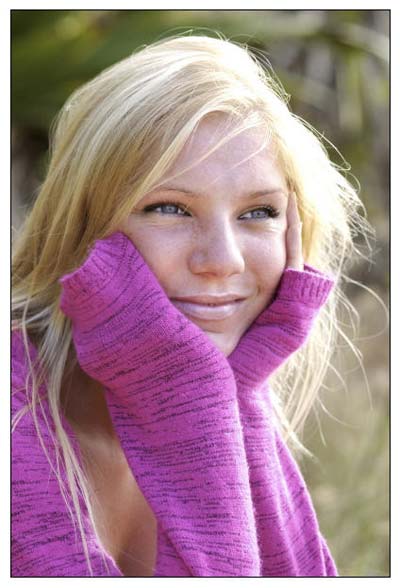
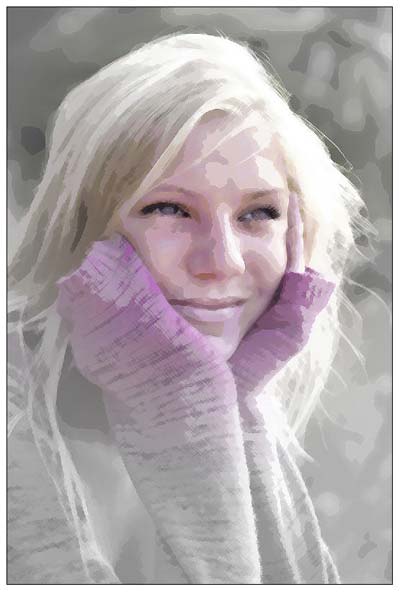
I Love how that last image turned out!
Again, you are not restricted to the final effects produced by an action. A little tweaking can render some incredible results!
Until next time, I'll see you at ActionFx.com. Take care!
 Al Ward, a certified Photoshop Addict and Webmaster of Action FX Photoshop Resources (