Learn to create a damaged cell effect...
Step 1
Create a new document, i have used sizes 200x200 pixels. Press D to reset your colours
Step 2
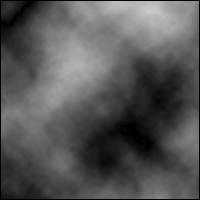
Go to Filter>Render>Clouds
Step 3
Then go to filter>render>different clouds and then repeat this step.
Step 4
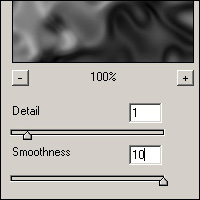
Then go to Filter>Sketch>Chrome, use these settings
Step 5
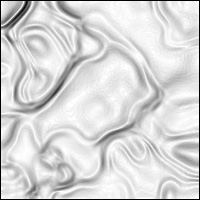
Then filter>stylize> find edges
Step 6
Now invert it by pressing Ctrl+ and I
Final Image
And finally to add colour simply press CTRL+ U and your image should look something like this..