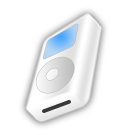
Start by creating a rounded rectangle using rounded rectangle shape tool.
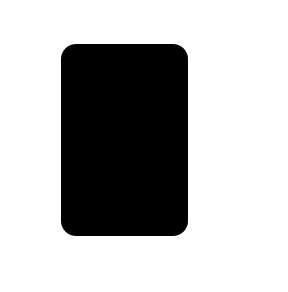
Press Ctrl+T. Right Click and select distort. Adjust the nodes to get the shape as shown.
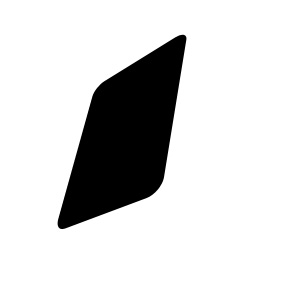
Press and hold Alt key and keep pressing down & right arrow key to create 3D extrusion.
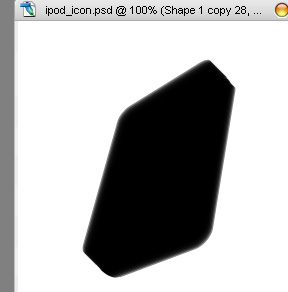
Select and merge all the layers. Double click the layer to open layer style window. Apply settings as shown.
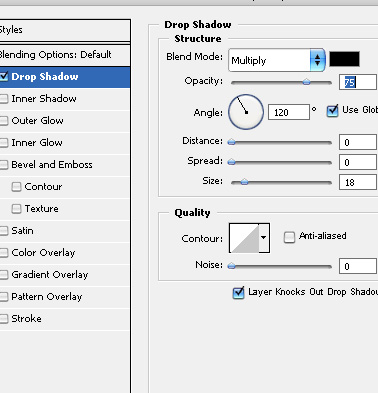
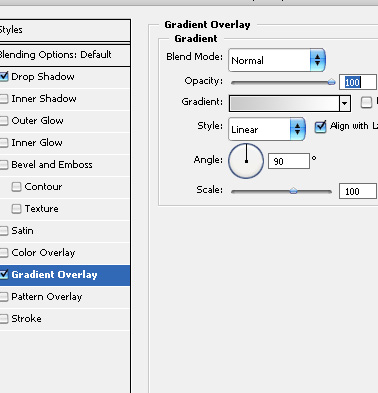
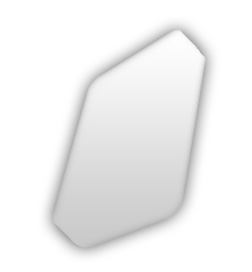
Ctrl+Click the layer thumbnail to get the selection. From select menu select modify>>contract. Contract the selection by 2 pixels.
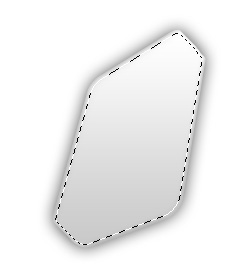
Create a new layer and fill it with any color. Double click the layer to open layer style window. Apply settings as shown.
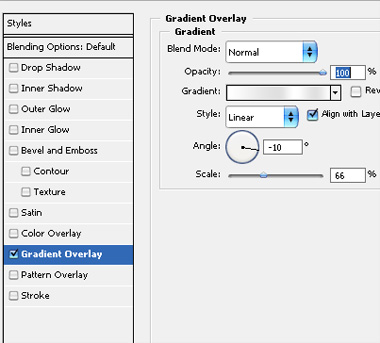
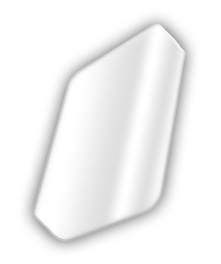
Create a rectangle using rectangular shape tool. Press Ctrl+T. Right Click and select distort. Adjust the nodes to get the shape as shown.
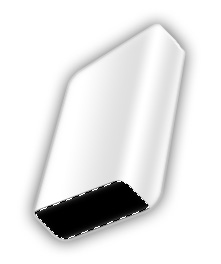
Apply same layer style. Double click the layer to open layer style window. Change the gradient angle in gradient overlay settings.
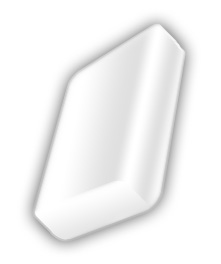
Create a rounded rectangle for the screen using rounded rectangle shape tool. Press Ctrl+T. Right Click and select distort. Adjust the nodes to get the shape as shown.
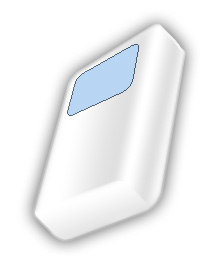
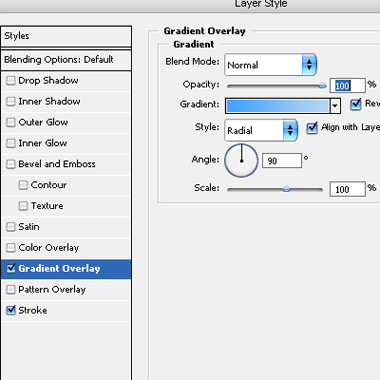
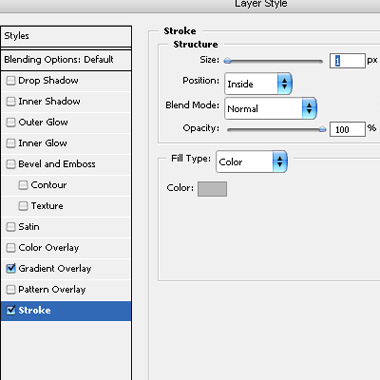
Double click the layer to open layer style window. Apply settings as shown.
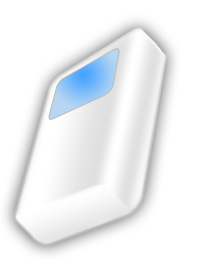
Create circular frame shape using custom shape tool. Press Ctrl+T. Right Click and select distort. Adjust the nodes to get the shape as shown.
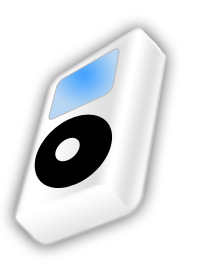
Apply gradient overlay layer style.
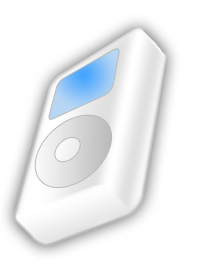
Create a rounded rectangle using rounded rectangle shape tool. Press Ctrl+T. Right Click and select distort. Adjust the nodes to get the shape as shown.