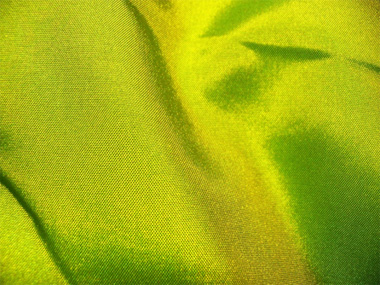
Start by opening an image of cloth.
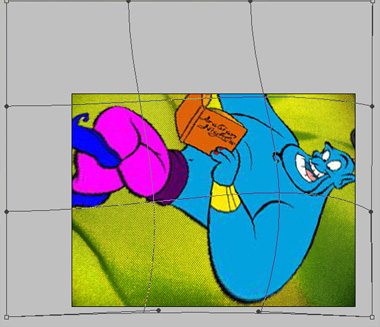
Insert another image you want to print on the cloth.

Create selection of the print using polygon lasso tool.

Press Ctrl+Shift+I and Press Delete to knockout the background.

Press Ctrl+T and rotate the image 90°.

Scale up the image.

Press Ctrl+T. Right Click and select Warp. Adjust the nodes as shown.
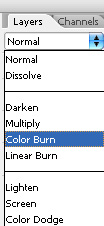
Change the layer mode to color burn.