
We often try to make good photos even better. There are many ways to do this: add frame to it, make a"Polaroid effect", give it volume, etc.
In this tutorial I'll describe how to make the effect as if something scrambles out of the photo. Here is the final result so you'll know what I'm talking about.
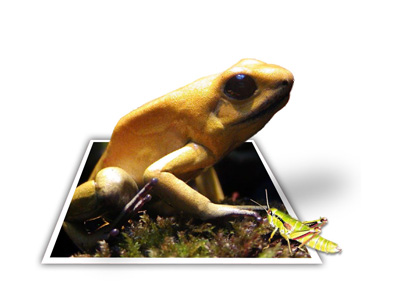
You should find a photo that we will play with. I've chosen this macro photo of the frog.
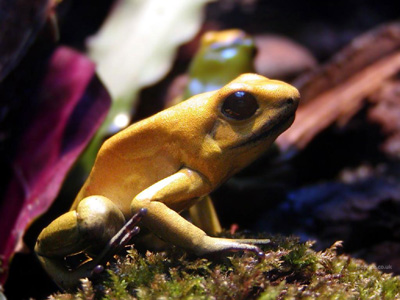
This photo is good because we can clearly see the frog and the place she is sitting on. The background is blurred.
Open this image in Photoshop, duplicate the layer, hide lower layer and cut the frog using Extract tool. Read this tutorial if you don't know how to use extract tool. Be very careful with the upper part of the frog. The Lower part isn't so necessary.
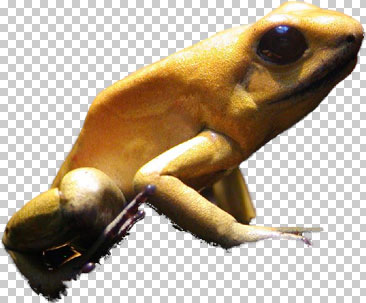
Unhide lower layer with the full image and select it. Choose Polygonal Lasso tool and select the quadrangle, keep in mind the laws of perspective. Try to make the bottom of the quadrangle wider to include some of the frog's background. At the top of the quadrangle, size it to cut off part of the frog's leg.
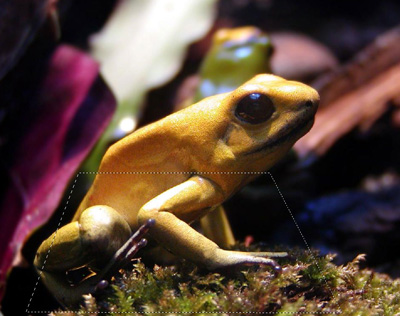
Invert selection and press the Del button. After that select the layer with the extracted frog, and with the help of the Eraser tool remove part of her back leg, then deselect.
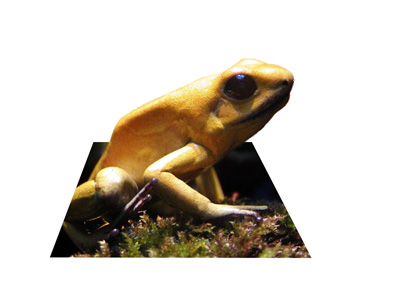
Now you should add a white frame and a shadow from the frog to the ground. So select the layer with the background and duplicate it. Ctrl+Click on it and fill with red. Then using the Free Transform tool enlarge it in all directions a bit. Enlarge lower corners a bit more then upper.
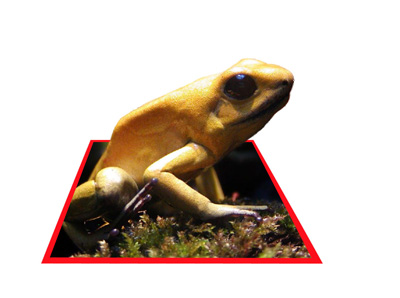
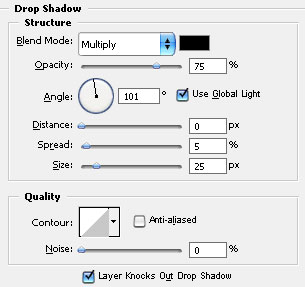
Now add Drop Shadow with the following settings:
fill selection with white and deselect.
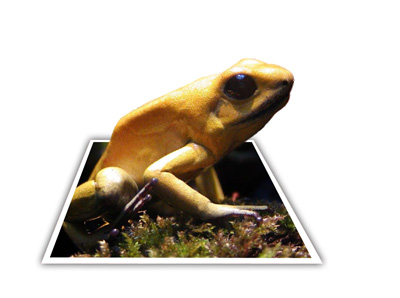
Looks good. To make it more realistic we can add a shadow of the frog that is underneath it in the picture. Select the layer with extracted frog and duplicate it. Select the lower one. Using the Free Transform tool change it to look like a shadow.
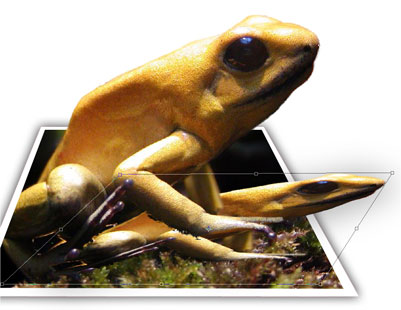
Desaturate it, change opacity to 30% and apply Gaussian Blur filter having size 30px.
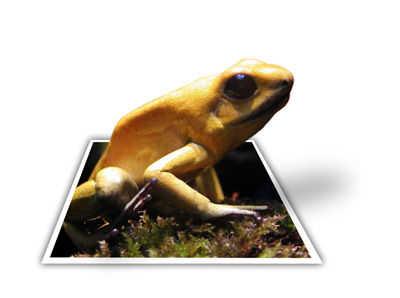
Now everything is ready. For better realism I decided to add a grasshopper. There has to be a reason for the frog to scramble out of the photo. The grasshopper will be the reason:)
So look for a picture of an appetizing grasshopper and extract it.
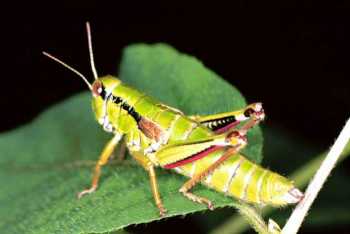
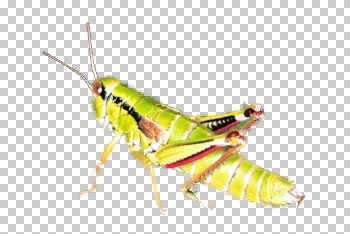
Move the layer with grasshopper to your work area. With the help of the Move tool place it on the picture so that it's legs stand on the photo and it's tail is out of the photo.

