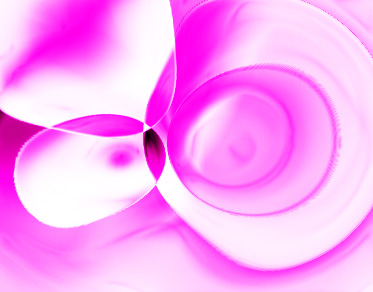
Start by creating a new file. Select gradient tool and apply gradient settings as shown.
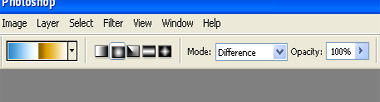
Apply the gradient to the background.
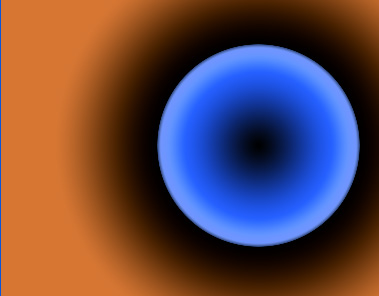
Apply the gradient three times using random centers.
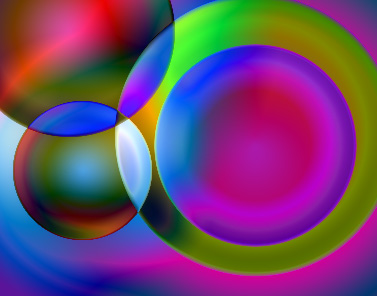
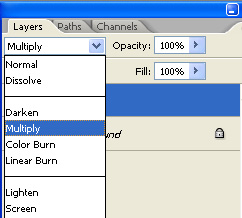
Duplicate the layer and change the layer mode to multiply.
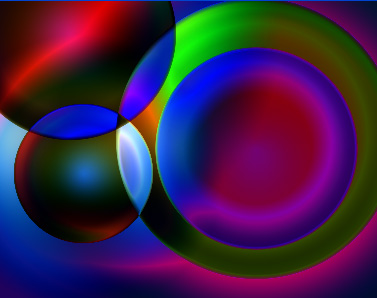
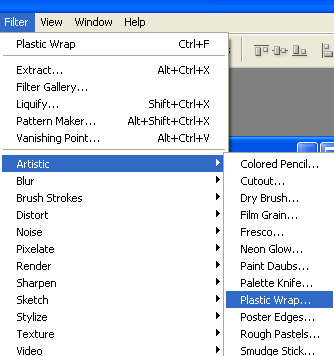
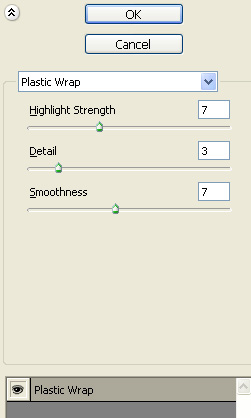
Select both the layers and press Ctrl+E to merge. From filter menu select artistic>>plastic wrap. Apply settings as shown.
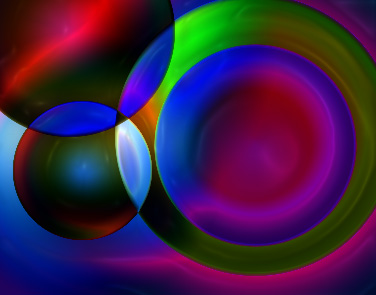
Press Ctrl+I to inverse the colors.
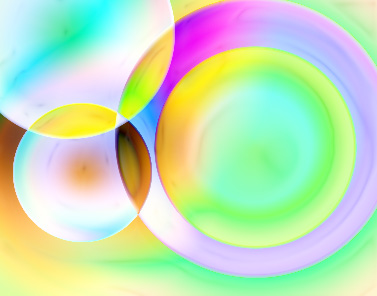
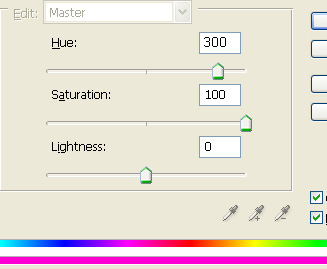
Press Ctrl+U to open hue/saturation window. Apply hue saturation settings as shown.
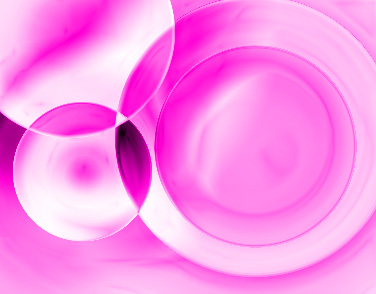
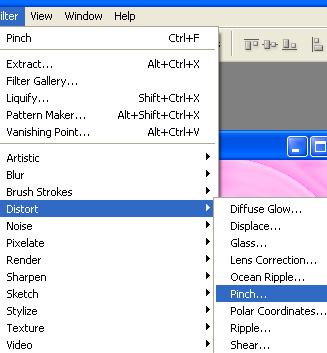
Form filter menu select distort>>pinch.
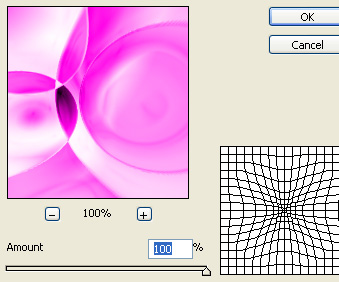
Apply settings as shown.
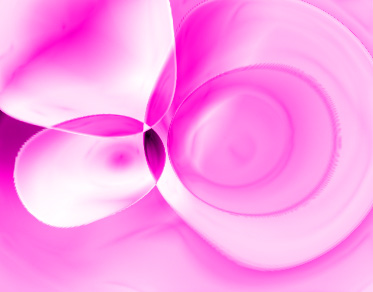
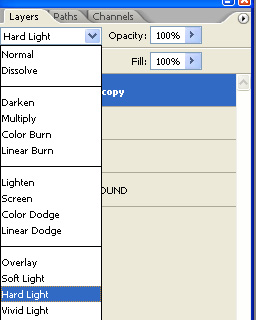
Duplicate the layer and change the color mode to hard light.