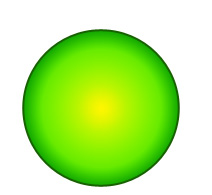
Start by creating a circle using elliptical shape tool.
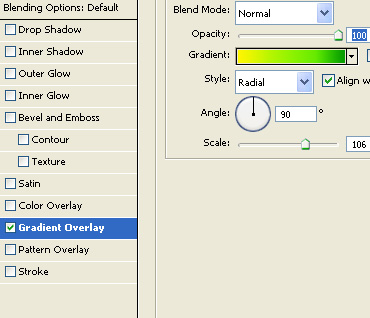
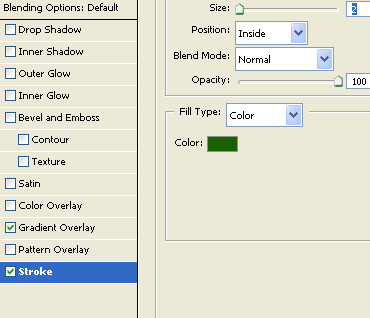
Double click the layer to open layer style window. Apply layer style with the settings shown.
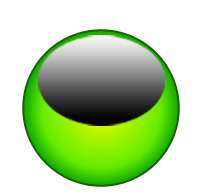
Create an elliptical selection using elliptical marquee tool. Create a new layer and apply a black to white gradient in linear mode.
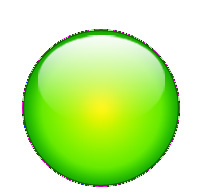
Change the layer mode to screen.
Create a circle using elliptical shape tool.
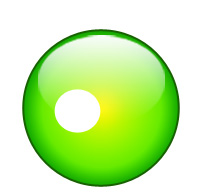
Double click the layer to open layer style window. Apply layer style with the settings shown.
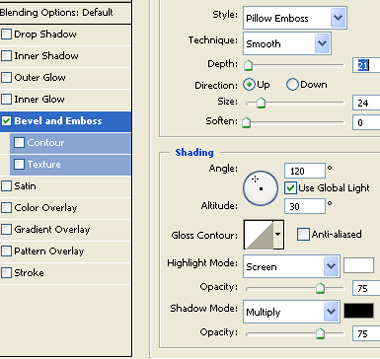
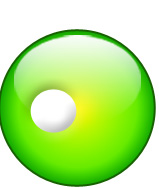
Create an ellipse for the eye ball using elliptical shape tool.
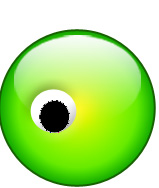
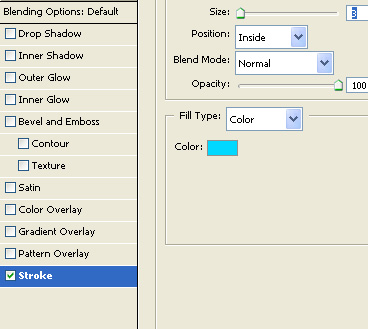
Double click the layer to open layer style window. Apply layer style with the settings shown.
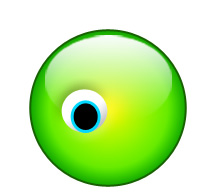
Duplicate the eye layers and place it on the other side.
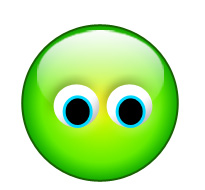
Create an ellipse for the mouth using elliptical shape tool.

Create a rounded rectangle using rounded rectangle shape tool.
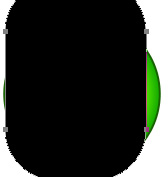
Enable subtract form shape area form the top bar. Create an ellipse using elliptical shape tool.
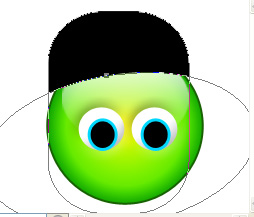
Double click the layer to open layer style window. Apply layer style with the settings shown.
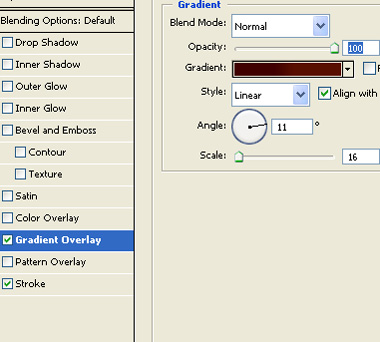
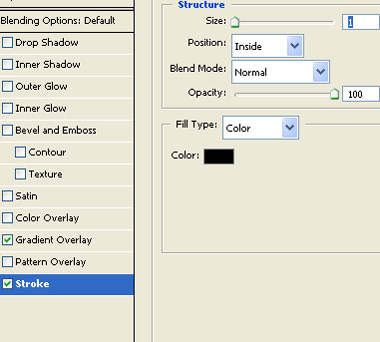
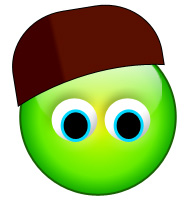
Ctrl+Click the layer thumbnail to get the selection. From select menu apply modify>>contract. Contract the selection by 2 pixels. Create a new layer and apply a black to white gradient in linear mode.
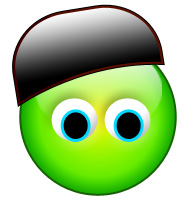
Change the layer mode to color dodge.
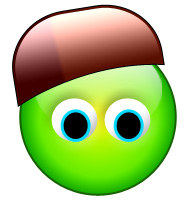
Create a flap using pen tool.
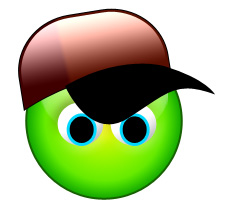
Apply the same layer style and layer mode as we did for the cap.
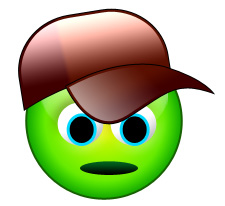
Using pen tool create depth of the cap.
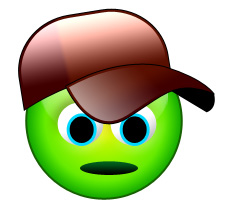
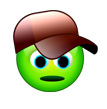
Select all the layers and scale down.