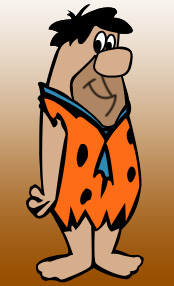
Start by drawing hair using pen tool.
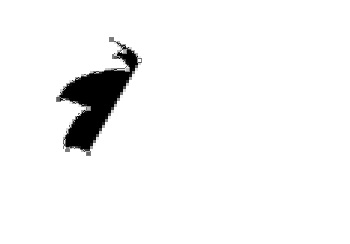
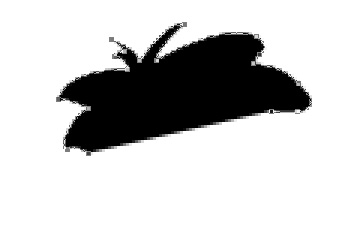
Using skin color draw face shape.
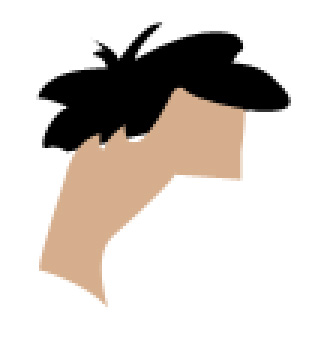
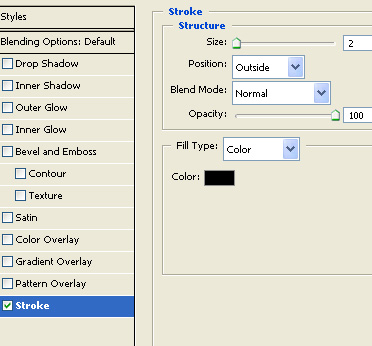
Apply stroke using settings shown.
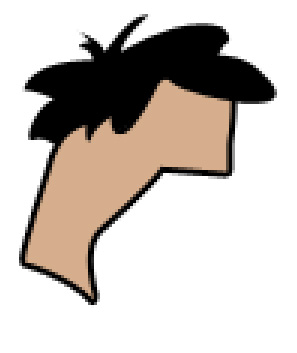
Use a darker skin color and create the chin area.
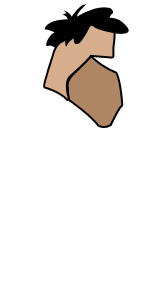
Create a non uniform circular shape nose.
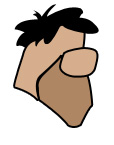
Draw ellipse using elliptical shape tool for the eye.
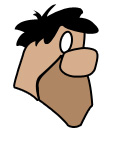
Add a small black ellipse for the eye lid.
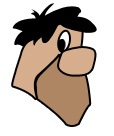
Duplicate to create the other eye.
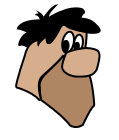
Use a 2 pixel brush and draw ellipse as shown.
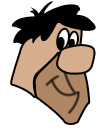
In a new layer draw collars and torn tie and hang at neck area.
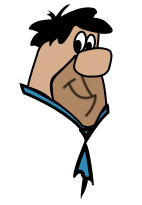
Using pen tool draw the shirt. Fill it with orange color.
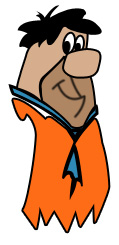
Add some random dots on the shirt using elliptical shape tool. Press Ctrl+T. Right click and select distort. Stretch the nodes to the dot shapes.
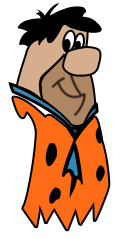
Create an arm and leg using pen tool. Fill with skin color.
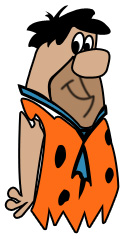
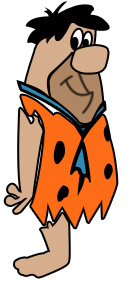
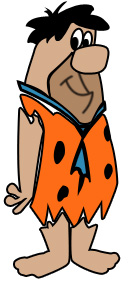
Create a new layer on top of all layers. Using pen tool draw outlines of the character fill with black color.
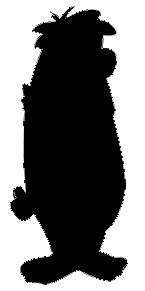
Move the layer below all layers.
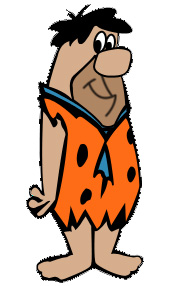
Apply a nice gradient to the background.