Her

Home Photoshop Tutorials Photo Editing Scorching Sun Effect

Scorching Sun Effect

Author: Mr. Smarty Author's URL: www.smartphotoshop.com More by this author

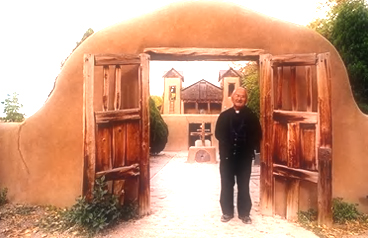
Open an image in which there is some sky area visible.
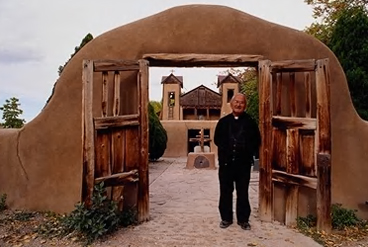
image 1

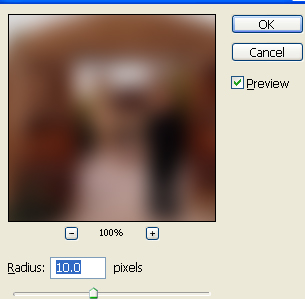
From filter menu select blur>>gaussian blur.
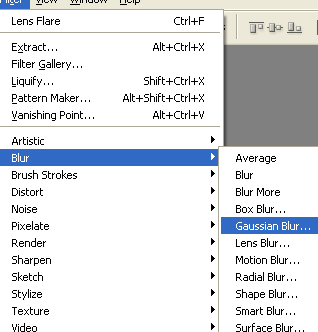
image 2

Apply settings as shown.

image 3

Change the layer mode to linear dodge.
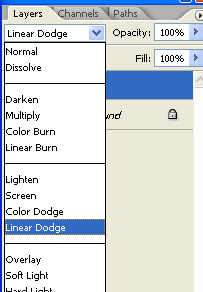
image 4

image 5

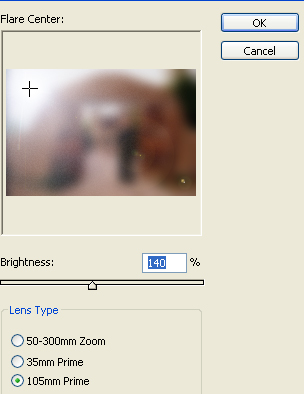
From filter menu select render>>lens flare.
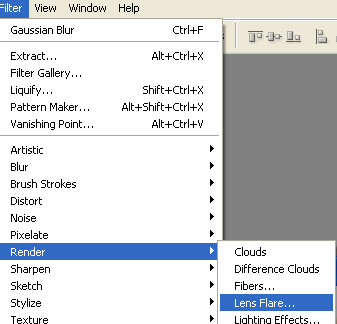
image 6

Use settings as shown.

image 7

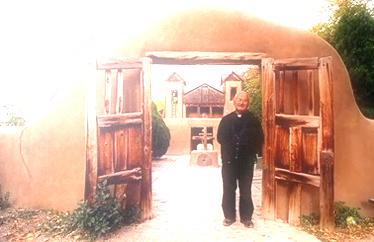
Scorching Sun Effect