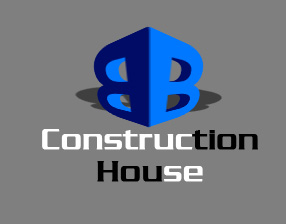
Start by filling the background with gray color.

Type "B" with a bold font.
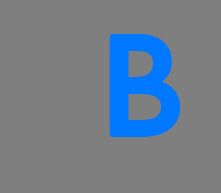
Press Ctrl+T. Right click the layer and select distort. Adjust nodes to get the shape as shown.

Press Alt key and keep hitting left arrow key to create a 3D depth.

Select and merge all the duplicate layers. Enable lock transparent pixels from layer palette. Fill with a dark blue color.
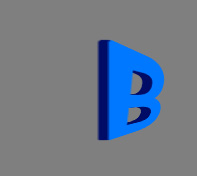
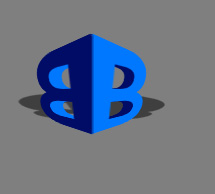
Duplicate both layers. Press Ctrl+T. Right click the layer and select flip horizontal. Swap the color of both the layers.
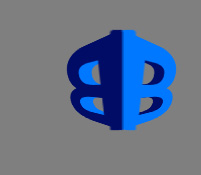
Ctrl+Click the layer thumbnail of the alphabet layers to get the selection. Press Ctrl+Shift+I to invert the selection. Select the merged 3D layers and press delete. This will remove the unwanted edges at the top and bottom.
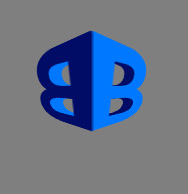
Duplicate layer. Press Ctrl+T. Right click the layer and select distort.
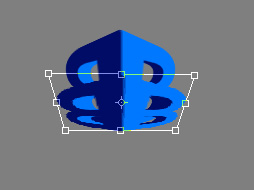
Enable lock transparent pixels from layer palette. Fill it with black color. Adjust nodes to create a perspective shadow.
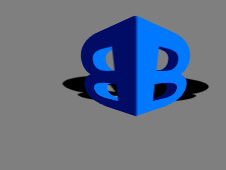
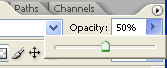
Reduce opacity to 50%.
Type company name at the bottom of the logo.

Select a few alphabets and change their color.