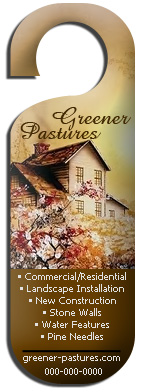
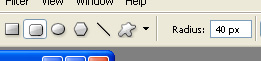
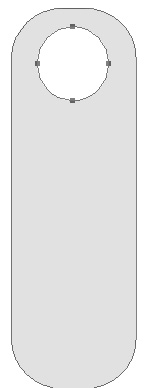
Start by creating a rounded rectangle with the settings shown.
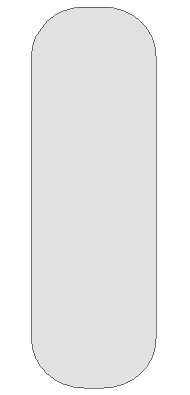
Enable subtract from shape area from the top bar.
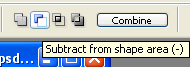
Create a small circle over the rounded rectangle. This will create a hole in the hanger.
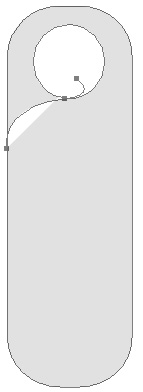
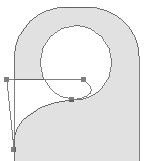
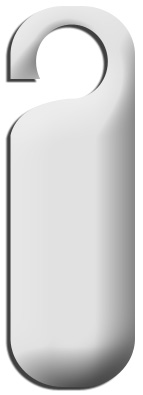
Let subtract from shape area be enabled at the top bar and using pen tool draw the additional shape as shown.
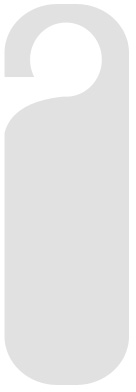
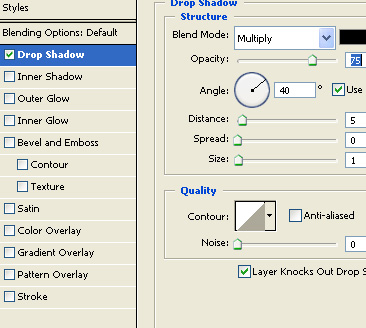
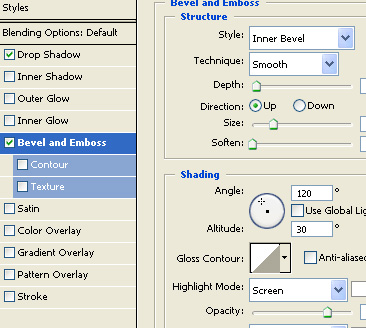
Apply following layer style.
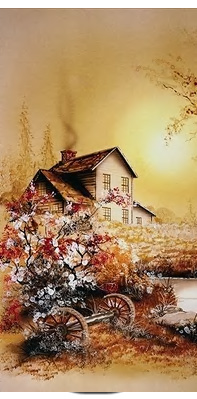
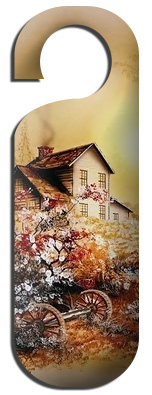
Insert an image above the shape layer. Press Ctrl+Alt+G to make clipping mask with the shape layer.
Create a rectangle on lower half of the door hanger.
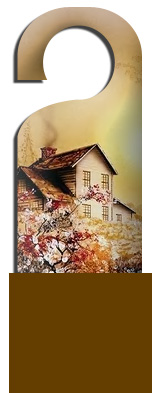
Similarly Press Ctrl+Alt+G to make clipping mask.
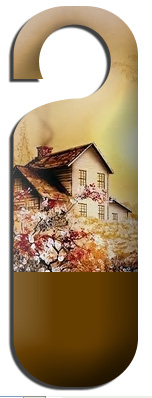
Add company name and other details using a nice font.