Start by creating a rounded rectangle using rounded rectangle shape tool.
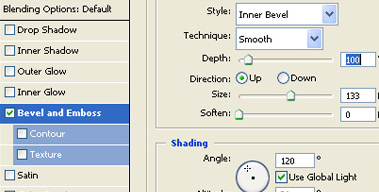
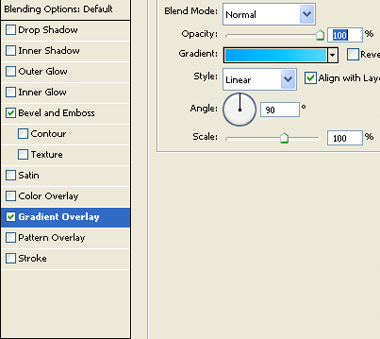
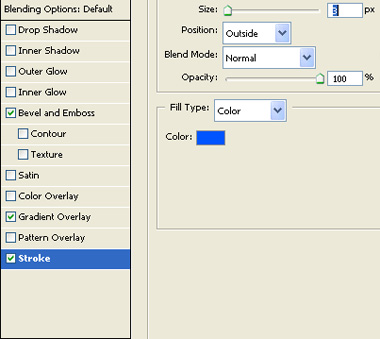
Double click the layer to open layer style window. Apply layer style with the settings shown.
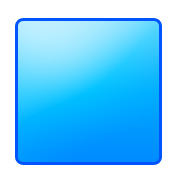
Press Ctrl+T. Rotate it 45°.
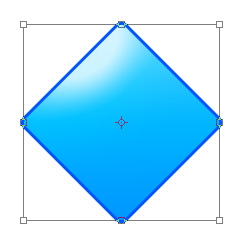
Create an elliptical selection using elliptical marquee tool.
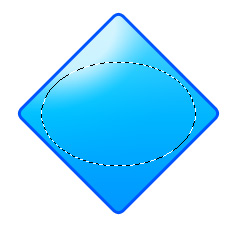
Create a new layer. Apply black to white gradient in linear mode.
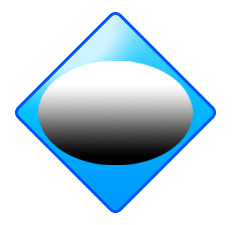
Select eraser tool. Enable a big feathered brush settings and erase the lower portion of the ellipse.
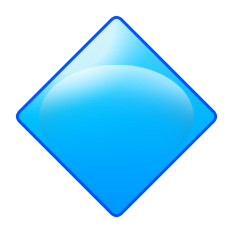
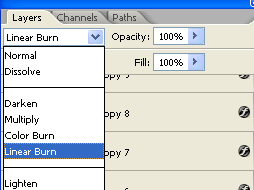
Change the layer mode to linear burn.
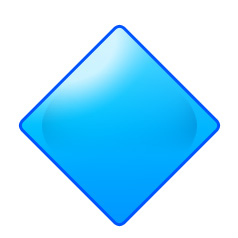
Duplicate the layer. Press Ctrl+T. Right click the layer and select rotate 90°.
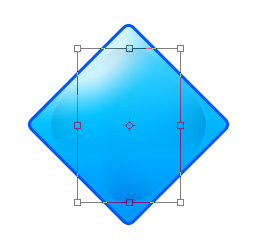
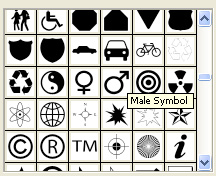
Using custom shape tool create a male symbol.
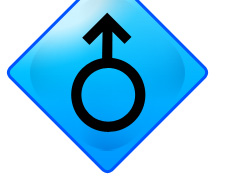
Double click the layer to open layer style window. Apply layer style with the settings shown.
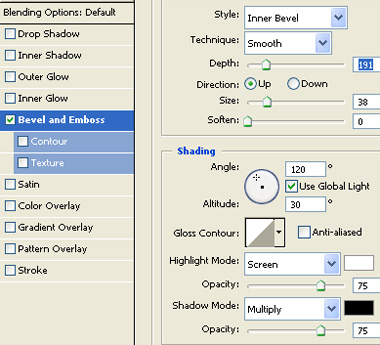
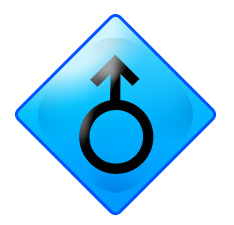
Select and merge all layers. Double click the layer to open layer style window. Apply layer style with the settings shown.
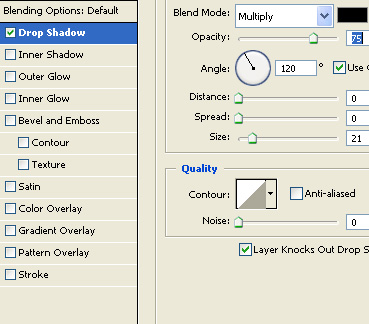
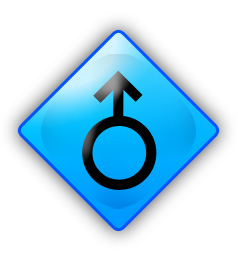
Duplicate the layer. Press Ctrl+T. Scale down horizontally. Hide original layer.
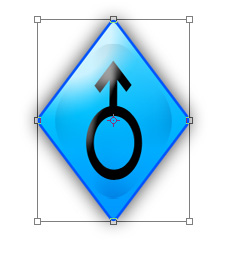
Similarly create another duplicate. Press Ctrl+T. Scale down horizontally. Hide original layer.
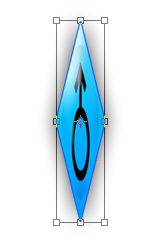
Repeat the steps to create another scale down duplicate.
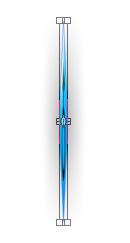
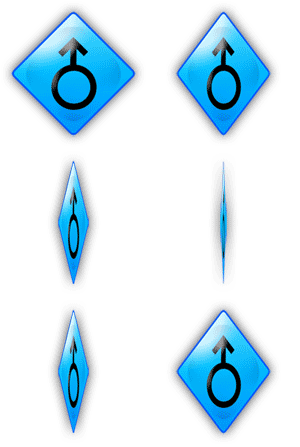
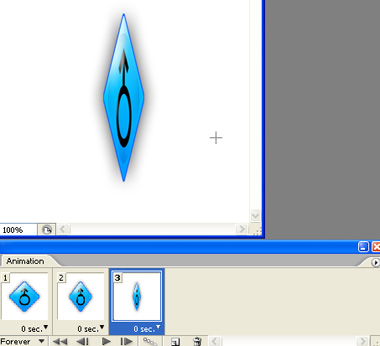
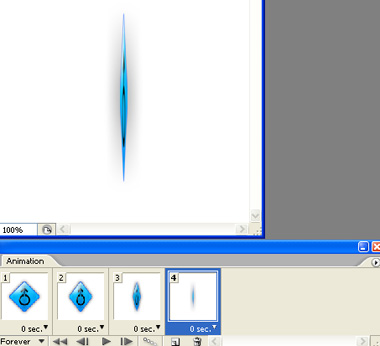
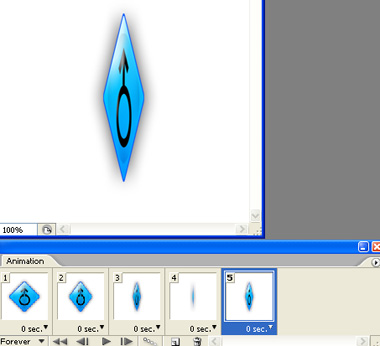
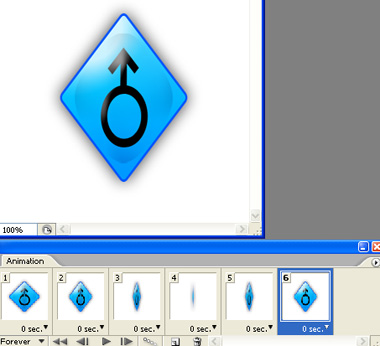
Open animation window. For the first frame hide all layers except the original one.
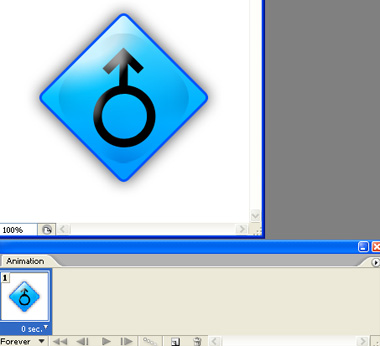
Duplicate frame Hide original layer and unhide the second one.
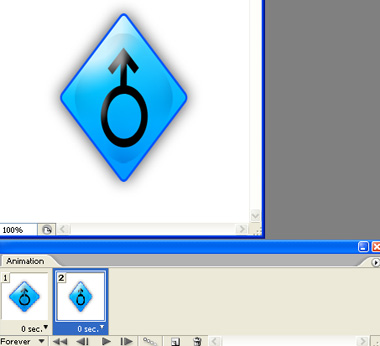
Similarly create successive frames and keep hiding/unhiding layers as shown.
Press Ctrl+Alt+Shift+S to save an optimized animated GIF.