Start by creating a circle using elliptical shape tool.

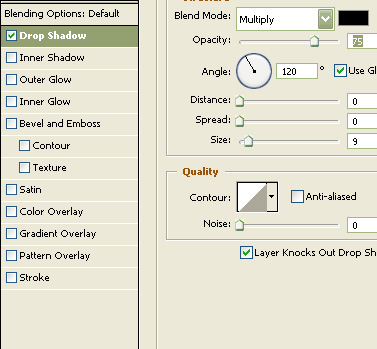
Double click the layer to open layer style window. Apply layer style with the settings shown.
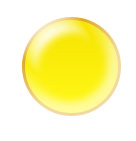
Create an ellipse using elliptical shape tool.
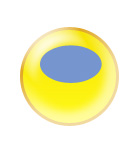
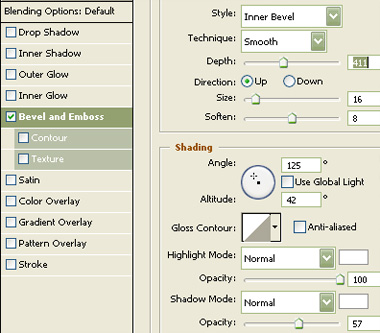
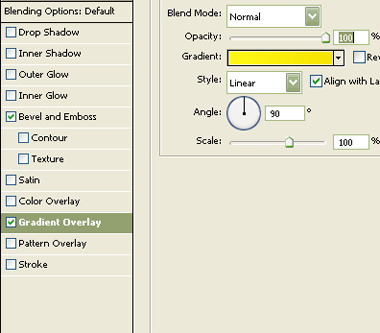
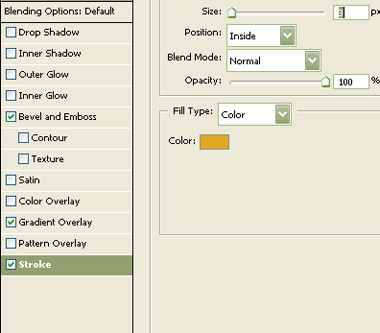
Double click the layer to open layer style window. Apply layer style with the settings shown.
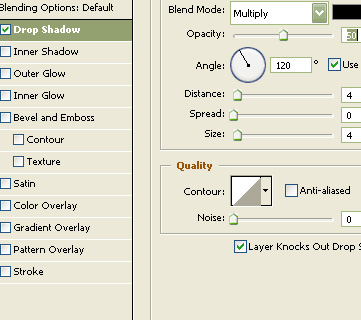
Create a circle using elliptical shape tool.
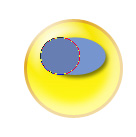
Double click the layer to open layer style window. Apply layer style with the settings shown.
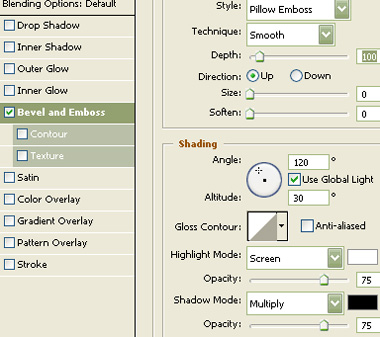
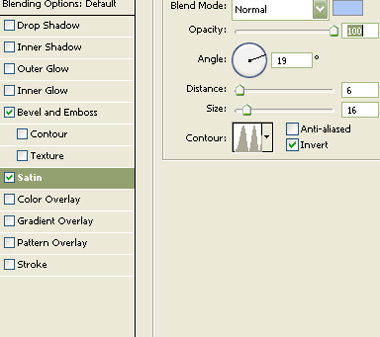
Press Ctrl+Alt+G to create clipping mask.
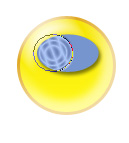
Create a hand of the fan using pen tool.
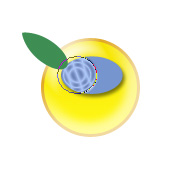
Double click the layer to open layer style window. Apply layer style with the settings shown.
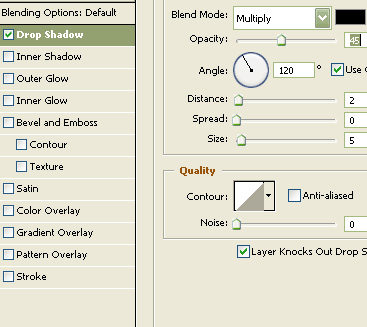
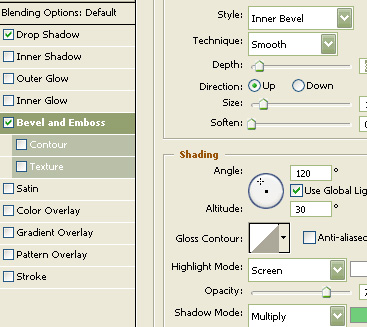
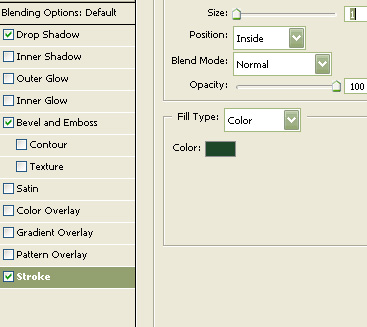

Duplicate the layer twice, rotate them and place as shown. Create a circle using elliptical shape tool. Apply the same layer style.

Create a rectangle using rectangular shape tool. Press Ctrl+T. Right click the layer and select distort. Adjust nodes to get the shape as shown.
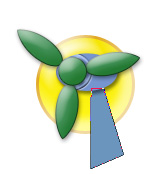
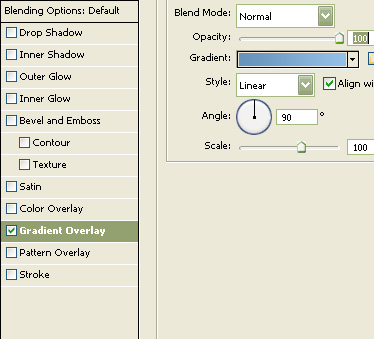
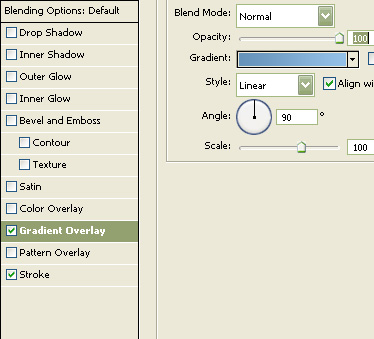
Double click the layer to open layer style window. Apply layer style with the settings shown.
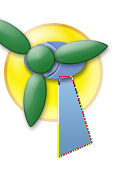
Similarly create other side of the wind mill tower.
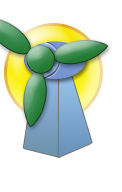
Select and merge all the layers. Double click the layer to open layer style window. Apply layer style with the settings shown.