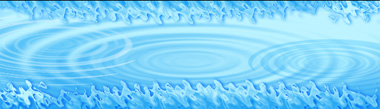
Start by applying a gradient to the background.

From filter menu select distort>>zigzag. Apply settings as shown.
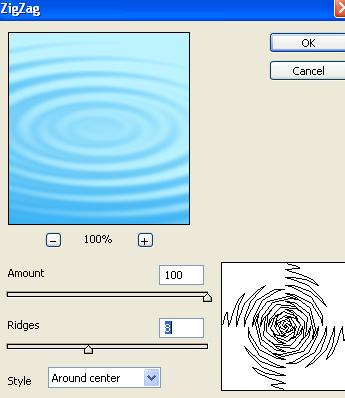

Duplicate the layer and press Ctrl+F to reapply the filter.

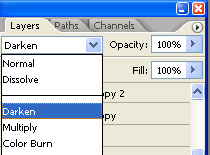
Change the layer mode to darken.
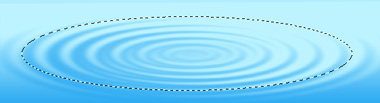
Create an elliptical selection using elliptical marquee tool.
Press Q to enable quick masking. From filter menu select distort>>zigzag. Apply settings as shown.
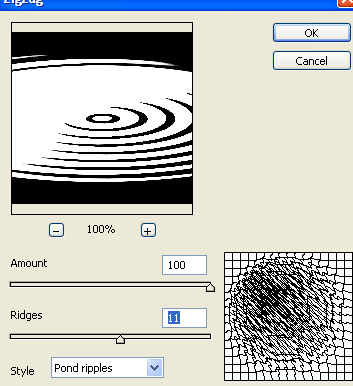
Press Q again to disable quick masking.
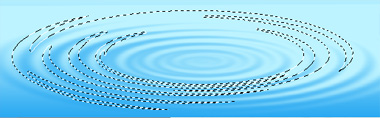
Create a new layer. Fill this layer with a blue to white gradient.

Change the layer mode to pin light . Reduce the opacity to 50%.
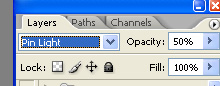
Place the layer as shown.

Similarly create another water ripple and place on the other side. Change the layer mode to multiply.

Create a rectangular selection using rectangular marquee tool.
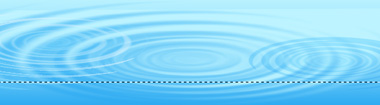
Create a new layer and fill with blue to white gradient in linear mode.

From filter menu select distort>>ripple. Apply settings as shown.
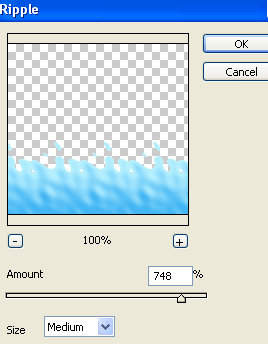
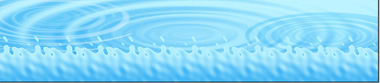
Press Ctrl+F to reapply the filter.
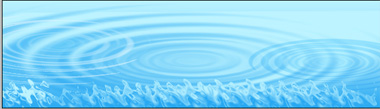
Double click the layer to open layer style window. Apply layer style with the settings shown.
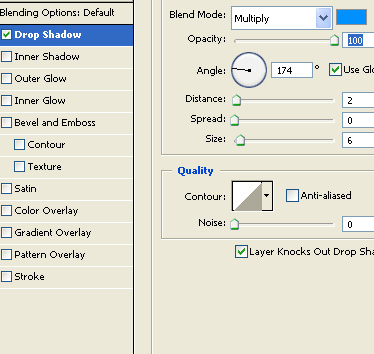
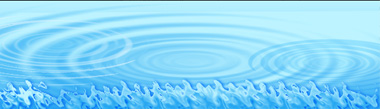
Duplicate the layer. Press Ctrl+T. Right click the layer and select flip vertical. Place at the top of the header.
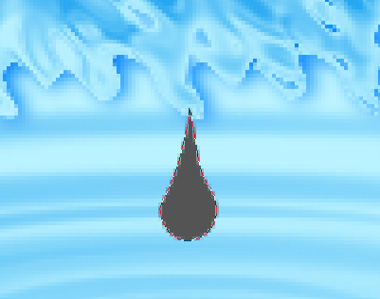
Create a raindrop shape using custom shape tool. Press Ctrl+T. Right click the layer and select warp. Adjust nodes to get the shape as shown.
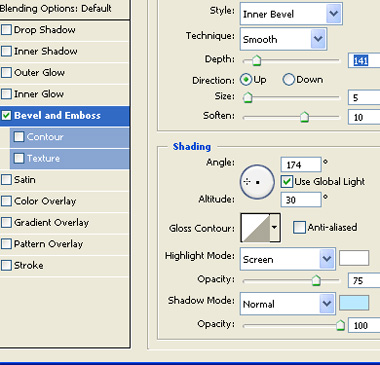
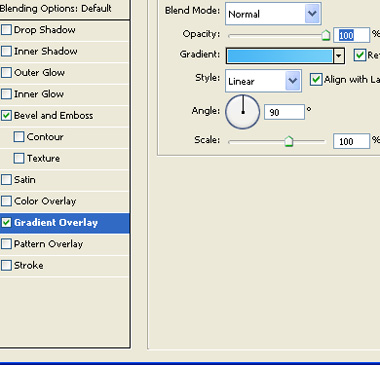
Double click the layer to open layer style window. Apply layer style with the settings shown.
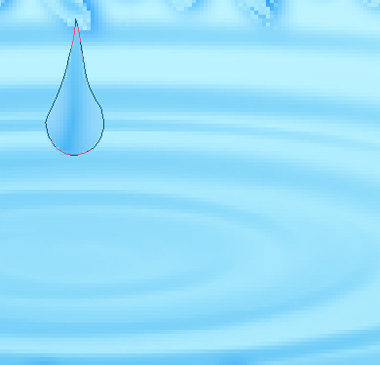
Using lasso tool create a selection as shown. Create a new layer fill it with white color.

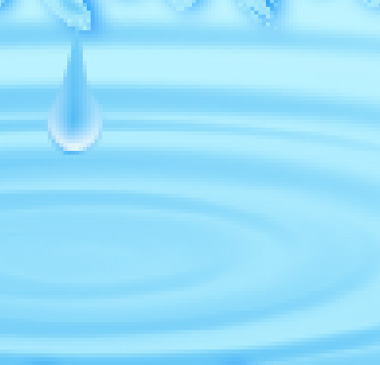
Duplicate the drop layers and place as shown.
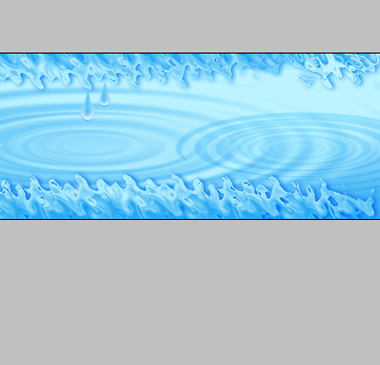
Type link names. Apply some outer glow.

Insert company logo and place at the center of the header.