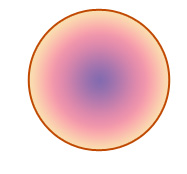
Start by creating a circle using elliptical shape tool.
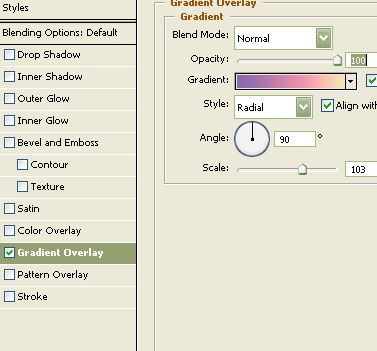
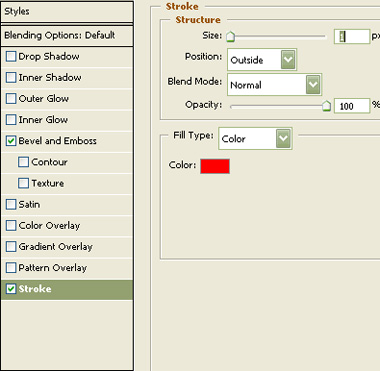
Double click the layer to open layer style window. Apply layer style with the settings shown.
Create a elliptical selection using elliptical marquee tool. Create a new layer and apply a black to white gradient in linear mode. Change the layer mode to screen.
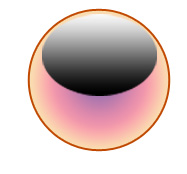
Change the layer mode to screen.
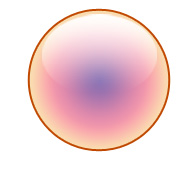
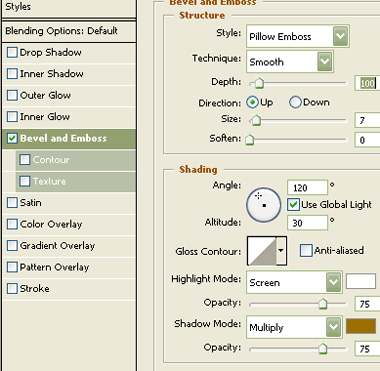
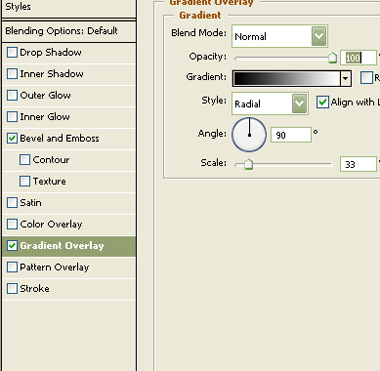
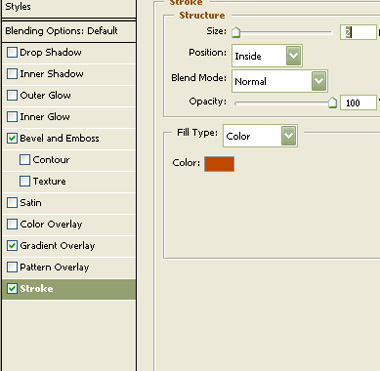
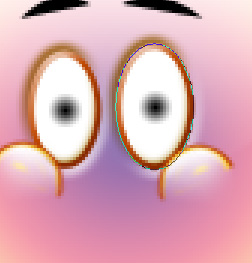
Create an ellipse using elliptical shape tool.
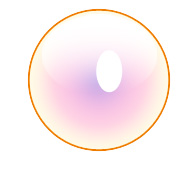
Double click the layer to open layer style window. Apply layer style with the settings shown.
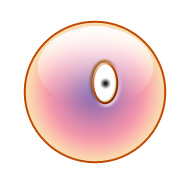
Duplicate the layer and place it for the other eye.
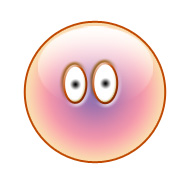
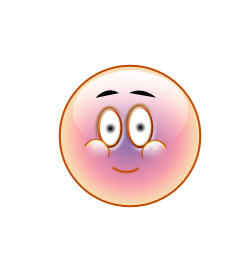
Create eye brow using pen tool.
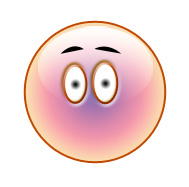
Duplicate the glassy effect layer and scale down and place as shown.
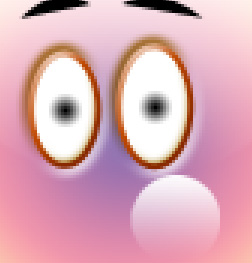
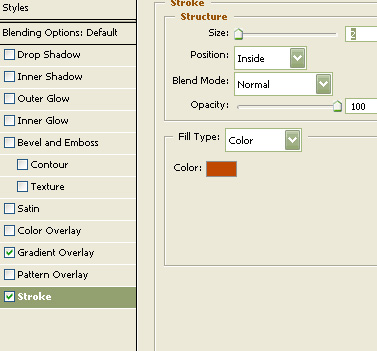
Apply same stroke layer style we used for big circle layer. From layer menu select layer style>>create layers. Select and merge both the resulting layers. Remove the bottom half area using eraser tool.
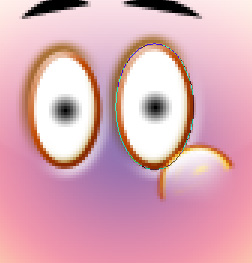
Duplicate the layer. Press Ctrl+T. Right click the layer and select flip horizontal. Place it for the other side.
reate lips using brush tool.
Create a heart shape using custom shape tool.
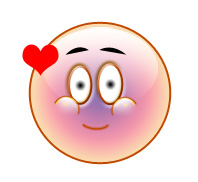
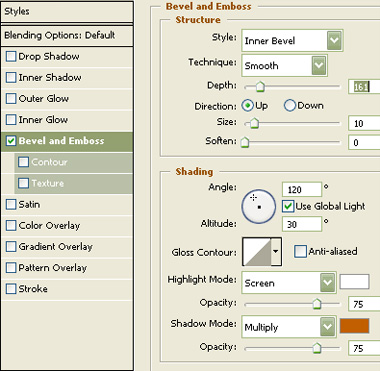
Double click the layer to open layer style window. Apply layer style with the settings shown.
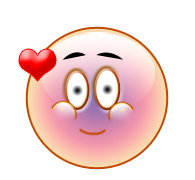
Create some more duplicates and place as shown. Scale down, rotate randomly.
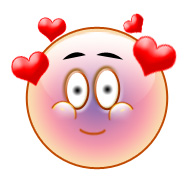
Create duplicate of the four heart layers. Move and rotate the heart layers.

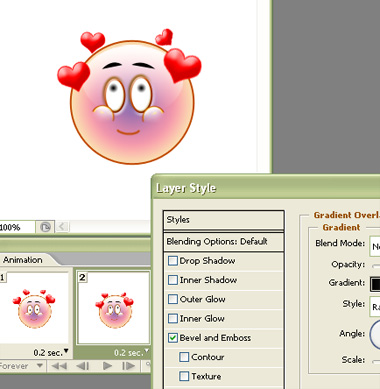
Open animation window. For the first frame hide the duplicate heart layers.
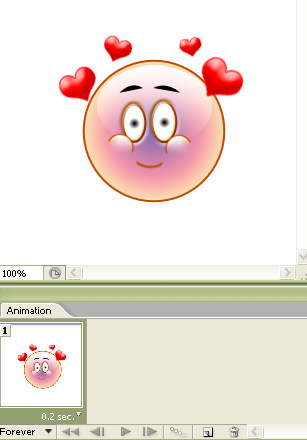
Duplicate frame. unhide the duplicate heart layers and hide the original ones. Double click the eye layer to open it's layer style window. With gradient overlay open drag the mouse over the eye to move the eye balls.
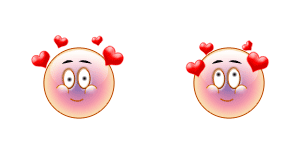
Press Ctrl+Alt+Shift+S to save an optimized animated GIF.