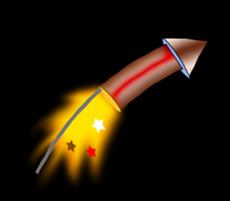
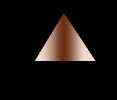
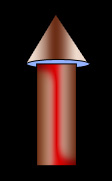
Start by creating a triangle using polygon shape tool.
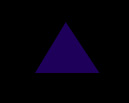
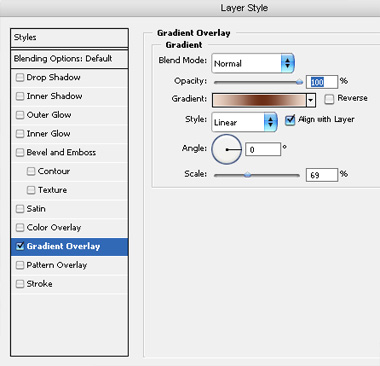
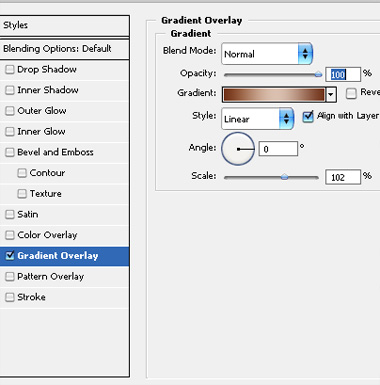
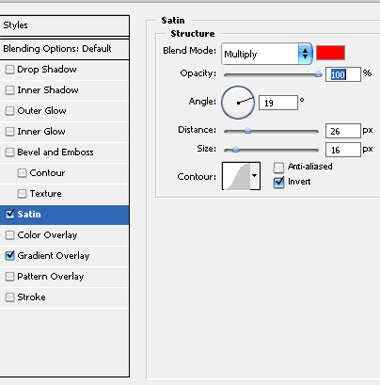
Double click the layer to open layer style window. Apply settings as shown.
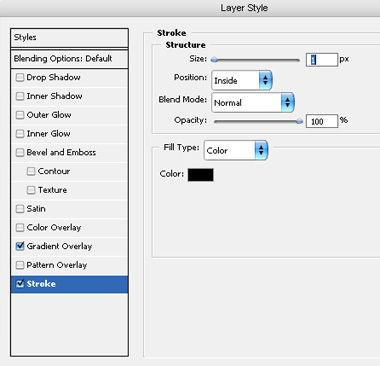
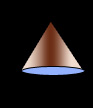
Create an ellipse using elliptical shape tool. Apply stroke layer style.
Create a rectangle using rectangular shape tool.
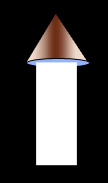
Double click the layer to open layer style window. Apply settings as shown.
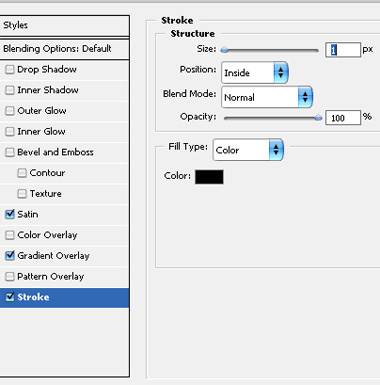
Create an ellipse using elliptical shape tool. Apply stroke layer style.
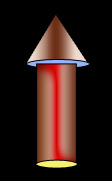
Create a vertical line using line shape tool. Place as shown.
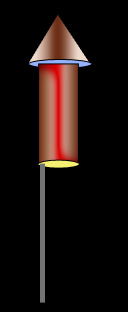
Create a path for the exhaust stroke as shown using pen tool.
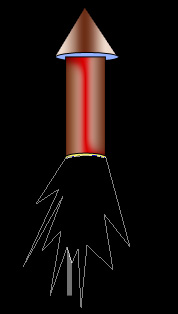
Press Ctrl+Enter to covert the path into selection. Press Shift+Ctrl+D to feather the selection. Feather the selection by 10 pixels. Create a new layer and fill it with orange color.
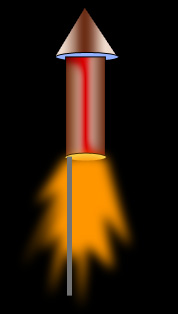
Ctrl+Click the layer thumbnail to get the selection. From select menu apply modify>>contract. Contract the selection by 5 pixels.
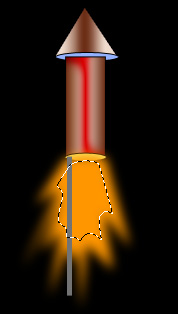
Create a new layer and fill it with yellow color.
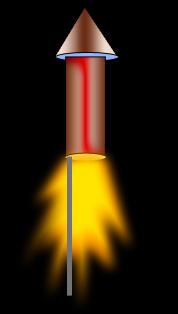
Create some stars shapes with different colors using custom shape tool.
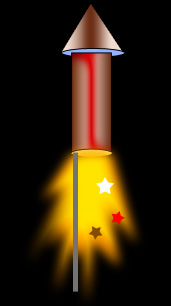
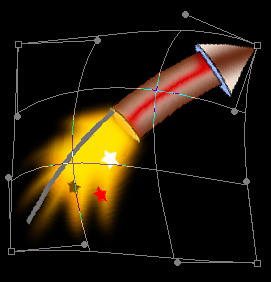
Select and merge all the layers. Press Ctrl+T. Right click the layer and select warp. Adjust nodes to get the shape as shown.