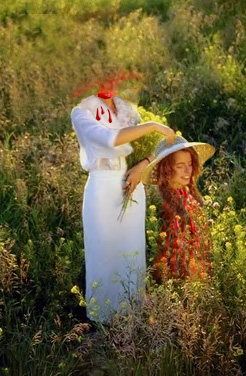
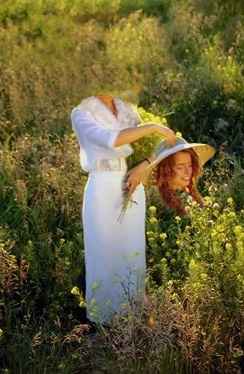
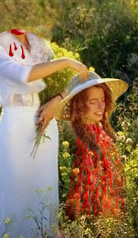
Start by opening an image of a woman.

Create selection of the head and face using polygon lasso tool.
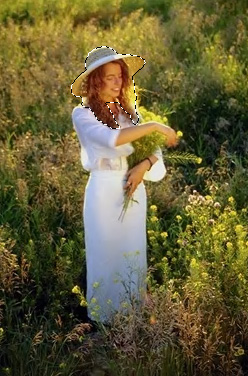
Press Ctrl+J to copy paste the selection in a new layer. Hide the layer. Select the original layer and clone the head and face area using clone stamp tool.
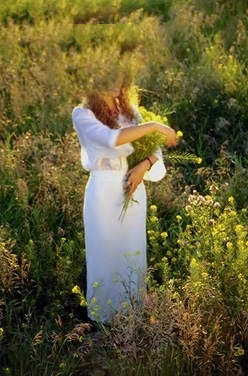
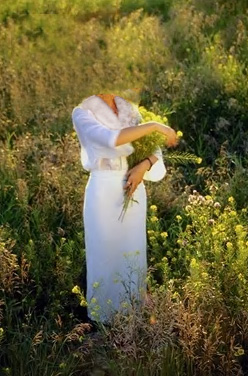
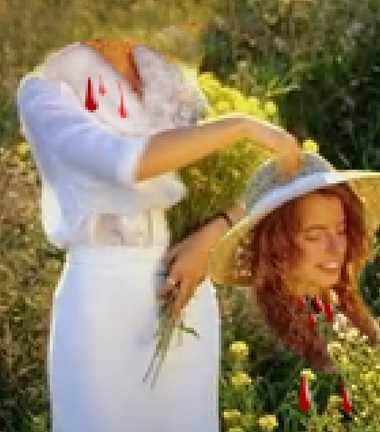
Unhide the head n face layer. Move it as if the woman is holding her head in her hand.
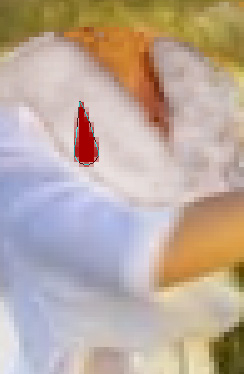
Create a drop shape using custom shape tool. Fill it with blood red color.
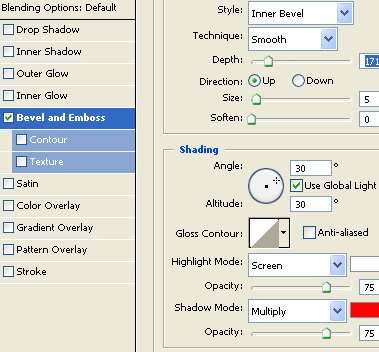
Double click the layer to open layer style window. Apply layer style with the settings shown.
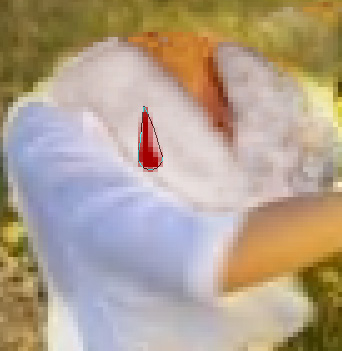
Create duplicate layers and warp to distort a bit. Similarly place some blood drops below the head.
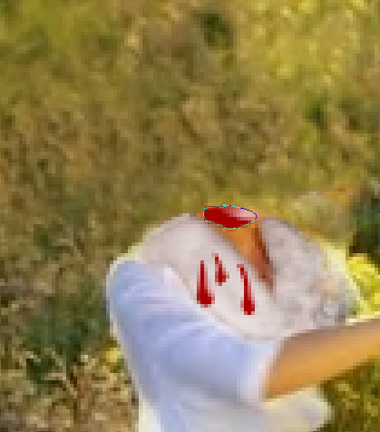
Create an ellipse using elliptical shape tool and place over the neck. Apply same layer style as we applied for the blood drops.
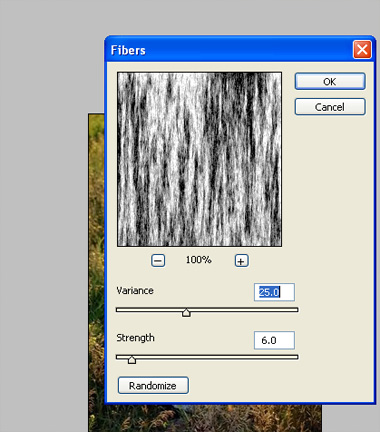
Press Q to enable quick mask. From filter menu select render>>fibers. Apply settings as shown.
Press Q to disable quick mask. Create a new layer and fill with blood red color.
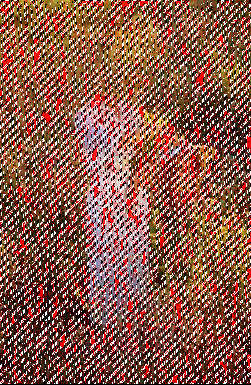
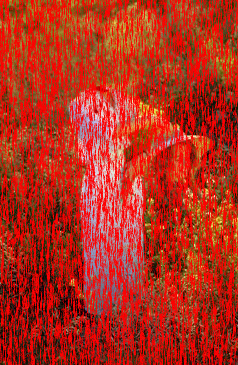
Create a rectangular selection using rectangular marquee tool.
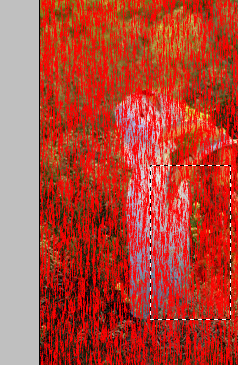
Press Ctrl+Shift +I to inverse the selection and press delete. Press Ctrl+T. Right click the layer and select warp. Adjust nodes to get the shape as shown. This is to create blood stream dripping down the head.
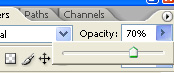
Reduce the opacity to 70%.
Similarly create blood fountain coming out of the neck. The only difference is warp shape which in this case should like a fountain.