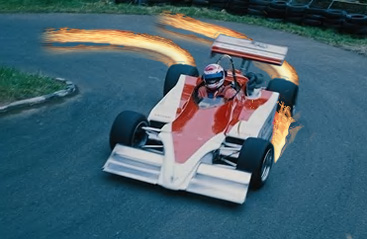
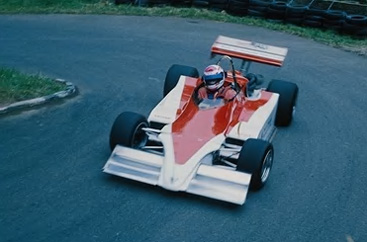
Start by opening an image of a racing car.
Open another image of sparks.
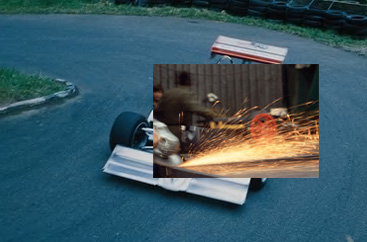
Using lasso tool create a selection of sparks. Press Ctrl+Alt+D to feather the selection.
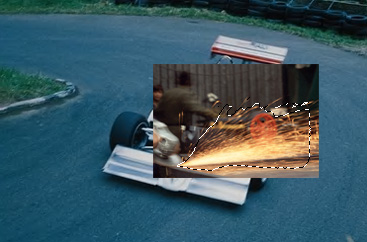
Press Ctrl+Shift+I and delete.
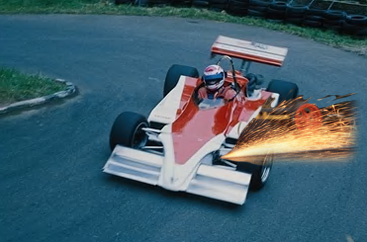
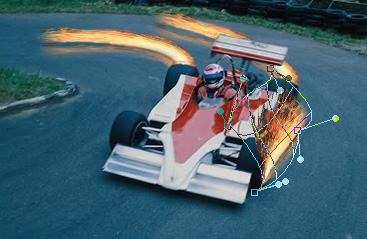
Press Ctrl+T. Right click the layer and select warp.
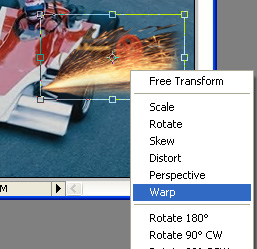
Adjust nodes to get the shape as shown.
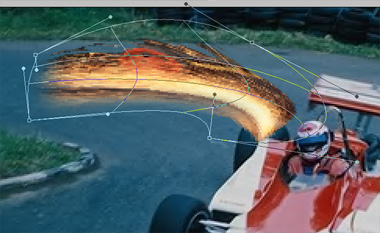
Select eraser tool and with a soft brush setting erase any unwanted edges or color.
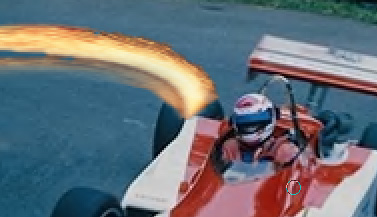
Also erase fire above the wheel.
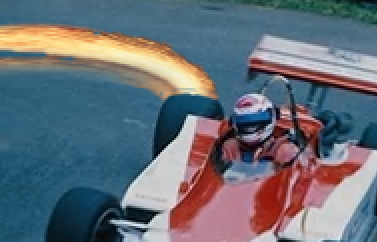
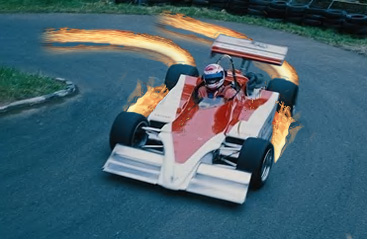
Duplicate the layer and place it behind the other wheel.
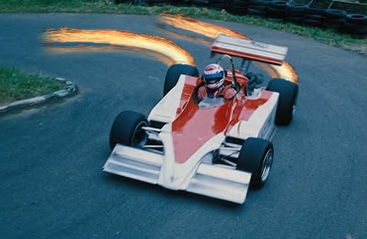
Similarly create sparks coming out from the front wheels.