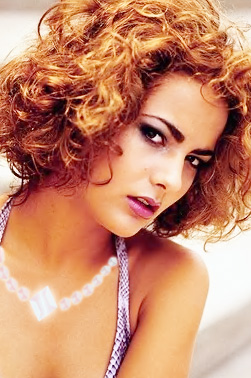
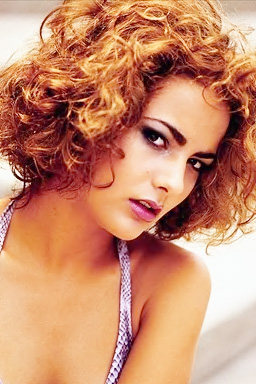
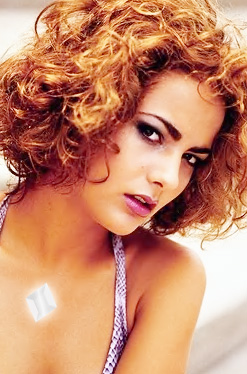
Start by opening an image of a lady with visible neck area.
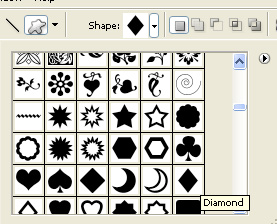
Select diamond shape using custom shape tool.
Create this shape over the neck.
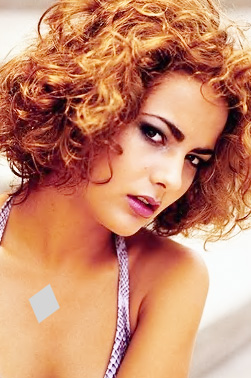
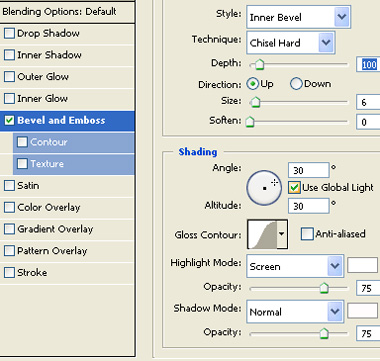
Double click the layer to open layer style window. Apply layer style with the settings shown.
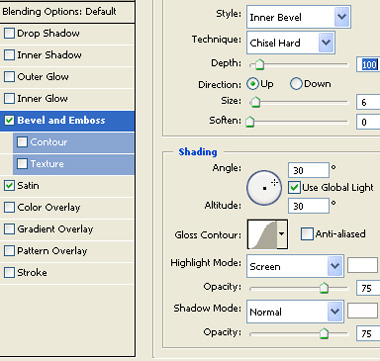
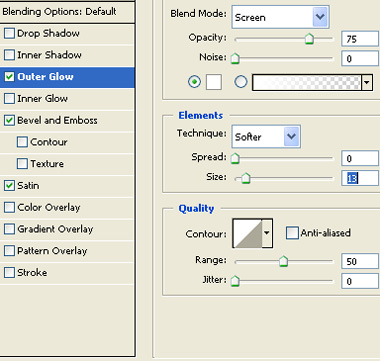
Create a hexagon using polygon tool.
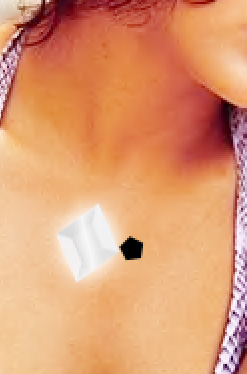
Apply the same layer style as we applied on the diamond shape.
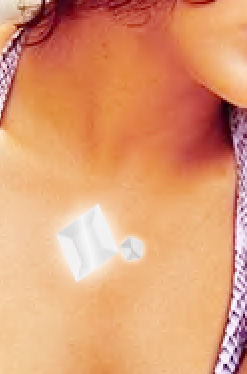
Duplicate the layer and place the hexagons as shown below.
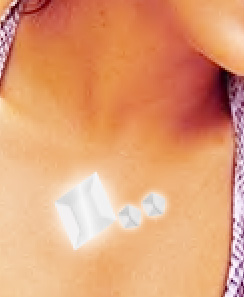
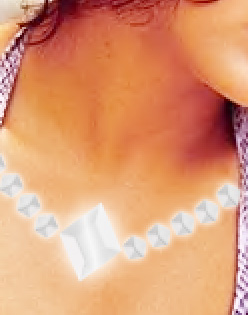
Merge all the diamond layers. Press Ctrl+T. Right click the layer and select warp. Adjust nodes to get the necklace shape as shown.
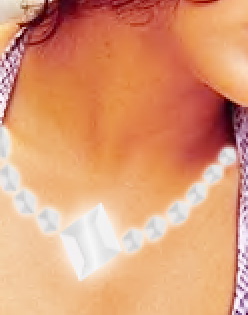
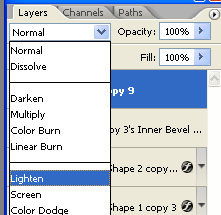
Change the layer mode to lighten.