Create a circle using elliptical shape tool.
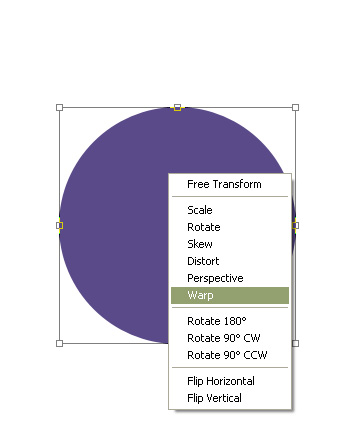
Press Ctrl+T. Right click the layer and select warp.
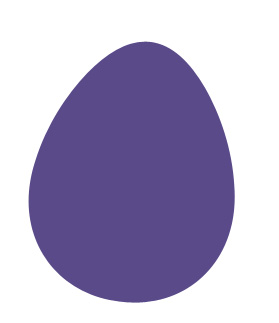
Adjust nodes to get the result as shown in the image.
Double click the layer to open layer style window. Apply layer style with the settings shown.
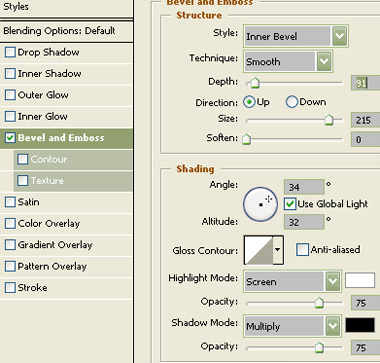
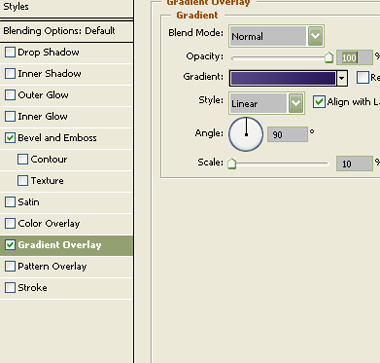
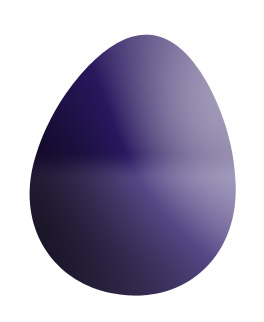
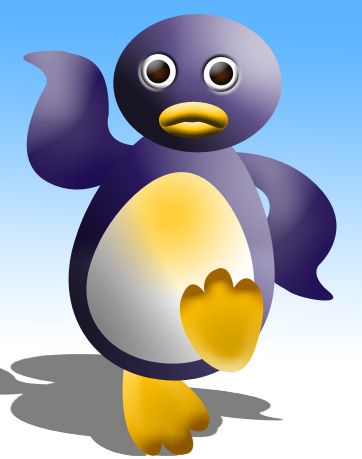
Create an ellipse using elliptical shape tool. Place it for the face of the penguin.
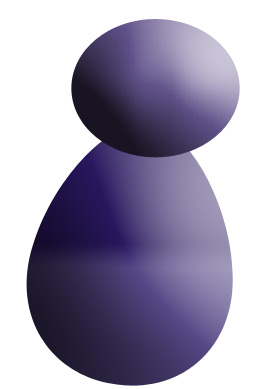
Duplicate the body layer and scale it down. Remove layer style.
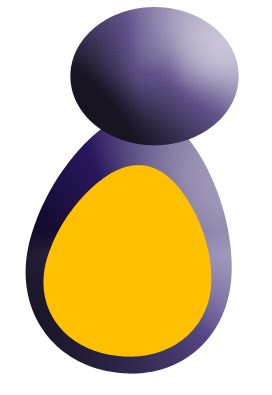
Double click the layer to open layer style window. Apply layer style with the settings shown.
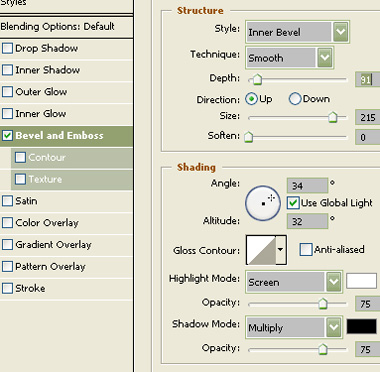
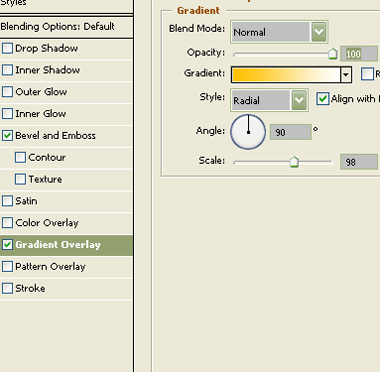

To create the eye draw a circle using elliptical shape tool.

Double click the layer to open layer style window. Apply layer style with the settings shown.
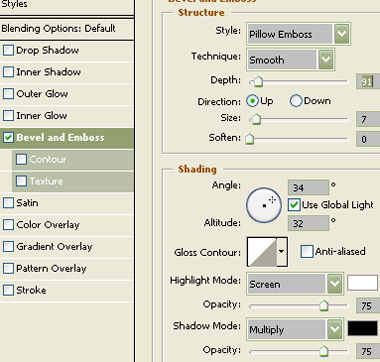
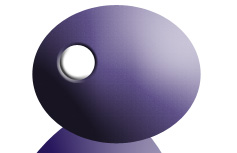
Create a circle using elliptical shape tool. Place it for the eye ball.
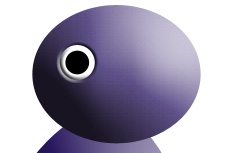
Double click the layer to open layer style window. Apply layer style with the settings shown.
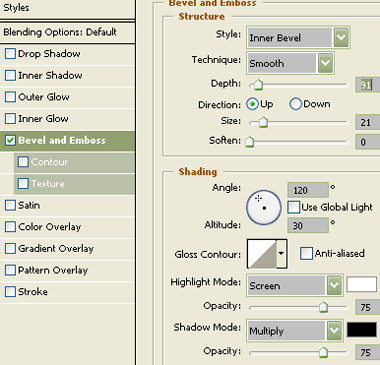
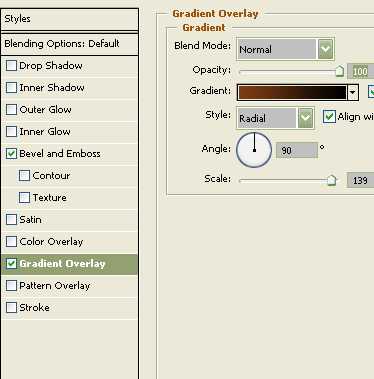
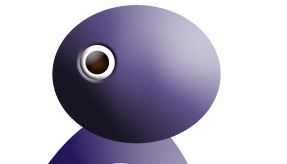
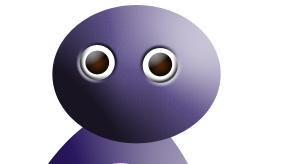
Duplicate the eyes layer and place it on the other side.
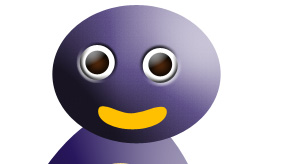
Using pen tool create lips of the penguin.
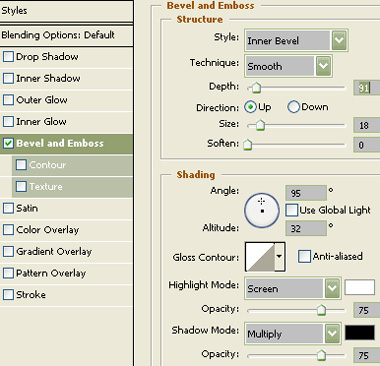
Double click the layer to open layer style window. Apply layer style with the settings shown.
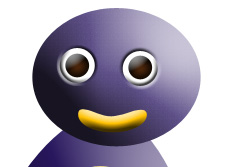
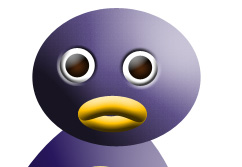
Duplicate the layer. Press Ctrl+T. Right click the layer and select flip vertical.
Using pen tool create wings of the penguin.
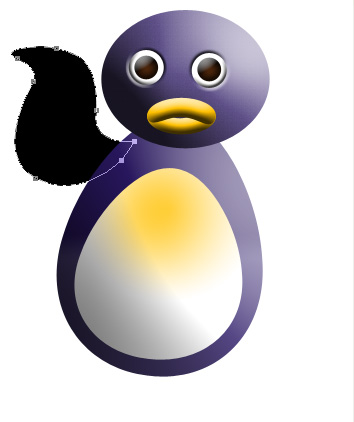
Copy the layer style from body or face and paste on to the wing layer.
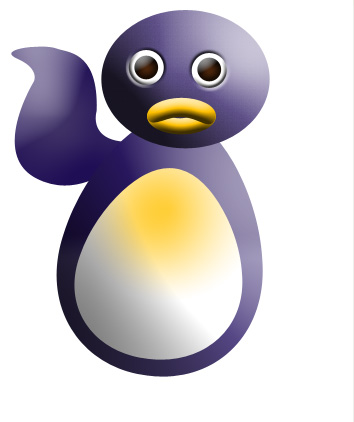
Duplicate the layer. Press Ctrl+T. Right click the layer and rotate. Place it for the other wing.
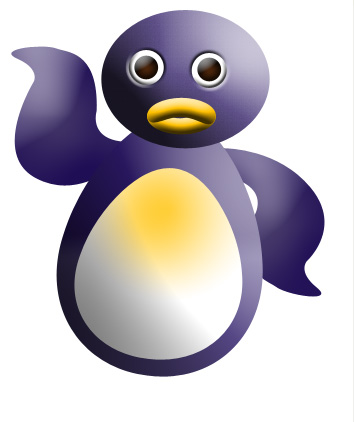
Using pen tool create a foot.
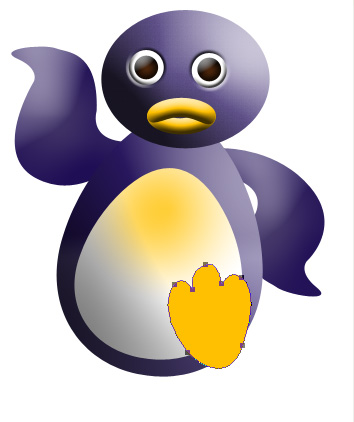
Double click the layer to open layer style window. Apply layer style with the settings shown.
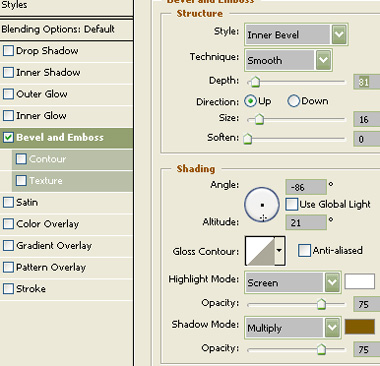
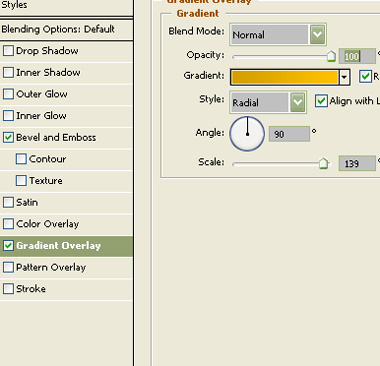
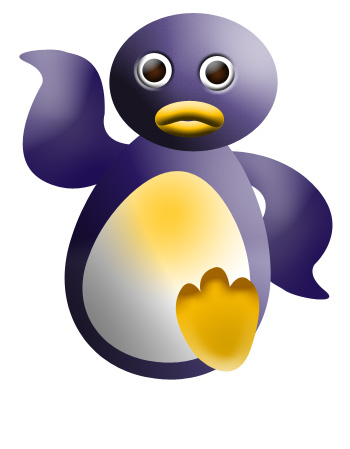
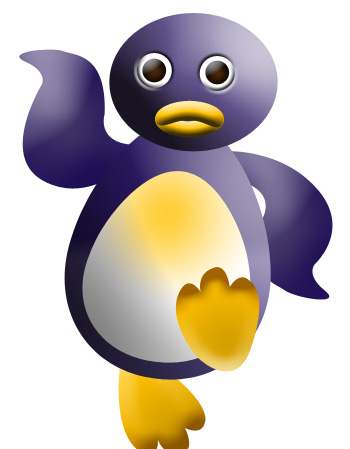
Duplicate the layer. Press Ctrl+T. Right click the layer and select flip vertical.
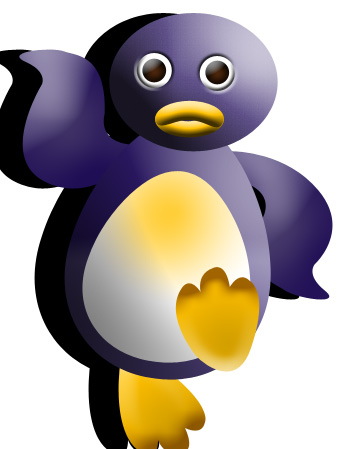
Select all the layers. Duplicate. Merge. Fill with a solid black color. Move the layer behind the original layers.
Press Ctrl+T. Squeeze it vertically. Right click the layer and select perspective.
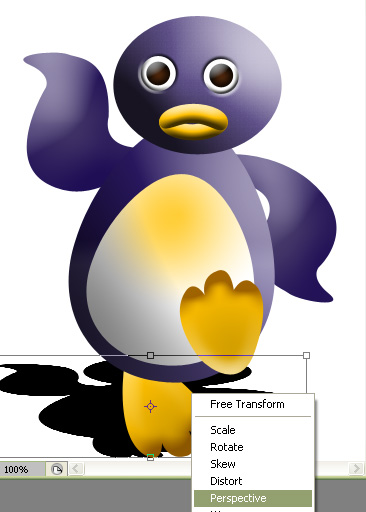
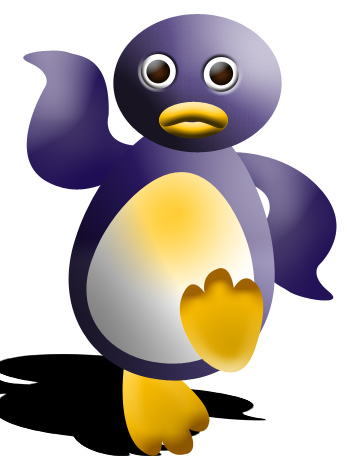
Reduce the opacity to 50%. This will create a nice perspective shadow of the penguin.
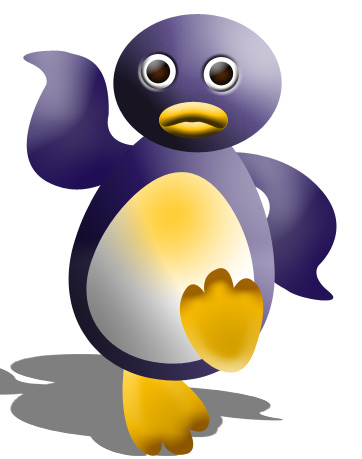
Apply a nice gradient to the background.