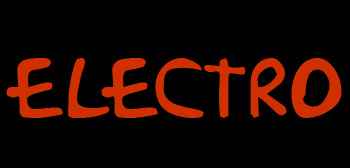
Start by typing the text on a black background.
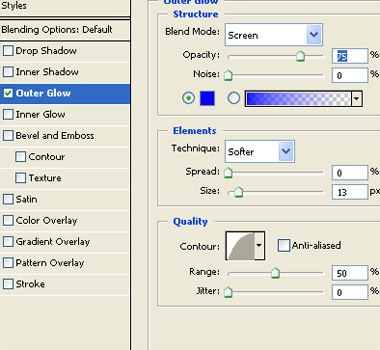
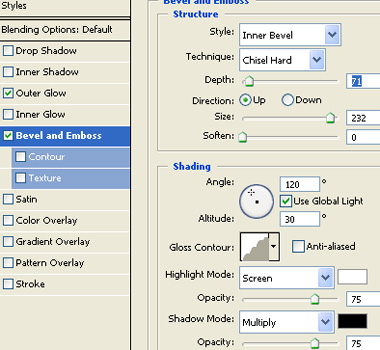
Double click the layer to open layer style window. Apply layer style with the settings shown.
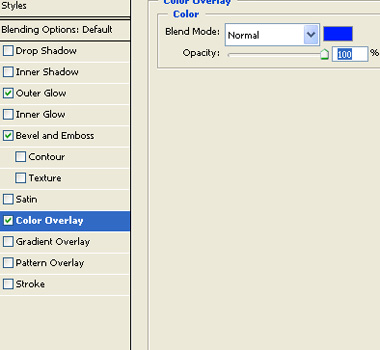
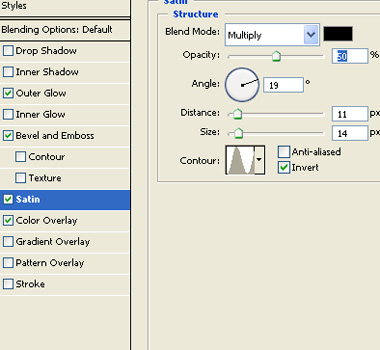
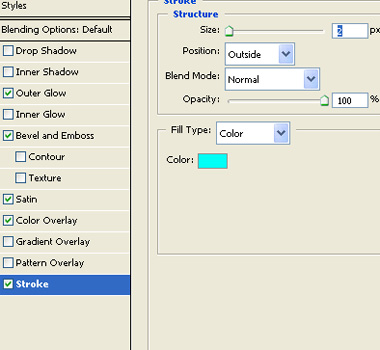

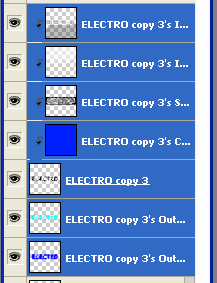
Duplicate the layer. Form layer menu select layer style>>create layers.
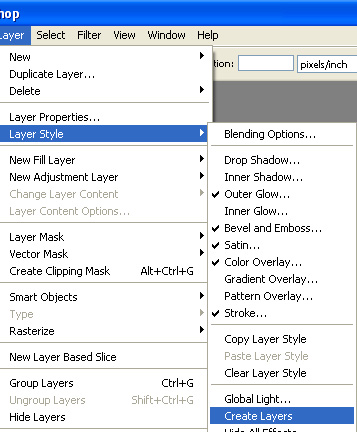
Select all the separated effect layers and merge.
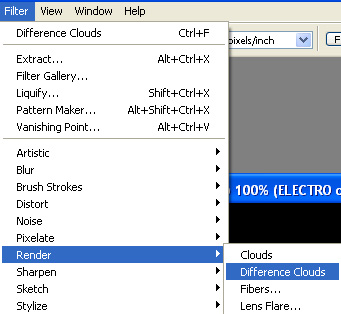
From filter menu select render>>clouds.

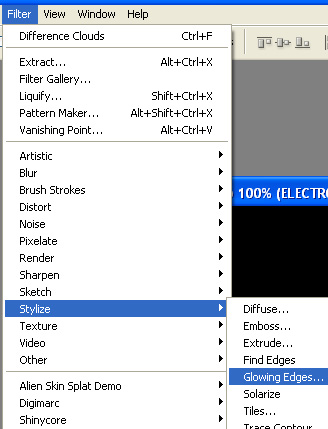
From filter menu select stylize>>glowing edges.
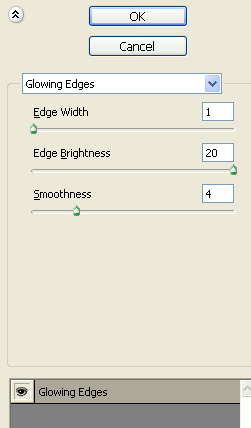
Apply settings as shown.

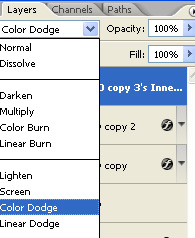
Change the layer mode to color dodge.