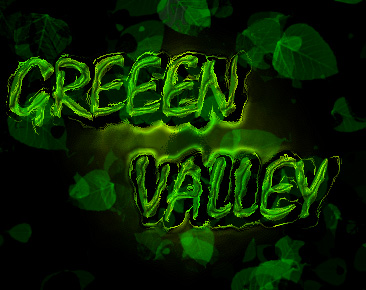
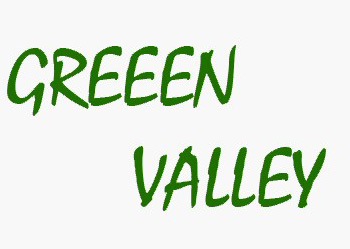
Start by typing "Green Valley" with a suitable font.
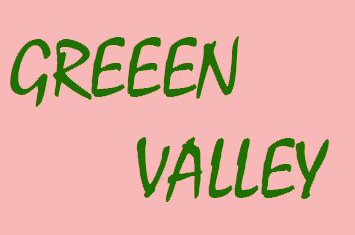
Ctrl+Click the layer thumbnail to get the selection. Press Q to enable quick mask.
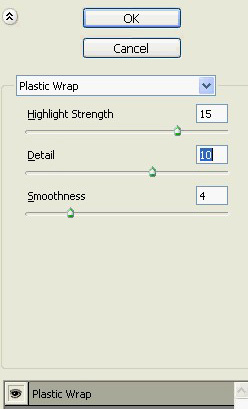
From filter menu artistic>>plastic warp. Apply settings as shown.
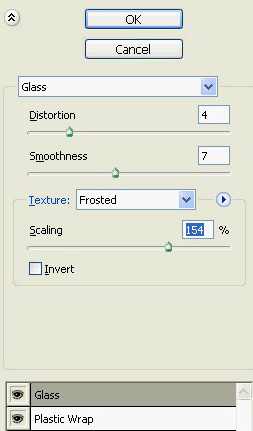
Add new effect layer from the bottom of effect window. Select distort>>glass. Apply settings as shown.
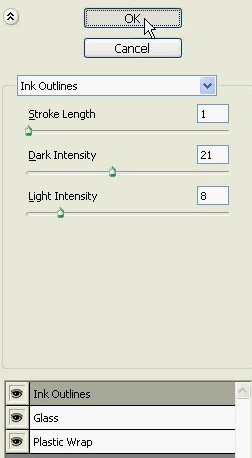
Create another effect layer. Select brush strokes>>ink outlines. Apply settings as shown.
Press Q to disable quick mask.
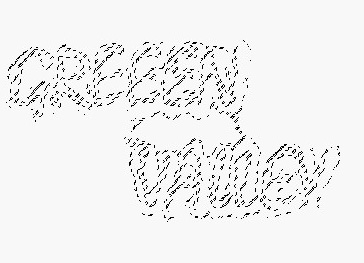
Create a new layer and fill it with green color.
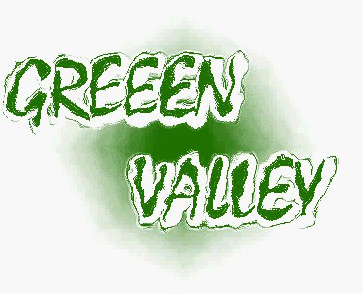
Double click the layer to open layer style window. Apply layer style with the settings shown.
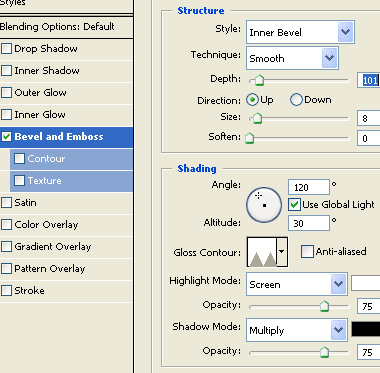
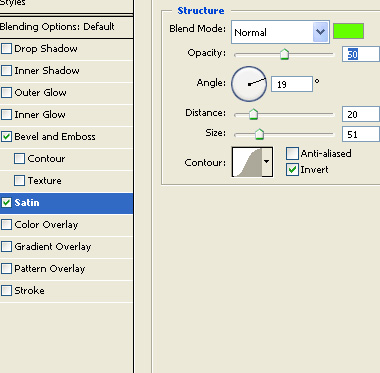
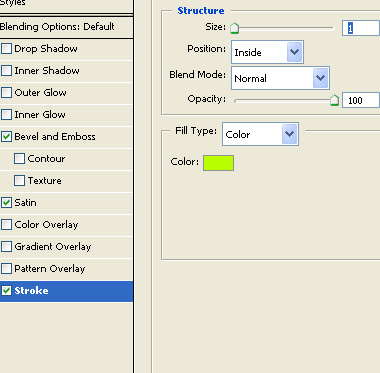
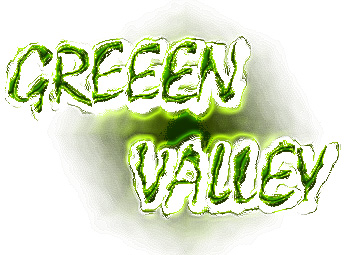
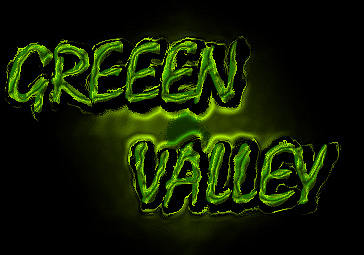
Fill the background with black color.
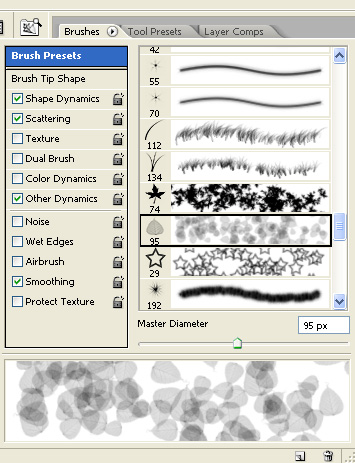
Select the brush tool. Press F5 and select leaf brush from the custom brush preset.
Create a new layer and apply the brush with green color.
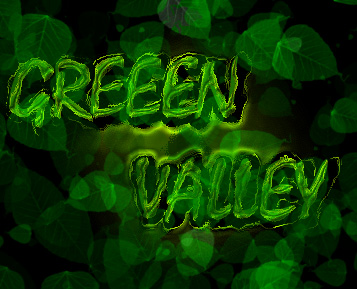
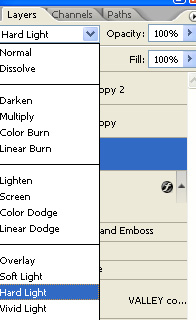
Change the layer mode to hard light.