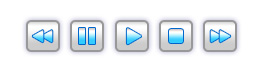
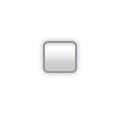
Start by creating a small rounded rectangle.

Double click the layer and apply layer style as shown.
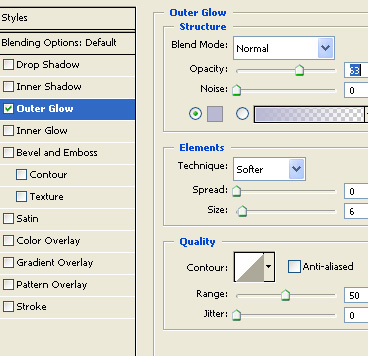
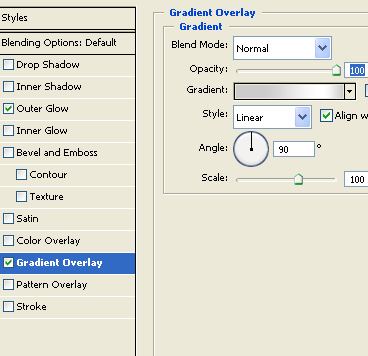
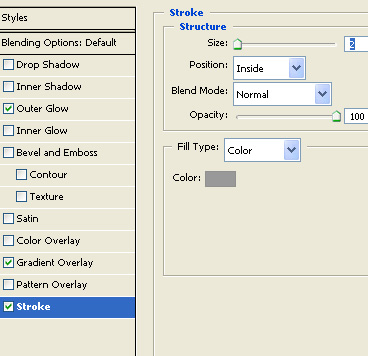
Using custom shape tool draw a triangle ( preferable shape sign3 as it has rounded edges ) . Rotate so that it points to the right like a play button sign.

Apply following layer styles to the triangle layer.
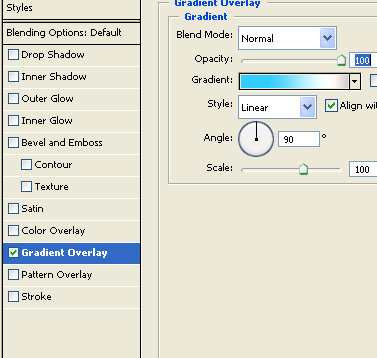
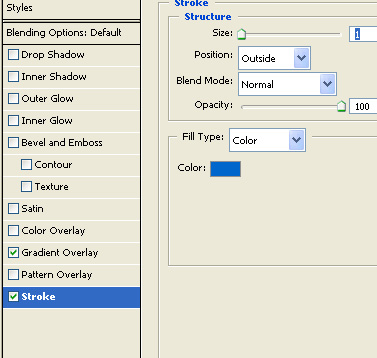
The play button will like this after applying the layer styles.

Create a duplicate of the play button layers and replace the triangle with two vertical rectangles to create pause button. Just copy layer style from triangle layer and paste on pause shape.
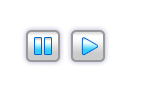
Similarly create other buttons for rewind, forward and stop using basic shapes and pasting layer style copied from triangle layer.