Start by creating a rounded rectangle using rounded rectangle shape tool.

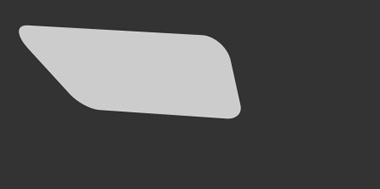
Press Ctrl+T. Right click the layer and select distort. Adjust the nodes to get a shape like this.
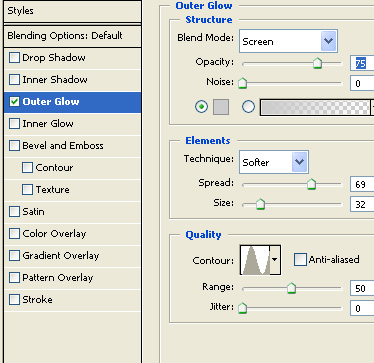
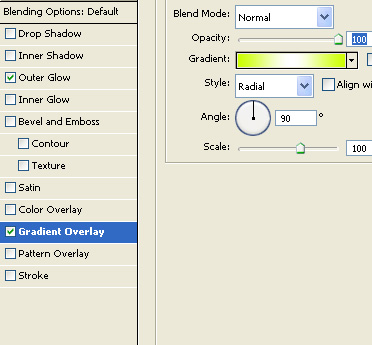
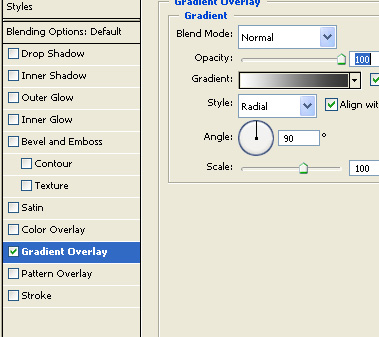
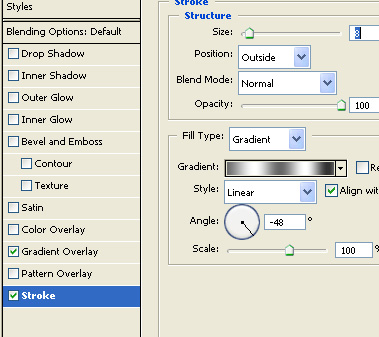
Double click the layer to open layer style window. Apply layer style with the settings shown.
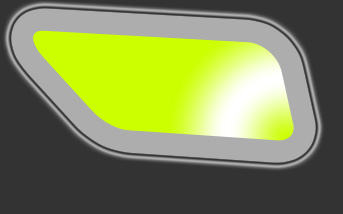
Duplicate the layer. Press Ctrl+T. Right click the layer and select flip horizontal.
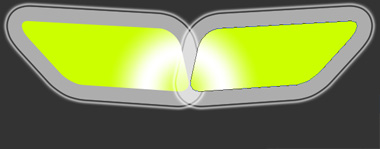
Select both layers. Duplicate the layers. Press Ctrl+T. Right click the layer and select flip vertical. Scale down as shown in the image.
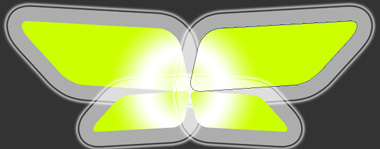
Create an ellipse using elliptical shape tool.
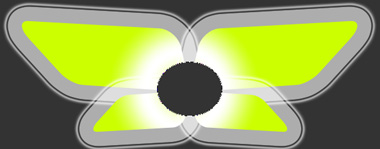
Double click the layer to open layer style window. Apply layer style with the settings shown.
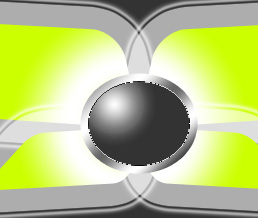
Create a line divider shape using pen tool.
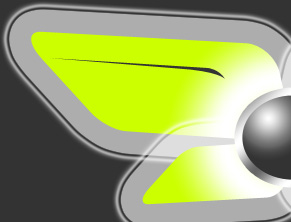
Duplicate and place as shown.
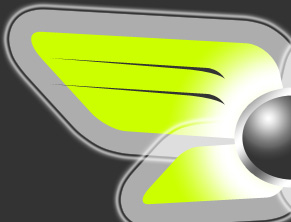
Similarly create line dividers for the other side.
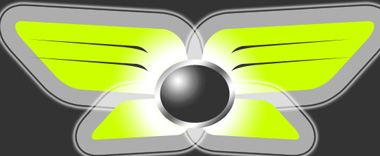
Type button links above the dividers. Rotate to align with the dividers.

Place company logo in the center ellipse and forum name in the lower wings.