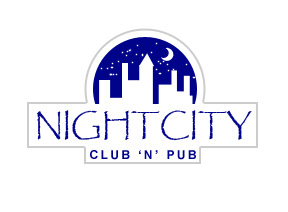
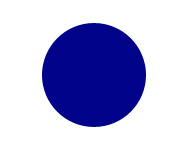
Create a circle using elliptical shape tool.
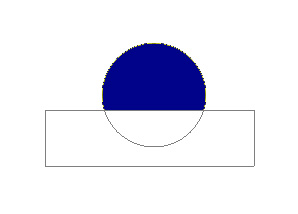
Enable subtract form shape area form the top bar. Create a rectangle using rectangular shape tool over lower half of the circle.
Keeping subtract form shape area form the top bar still enabled draw a few rectangle shapes.
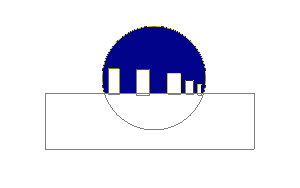
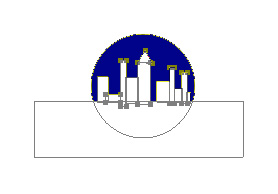
Create different shaped rectangles with varying widths. Also create a small triangle on top of rectangle shape to give it a buildings look.
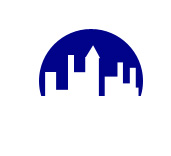
Select brush tool. with 2 pixels width setting create some dots in a new layer to give an illusion of starry night.
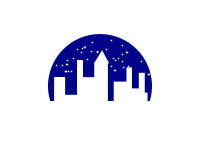
Using custom shape tool ( U ) create a crescent moon shape.
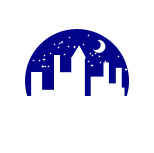
Type the club name etc below the city scene.
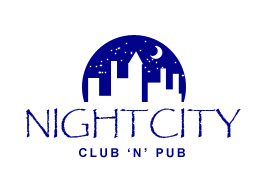
Create a circle using elliptical shape tool. make it slightly bigger than the city circle.
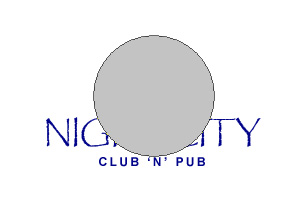
Enable add to shape area form the top bar.
Create two rectangles using rectangular shape tool covering the text below logo.
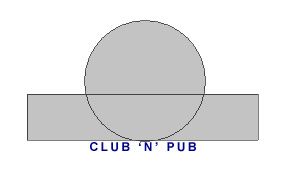
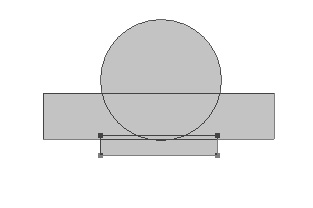
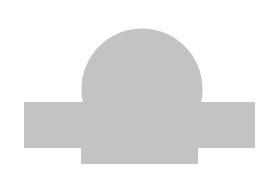
Double click the layer to open layer style window. Apply layer style with the settings shown.
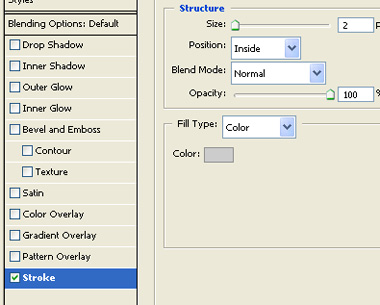
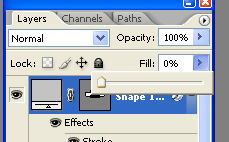
After applying stroke set the fill value for this layer to zero in layer window. This will keep stroke visible but inside color will disappear.