Start by creating a circular frame using custom shape tool.

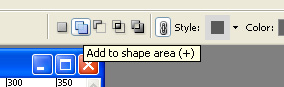
Enable add to shape area form the top bar.
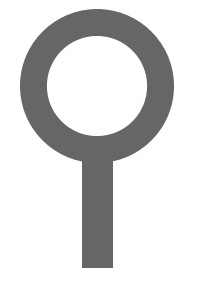
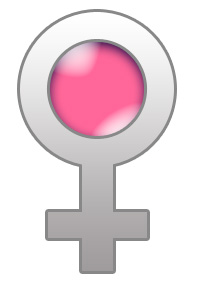
Add a rectangle in the shape as shown in the image below.
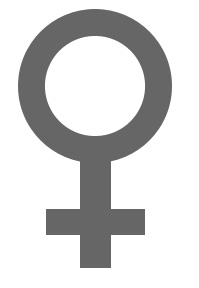
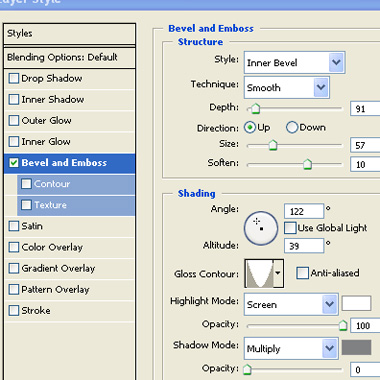
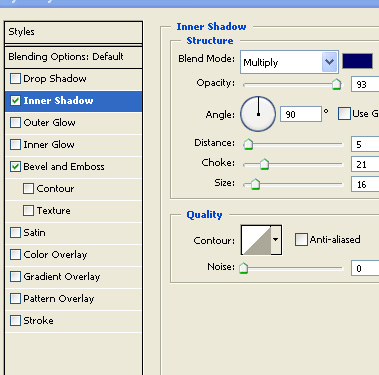
Double click the layer to open layer style window. Apply layer style with the settings shown.
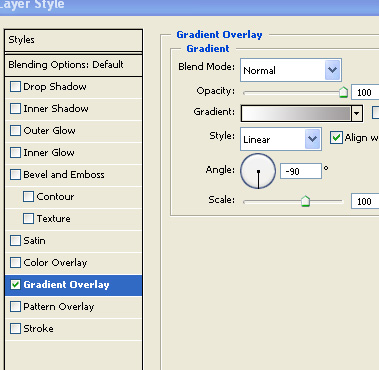
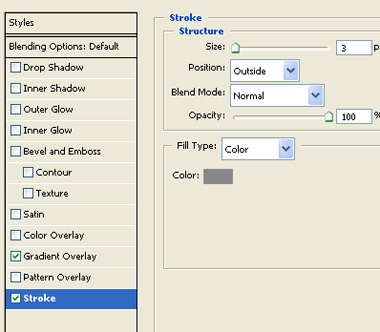
This will complete the female sex symbol. Now in next steps we're going to add a woman's face to the symbol.
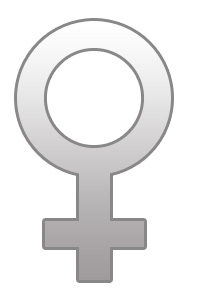
Create a circular shape using elliptical shape.
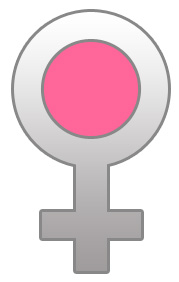
Double click the layer to open layer style window. Apply layer style with the settings shown.
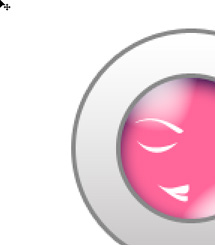
Using pen tool draw eyebrow, eye and lips. Only one side of the shapes is required. Rest of the area will be covered by hair shape.
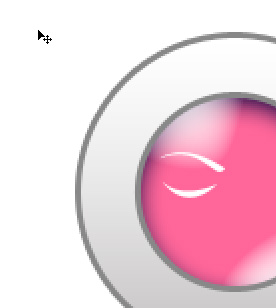
Using pen tool create hair streak shape.
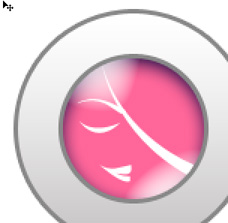
Duplicate and rotate to create more similar shapes.
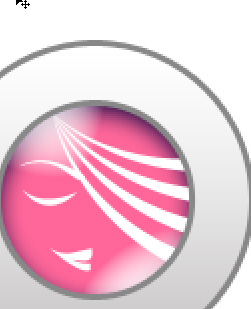

Type company name using a nice font.