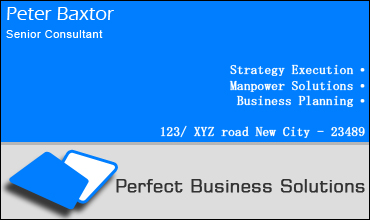
Start by creating a new file. Fill the background with a light gray color.

Create a rectangle using rectangular shape tool with blue color.

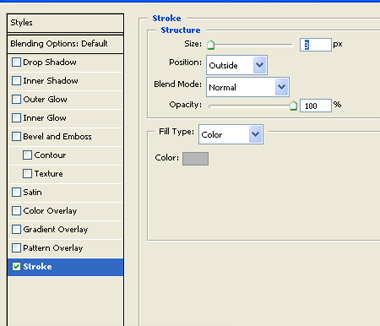
Apply stroke with the settings shown.

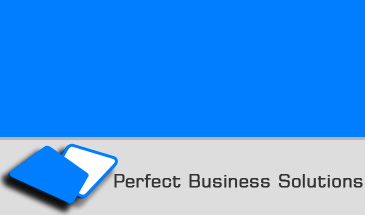
Add company name and logo in the bottom portion.
Take a duplicate of the logo. Press Ctrl+T.
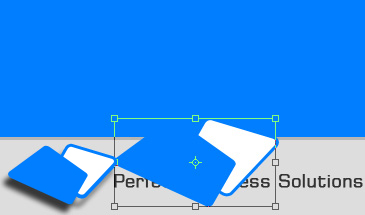
Scale it up.
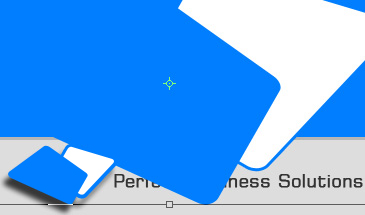
Move this layer above the blue rectangle layer. Change the layer mode to screen and opacity to 30%.
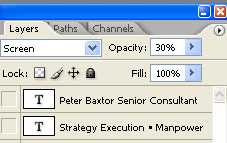
Press Ctrl+Alt+G to create a clipping mask.

Add the card holder's name and designation at the top left.

Add address and services on the bottom right of the blue rectangle. Right align the text.