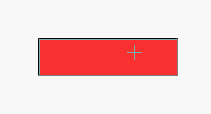
Start by creating a rectangle in a new file.
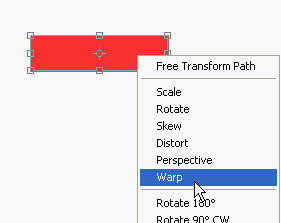
Press Ctrl+T. Right click and select warp.
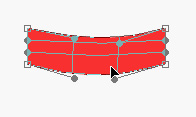
Adjust nodes as shown.
Create a new small vertical rectangle.
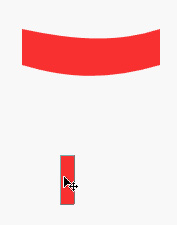
Press Ctrl+T. Right click and select perspective.
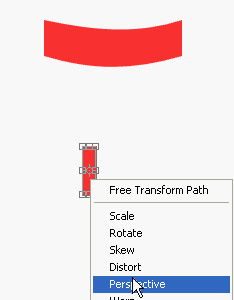
Adjust nodes as shown.
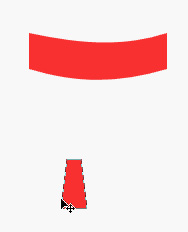
Press Ctrl+T. Right click and select warp. Adjust nodes as shown.
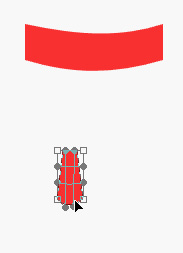
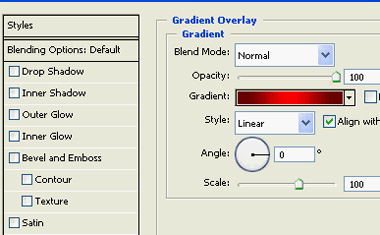
Apply gradient overlay layer style using following settings.
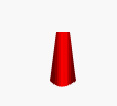
Duplicate and scale down the layer.
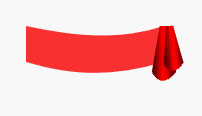
Duplicate these layers flip horizontally and place it on the other side.
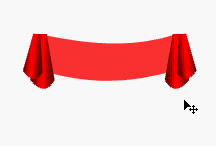
Duplicate the background rectangle, fill with a darker shade of red. Rasterize the layer.
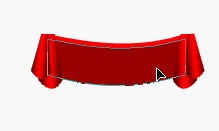
Using eraser tool and a big radius feathered brush setting remove the bottom portion of this layer.
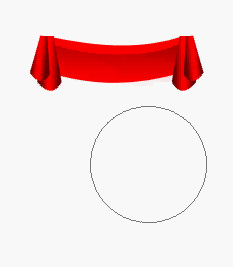
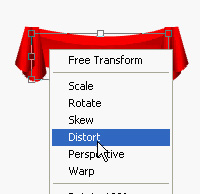
Press Ctrl+T. Right click and select distort. Move the corner handles up.
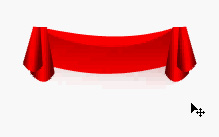
Duplicate the background rectangle, fill with a darker shade of red. Rasterize the layer.
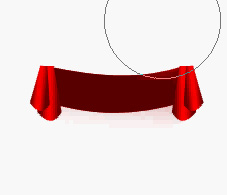
Using eraser tool and a big radius feathered brush setting remove the top portion of this layer.
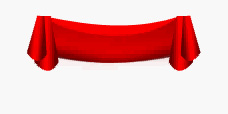
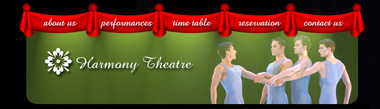
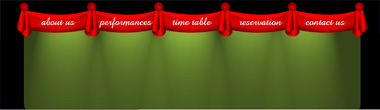
Merge all layers. Create a new file with header size. Drag the curtain layer from previous file to this new file. Duplicate and place according to the image below. Make the curtain overlap each other.
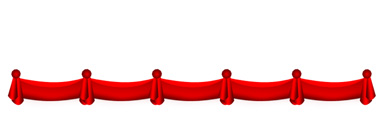
Fill background with black color.
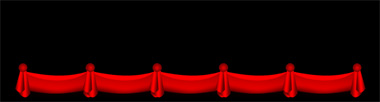
Create a rounded rectangle. Move it below the curtain layer.
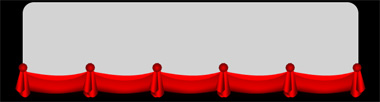
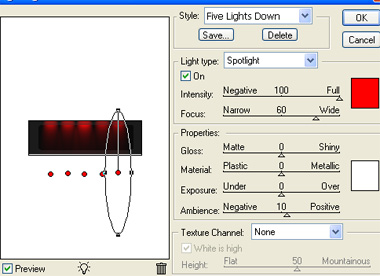
From filter menu select render>>lighting effect. Select five lights down style and adjust settings as shown.
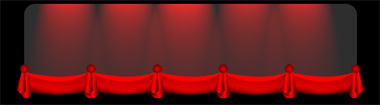
Move the curtain layers up.
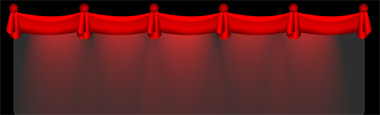
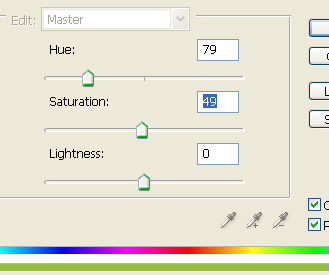
Select the rectangle layer. Press Ctrl+U and adjust settings as shown.
Type the link name over curtain. Insert the company logo.
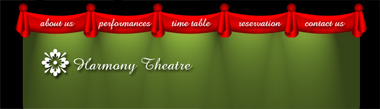
Insert a relevant image and place it on the right side. Change the layer mode of the image as required.