Step 1:
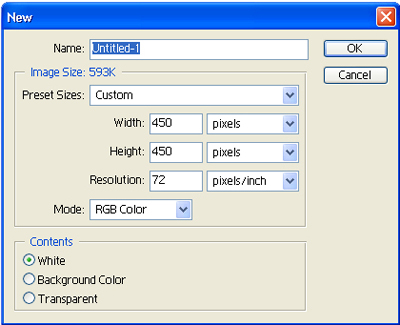
Start by creating a new canvas (File >> New)
Make the canvas 650 by 200 pixels.
Make sure resolution is set to 72, mode is on RBG Color, and contents is set to white.
Step 2:
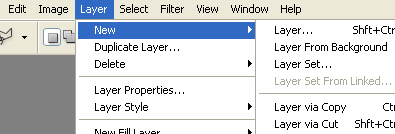
Create a new layer. (Layer >> New Layer)
Pick 3 pictures which you want to blend together.
Start by opening one of the pictures in adobe and cutting it out with the Polygonal Lasso Tool.
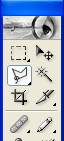
Set feather to 1px.

Now take the lasso and cut out your image.
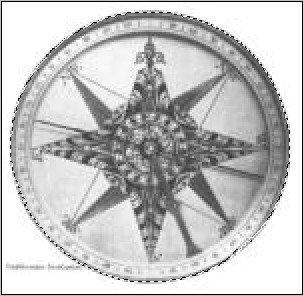
Hit copy, and past it into your original canvas.
Change the opacity of the image. (I used 45%)
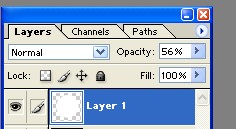
Now cut out your other 2 images the same way that you did the first.
Step 3:
Past all three images into the first canvas. (650 by 200)
Adjust the opacity of the images, and change the background color of the background layer.
Here's my final result: