Step One
Open a new document with your chosen size and choose a foreground color.
Step Two
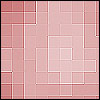
Go to Filter>Render>Clouds and then, go to Filter>Brush Strokes>Accented Edges and click OK. You will come up with something like this.
Step Four
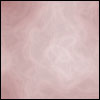
Now go to Filter>Pixelate>Mosaic and choose the cell size you want to use for pixel. In this example, I used 12.
Step Five
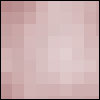
Go to Filter>Sharpen>Sharpen and press Ctrl+F to apply the same effect 3/4 times and you will came up with something like this,