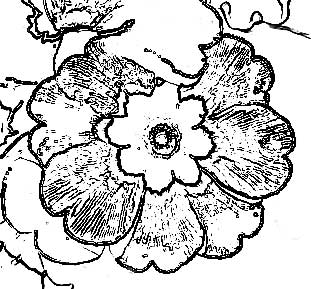
1. Open Photoshop. Open Image to create line art.
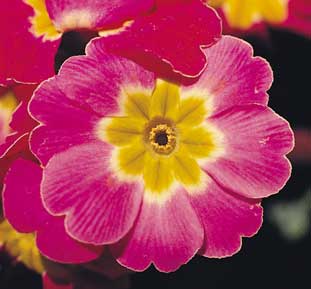
2. Make a Duplicate of the image layer and turn it into gray scale using Image > Adjustments > Desaturate
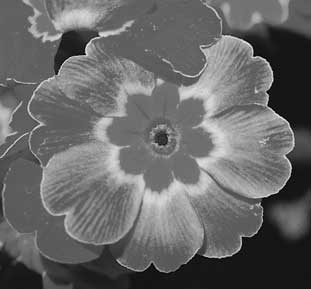
3. Filter > Stylize > Find Edges
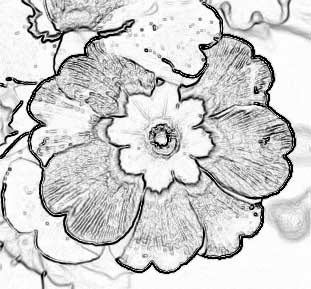
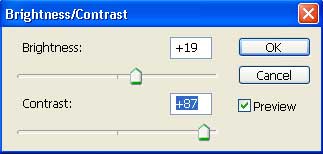
4. Image > Adjustments > Brightness/Contrast (use following readings)
5. You will get following effect after adding Brightness/Contrast.
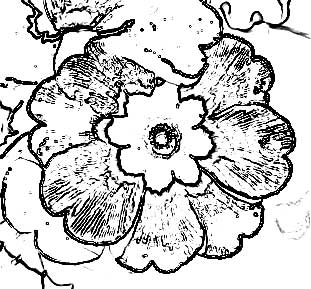
6. You can use brush tool with white color to remove any portion from the image.
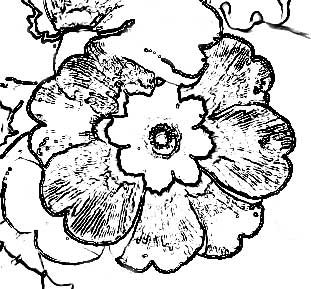
7. Filter > Sharpen > Sharpen More