


Start by creating a new file of the banner size. Create a rounded rectangle using rounded rectangle shape tool.

Create two rectangles using rectangular shape tool and place as shown.

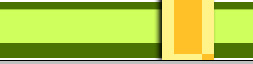
Create a rectangle of different color using rectangular shape tool.

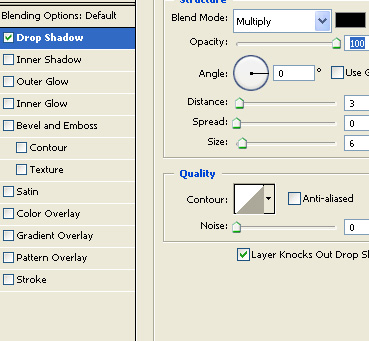
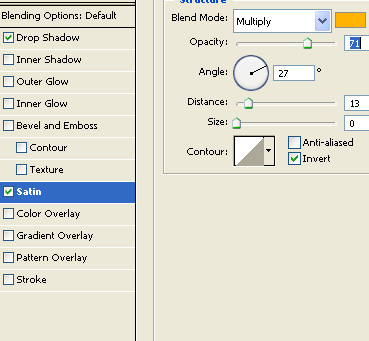
Double click the layer to open layer style window. Apply layer style with the settings shown.
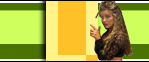
Insert a few model image cutouts and place as shown.

Create a rounded rectangle using rounded rectangle shape tool. Reduce the opacity to 50%.

Type the agency name over this rectangle.

Type three keywords over three yellow rectangles. Press Ctrl+Alt+G for each text layer to create clipping mask.

Open animation window. For the first frame move the keywords beyond the banner edges.
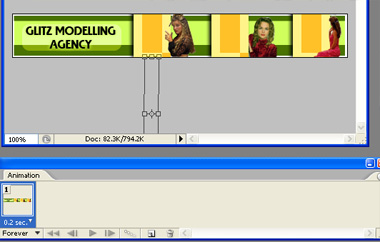
Duplicate frame. Move the keywords towards the opposite edges.
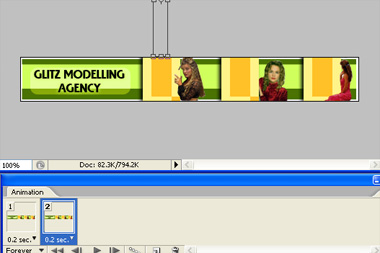
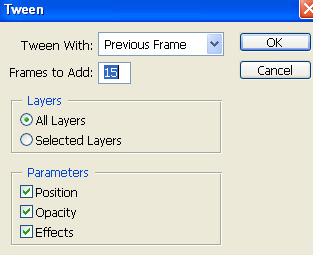
Press tween button in animation window. Apply settings as shown.
Press Ctrl+Alt+Shift+S to save an optimized animated GIF.

