Start creating a rounded rectangle using rounded rectangle shape tool.
Duplicate the layer. Select the path using direct selection tool. Copy and paste the path.
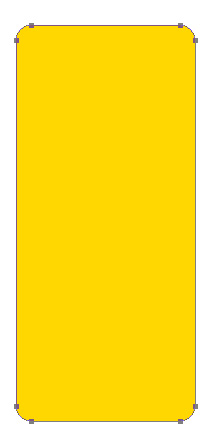
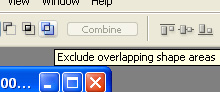
Enable exclude overlapping shape areas from the top bar.
Press Ctrl+T and scale down the path. Fill the shape with black color.
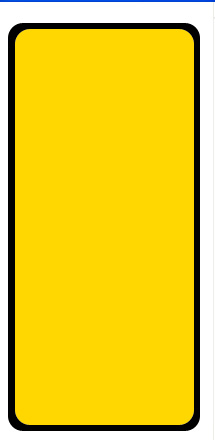
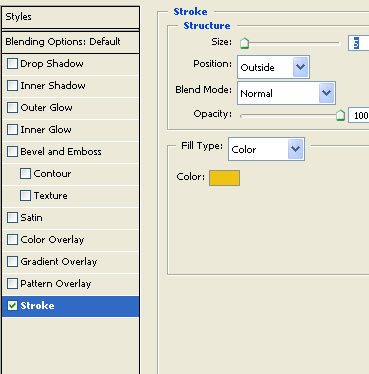
Double click the layer to open layer style window. Apply layer style with the settings shown.
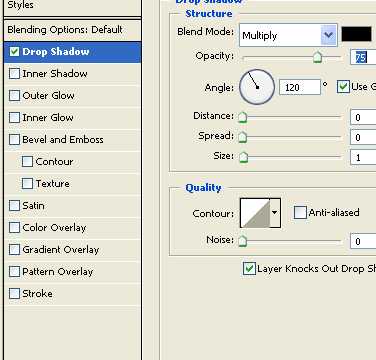
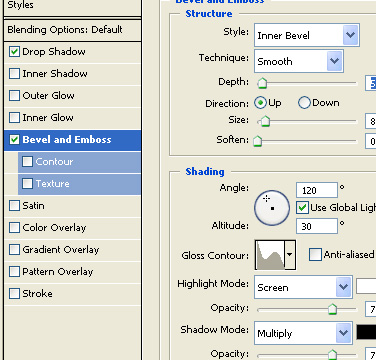
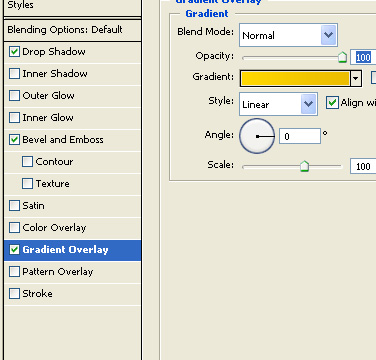
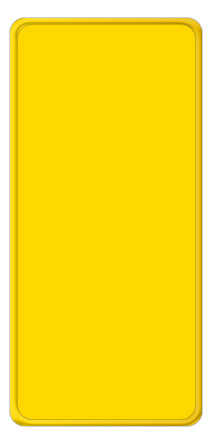
Create a rounded rectangle using rounded rectangle shape tool. Copy the layer style form the border shape and paste on to this rounded rectangle.
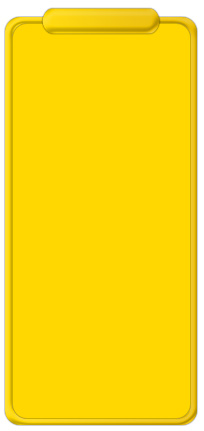
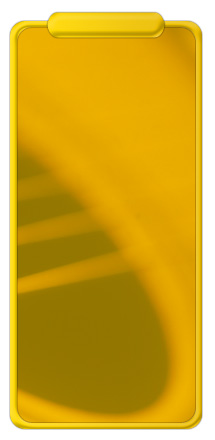
Insert an image relevant to the advertisement.
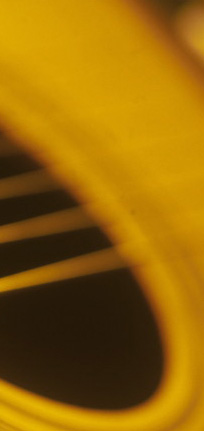
Move the image layer below all layers but just above the background rounded rectangle. Press Ctrl+Alt+G to create a clipping mask.
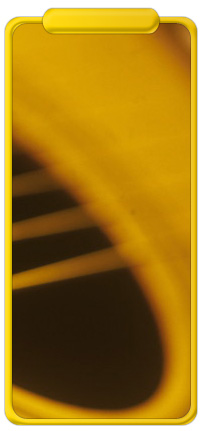
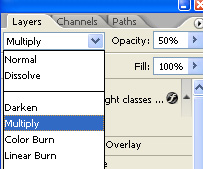
Change the layer mode to multiply and opacity to 50%.
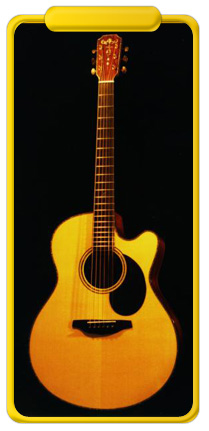
Insert an image of a guitar and similarly create a clipping mask for this layer.
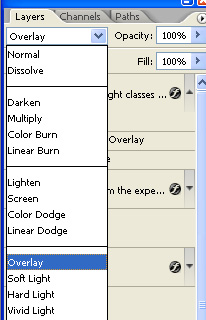
Change the layer mode to overlay.
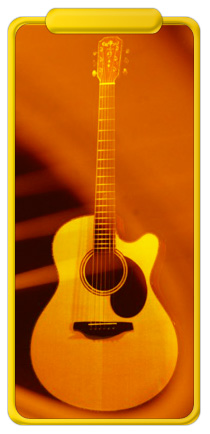
Type "Guitar" over the top rounded rectangle.
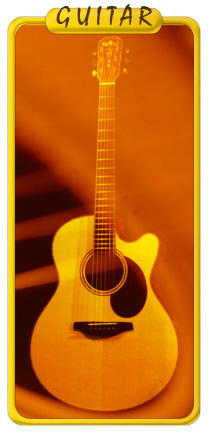
Double click the layer to open layer style window. Apply layer style with the settings shown.
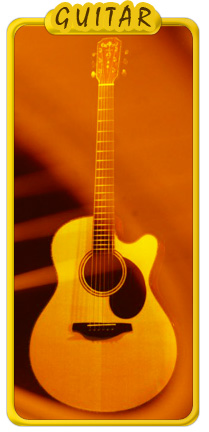
Insert other text and details using different colors and font.