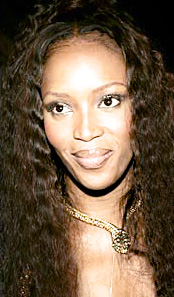
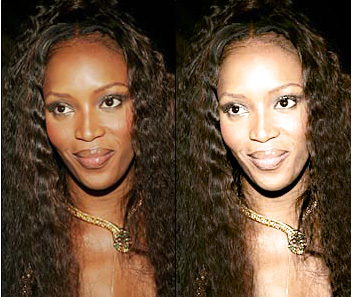
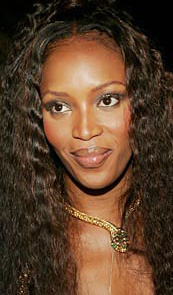
Start by opening an image of a model with dark complexion.
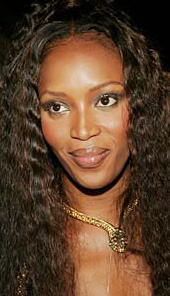
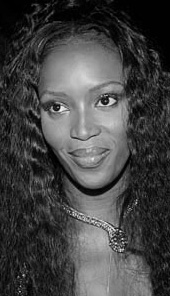
Duplicate the layer and press Ctrl+Shift+U to desaturate.
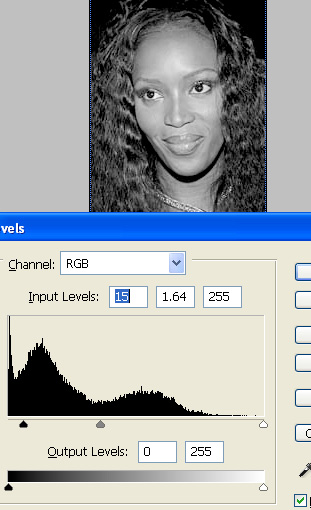
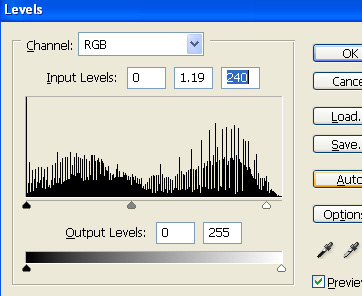
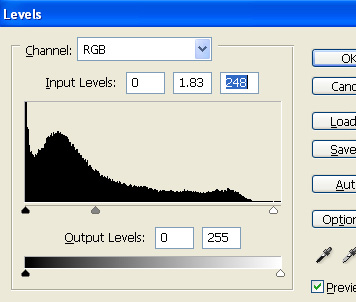
Press Ctrl+L to open level settings. Apply settings as shown.
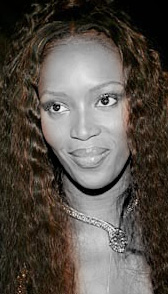
Remove the hair area using eraser tool.
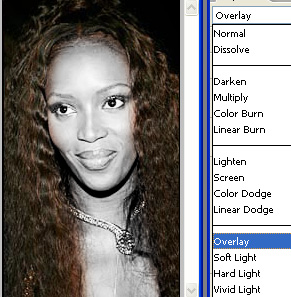
Duplicate the layer. Change the layer mode to overlay.
Select and merge both the duplicate layers.
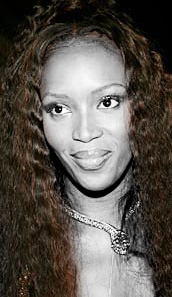
Double click the layer to open layer style window. Apply layer style with the settings shown.
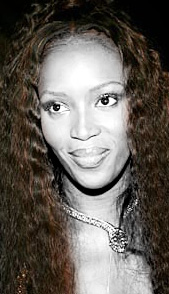
Change the layer mode to luminosity.
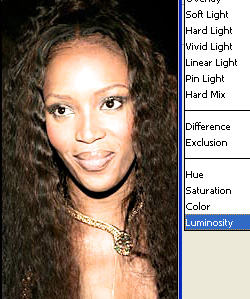
Duplicate the original layer. Move this layer above all the layers in layer order in layer palette.
Press Ctrl+L to open level settings. Apply settings as shown.
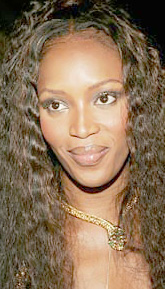
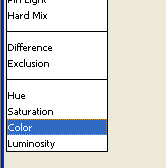
Change the layer mode to color.