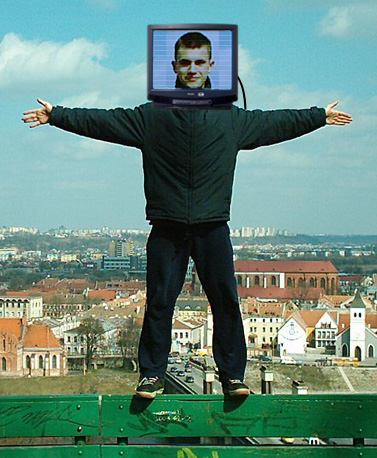
Start by opening an image of a guy.
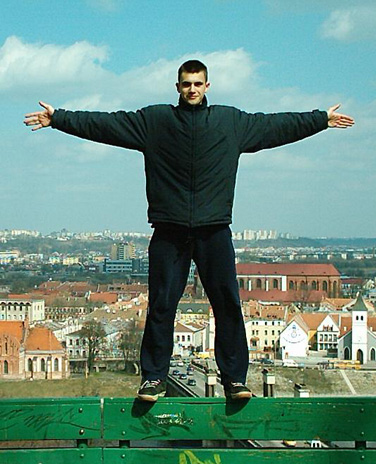
Open another image of a television. Drag the image to the guy file.
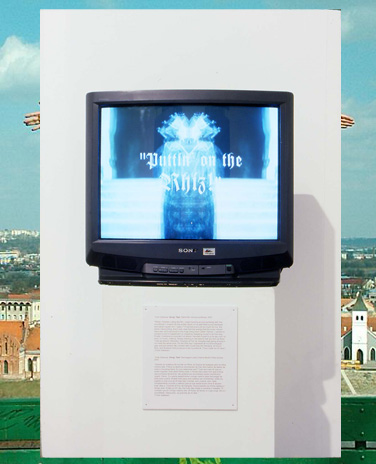
Remove the background using lasso tool.
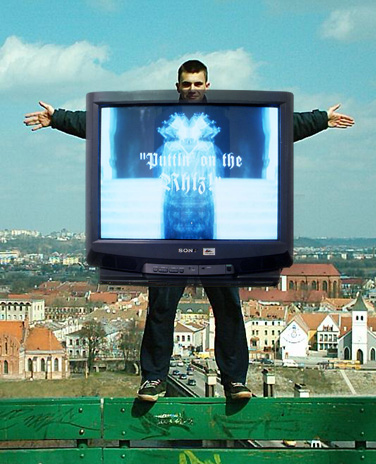
Similarly remove the screen.
Scale down the television and place over the head of the guy.
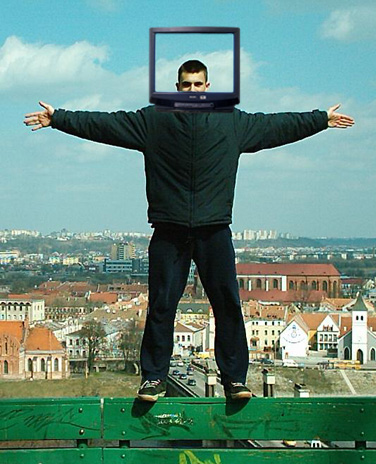
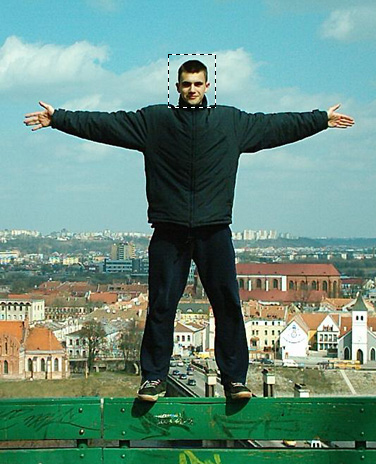
Hide the TV layer. Select the face using rectangular marquee tool. Press Ctrl+J to copy the selection area in a new layer.
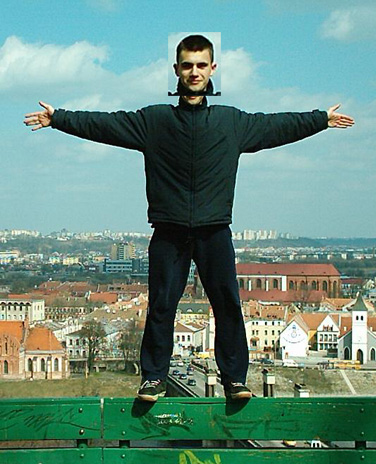
Scale it up.
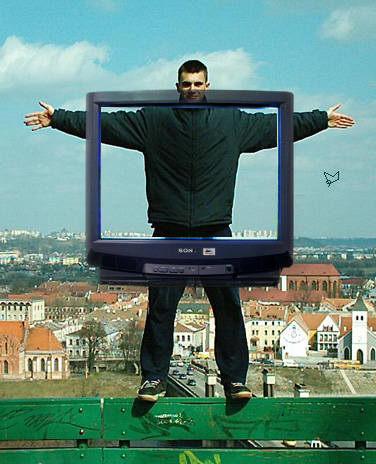
Unhide the TV layer.
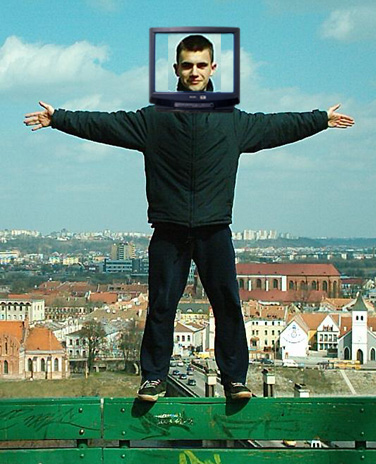
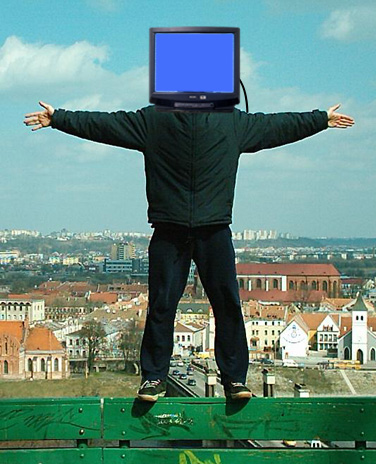
Create a rectangle of the size of the TV screen. Move the layer behind the empty TV frame. Create a wire connecting TV and the guy using brush tool.
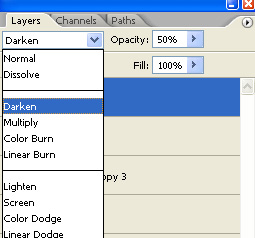
Change layer mode to darken and opacity to 50%.
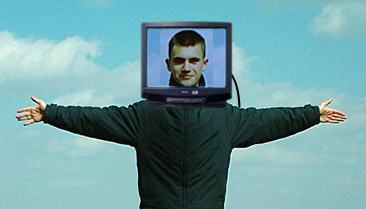
In a new layer create some horizontal lines in white color. Reduce the opacity.