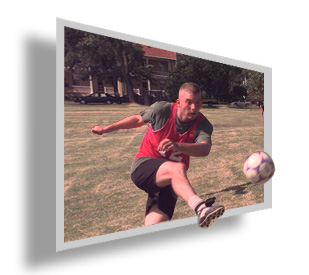
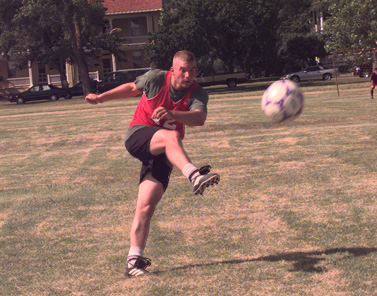
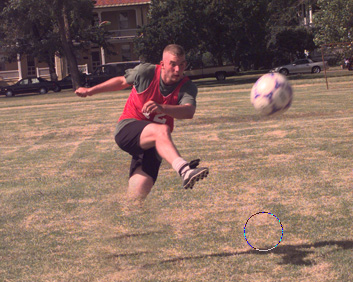
Start by opening an image.
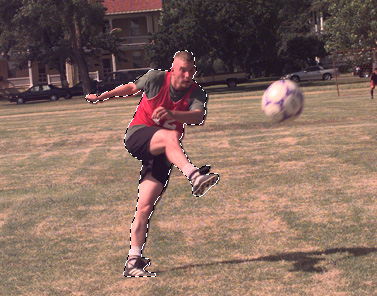
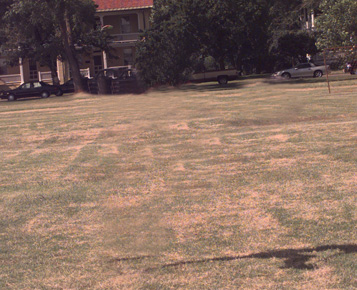
Create selection of the man and press Ctrl+J to duplicate the selection in new layer. Hide the duplicate layer.
Clone the man area using stamp tool.
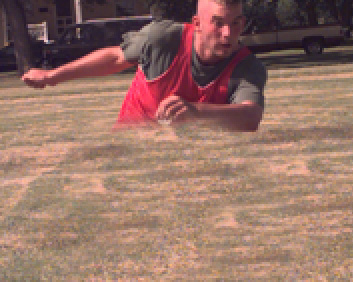
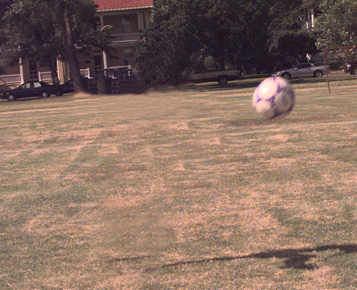
Similarly create selection of the ball. Duplicate the selection and clone the ball area.
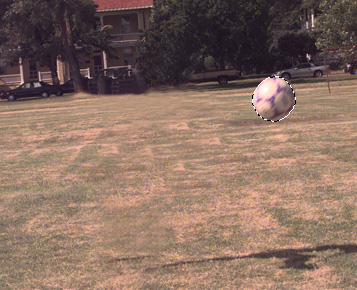
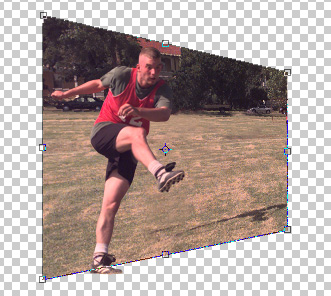
Unhide the man layer. Select the ground layer. Press Ctrl+T. Right click the layer and select distort. Adjust nodes as shown.
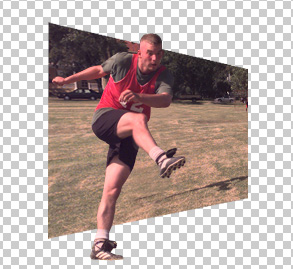
Scale down the ground layer.
Move the man layer downwards.
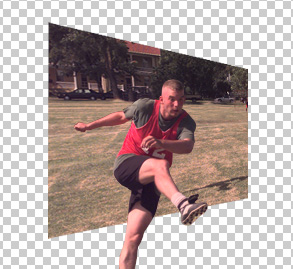
Ctrl+click the ground layer to get the selection. Press Shift and using lasso tool create selection of the front feet.
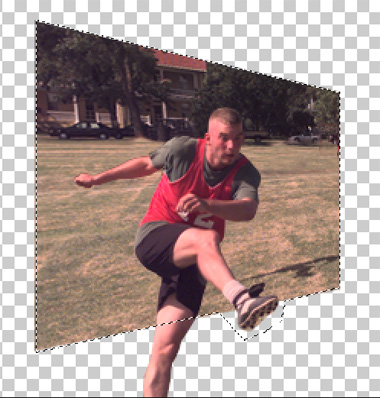
Press Shift+Ctrl+I to invert the selection. Press delete.
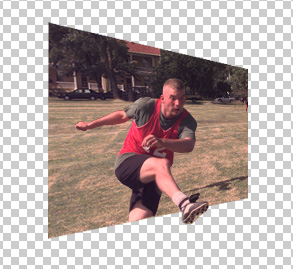
Unhide the ball layer move it so that it's partially in the image and partially out of it.
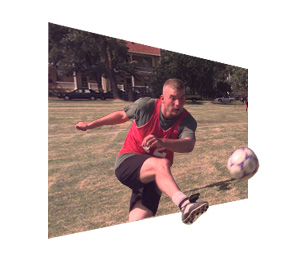
Duplicate the ground layer and scale up a bit. Enable lock transparency pixels and fill with stroke color of your choice. Move it below the original ground layer.
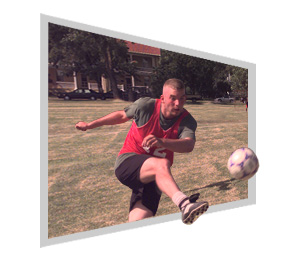
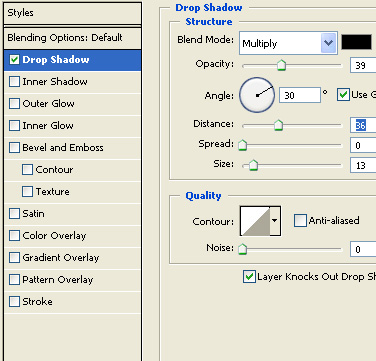
Apply following layer style with the settings shown.