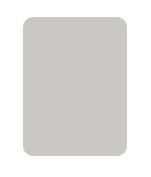
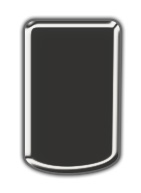
Create a rounded rectangle using rounded rectangle shape tool.
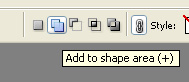
Enable add to shape area form the top bar.
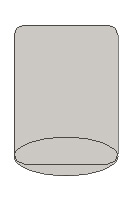
Create an ellipse using elliptical shape tool. Place it at the bottom as shown.
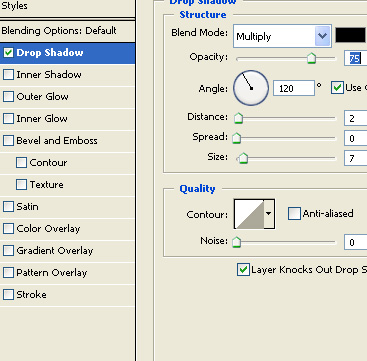
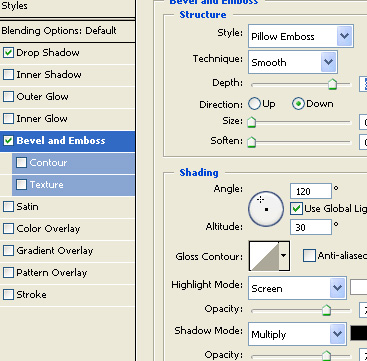
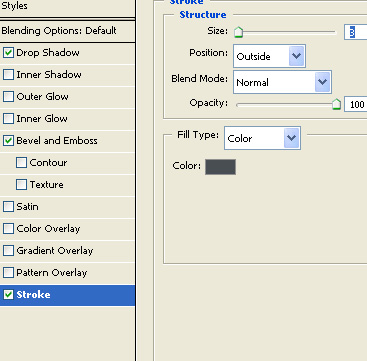
Double click the layer to open layer style window. Apply layer style with the settings shown.
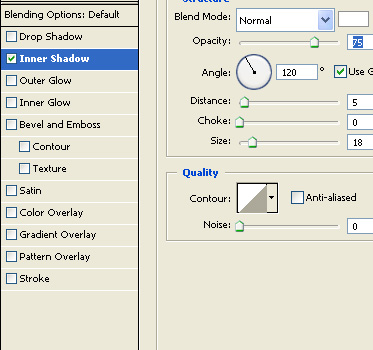
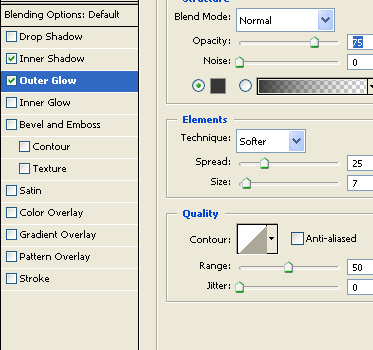
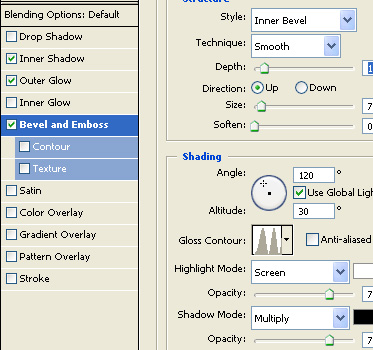
Create a rectangle using rectangular shape tool.
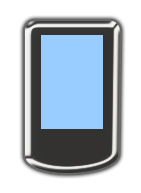
Double click the layer to open layer style window. Apply layer style with the settings shown.
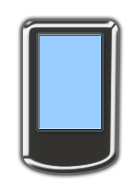
Create a circle for the button using elliptical shape tool.
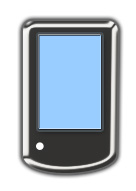
Double click the layer to open layer style window. Apply layer style with the settings shown.
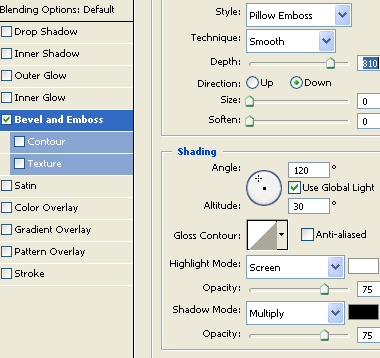
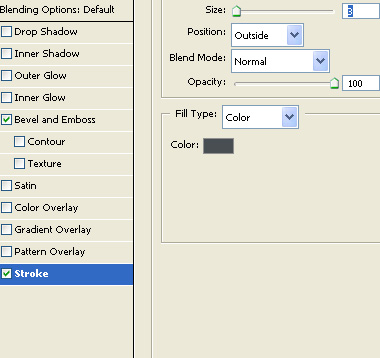
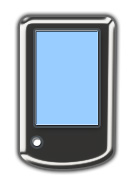
Create more buttons and place as shown.
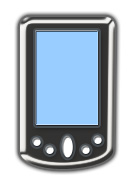
Using custom shape tool create some icons over the screen.
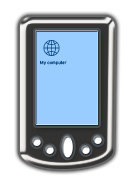
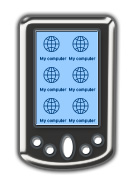
Select and merge all layers. Press Ctrl+T. Right click the layer and select skew. Adjust nodes to get the shape as shown.
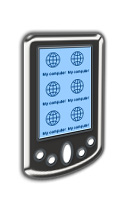
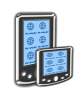
Similarly create a smaller one and place in front of this icon.