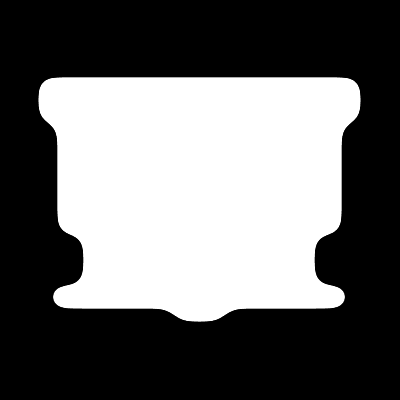
Ever wonder how people make those smooth looking interfaces with the rounded corners? Pen tool you say? Nope there's a easier way, read on.
1. Open up a new document approximately 400 x 400 pixels. Fill the background layer with black. Now create a new layer and begin creating your shape.
Tip - Use the rectangular marquee tool and the paint bucket to create the layout.

2. Now select your shape CTRL+A and cut the image Edit -> Cut. Now go to the channels tab, create a new layer and paste your shape CTRL+V. Deselect your shape CTRL+D.
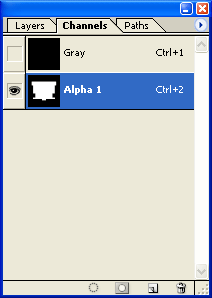
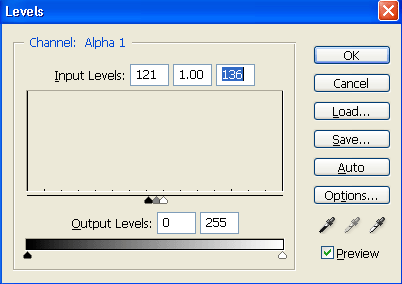
3. Now apply a gaussian blur to your shape Filter -> Blur -> Gaussian Blur, use a setting of 9.0. Now press CTRL+L to set the levels, use these settings, Input Levels: 121, 1.00, 136, then press ok.
4. Now use the Magic Wand Tool (W) and select your shape. Copy CTRL+C it, switch back to the layers tab, and paste it. That's it, now you have a smooth shape with rounded corners, with no effort at all.