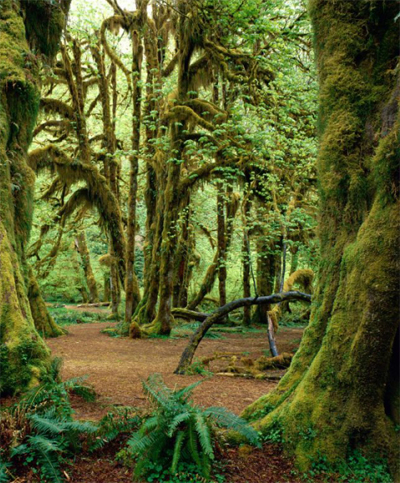
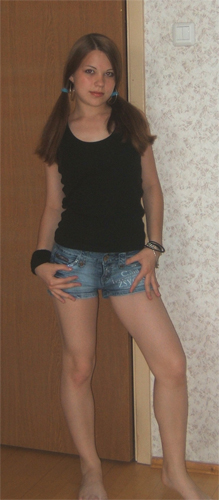
Let's use a photo background editor to change a background. Original pictures:
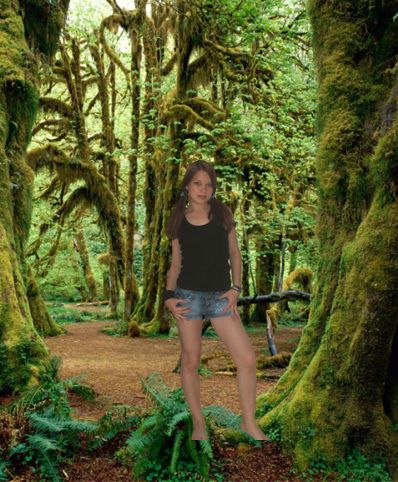
Result of this tutorial:
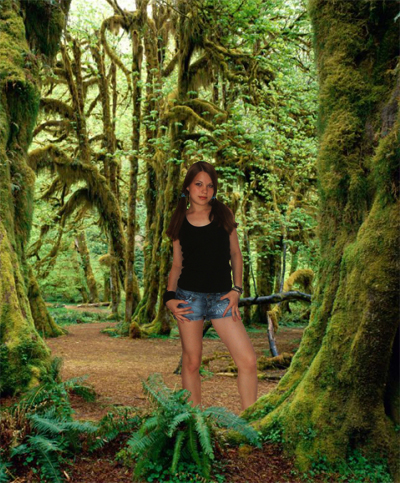
I wrote this tutorial because i had a lot of requests about this topic. I'll show you in details how to place your photo into any picture you want. You should follow some basic photo montage rules (pictures should have the same lightness level). Also we'll hide some body parts of this girl behind the grass and tree roots to make it more realistic.
So, open your photo you want to place into another picture:
Switch to Quick Mask by pressing Q.
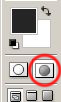
Double click on the Quick Mask icon to enter it's options. Make sure you have the same settings:
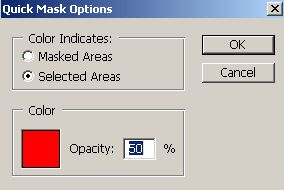
Take Brush tool
 and start selecting.
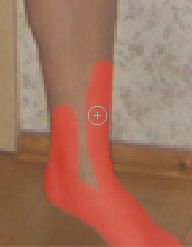
Use smaller tool size to select small details:
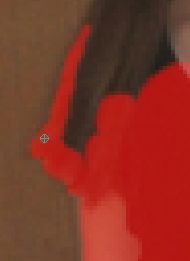
Girl is now selected:
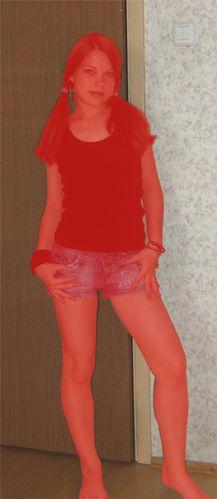
Press Q on your keyboard:
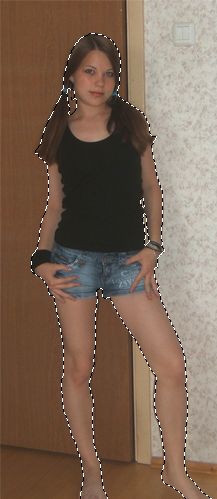
Then go to Edit-Copy.
Open a picture with desired background. I took tropical forest.
Edit-Paste:
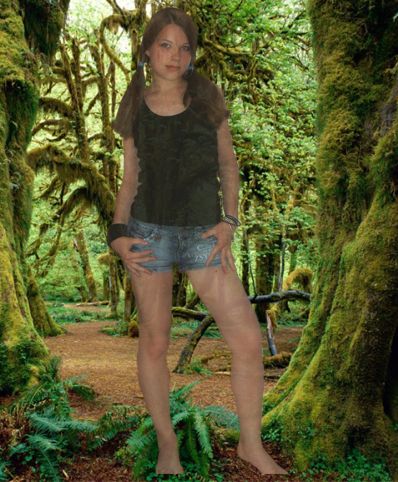
As you can see, Girl is a little bit transparent. Go to: Layer-Duplicate Layer. Hit F7 if your layer window is closed.
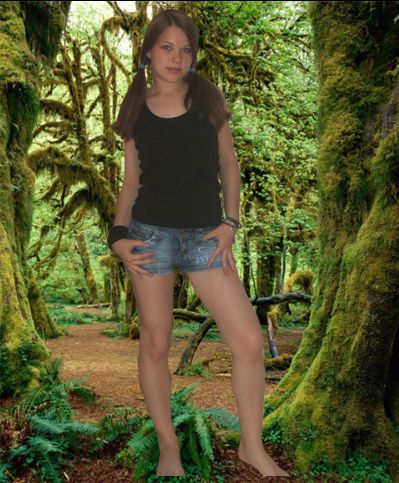
Now press Ctrl and choose both layers with girl. Right click on those layers and choose Merge Layers:
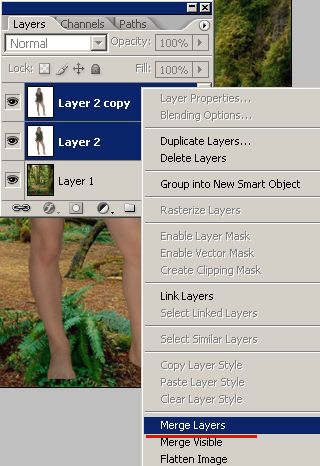
Now we have only one layer with girl:
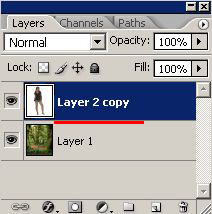
Press Ctrl+T:
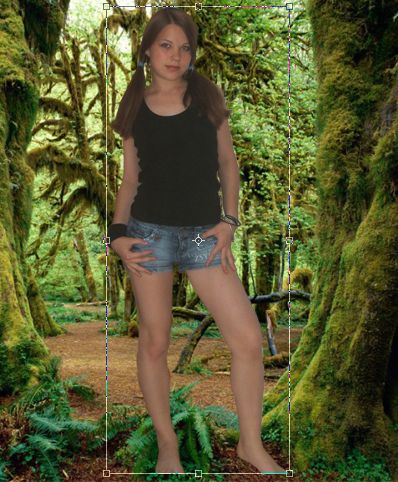
In the upper menu click on the indicated button to keep constrain proportions:

And experiment with resizing:
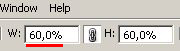
In my case 60% work good. Now place girl in desired place on the picture so it will look like this girl was on this picture originally. Experiment with size and position to get the best result.
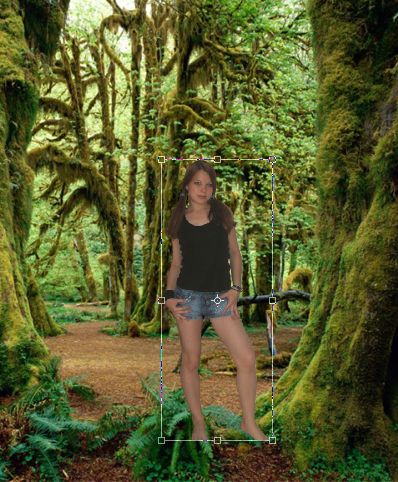
Press Enter. Zoom in your picture. See these white areas left after selection? Let's get rid of it!
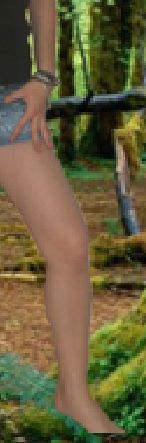
Go to Layer-Matting-Defringe:
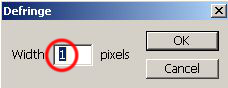
Looks better now:
Let's make our picture look more realistic. Take Eraser tool
 and erase some parts of her feet, so it will look like girl stays behind the grass and roots:
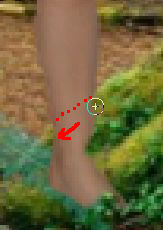
To make this procedure more comfortable, lower opacity of the layer with girl:
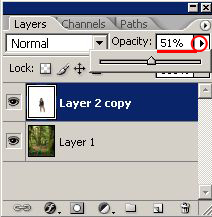
Looks better:
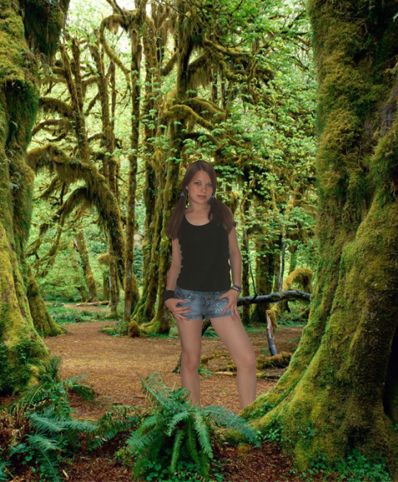
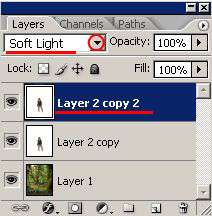
Look- forest has some bright colors, but our girl has not. Make a duplicate layer to fix it: Layer-Duplicate Layer and change it's mode to Soft Light:
Here is my final result:
Good luck in photo montage! %)
