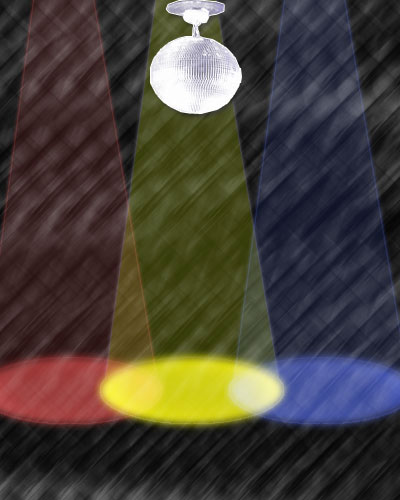
This tutorial will teach you how to make the spotlights like they use on stages.
Open a new document 400x500 pixels.
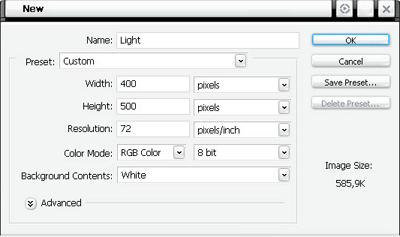
Name it Light or something and make the Background White.
Now take your Polygonal Lasso Tool and make a selection like below :
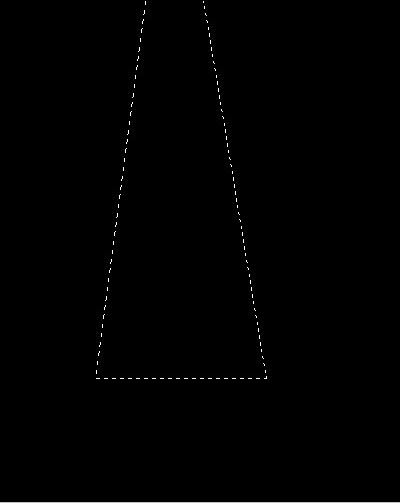
Now make a new layer [Ctrl+Shift+N] and fill the selection with white.[Edit > Fill]
Now put the layer opacity on 20%.Now you should have something like below :
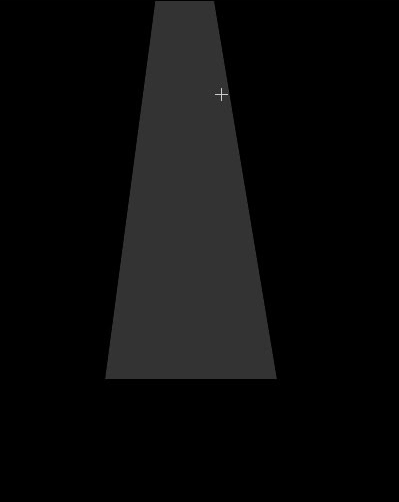
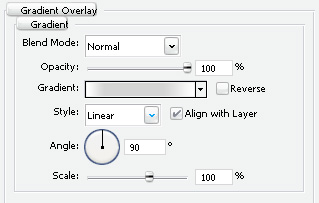
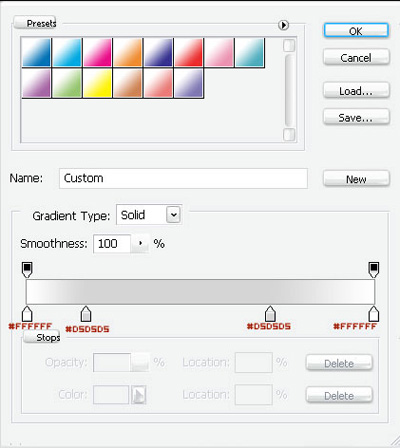
Use the layer settings : [Double click on the Layer Or Layer>Layer Style>Blending Options]
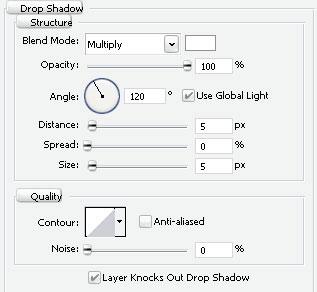
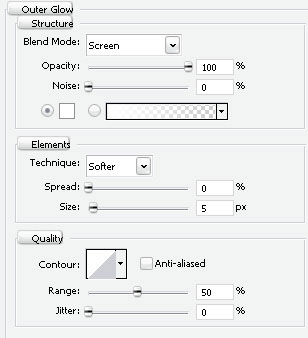
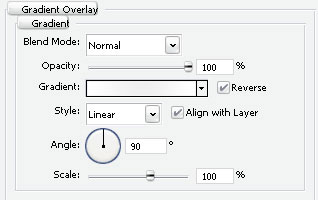
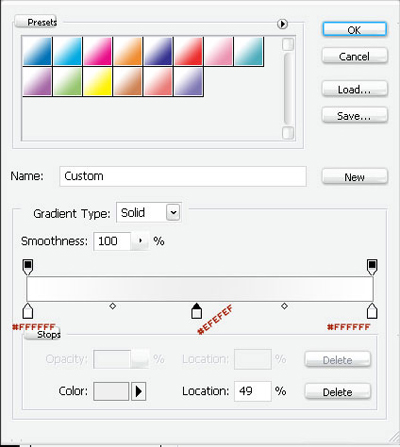
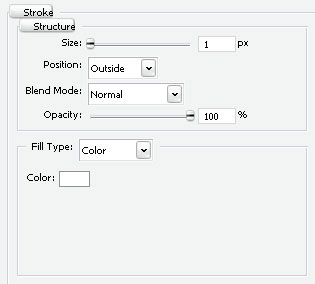
Now take out your Elliptical Marquee Tool.
Make a selection like this :
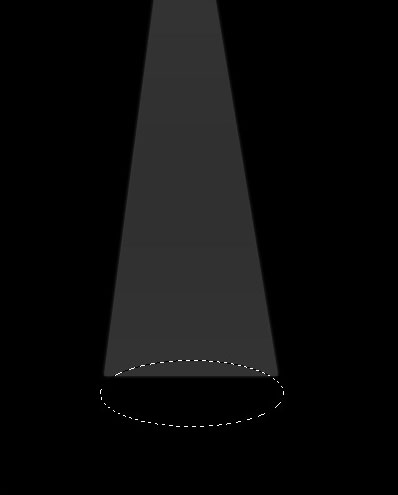
Now make a new layer [Ctrl+Shift+N] and fill the selection with white
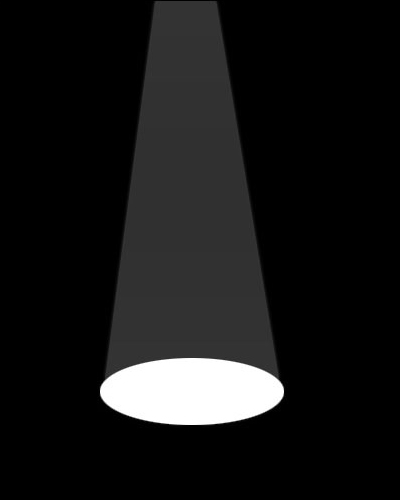
Use the layer settings : [Double click on the Layer Or Layer>Layer Style>Blending Options]
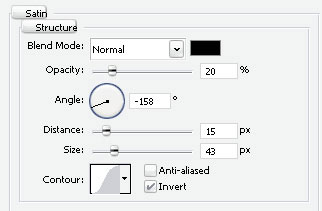
Now add a Gaussian Blur [Filter>Blur>Gaussian Blur]
Pixel : 4,0
And there you go. Add a colour..background..what ever looks good.
Hope it helped.