


This tutorial will teach you how to make a tech style signature background, similar to the one shown below:

Step One
Open a new Document.
Step Two
Choose 2 Colours that you would like to use.
Step Three
Filter > Render > Clouds
Step Four
Filter > Texture > Patchwork
Square Size: 4
Relief: 8
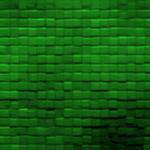
Your image so far:
Step Five
Filter > Blur > Radial Blur
Settings:
Amount: 66
Zoom: Best
Step Six
Filter > Stylize > Find Edges
Step Seven
Press Ctrl + I to invert the colours.
Final Result
