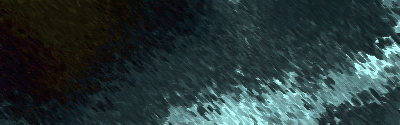
This tutorial will teach you how to make a basic water effect.
1. First make a new image any size you want.
2. Then Scribble with your favorite brush (fill up most of it).
3. Then do Filter > Render > Difference Clouds.
4. Then Filter > Artistic > Neon Glow make it light blue and 33 brightness and 24 glow size.
5. Filter > Distort > Wave
6. Filter > Distort > ZigZag:
Amount: 33
Ridges:18
7. Filter > Distort > Glass
8. Filter > Distort > Ocean Ripple
9. Scribble on it
10. Then Filter > Render > Difference Clouds
11. Then Filter > Render > Difference Clouds
12. Then Neon Glow and change the scribbles to the same color as the background.
13. Filter > Distort > Wave
14. Image > Adjustments > Hue/Saturation
15. Change it to whatever color you want.
Here is the final result.