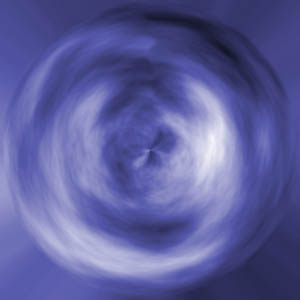
This tutorial will teach you how to create a tornado orb effect using a few simple filters and some brushing.
1. Open a new canvas. I used 300 x 300 pixels.
2. Click Filter > Render > Clouds.
3. Then click Filter > Artistic > Plastic wrap and use any settings you want. Just experiment and see what looks best.
4. Then click Filter > Distort > Polar Coordinates and change the setting to 33%.
5. You will now have that unusual orb. There will be a big line down the middle. To remove it, just use the smudge tool.
6. I changed the hue / saturation to a blue colour (Image > Adjustments > Hue/saturation).
This is your final result.