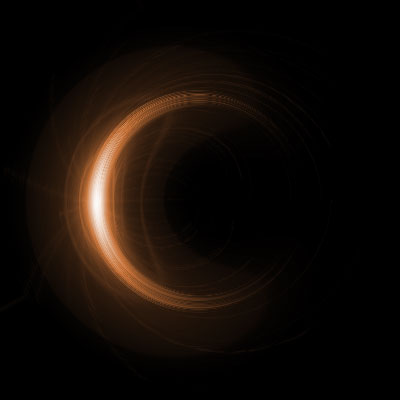
This tutorial will teach you how to create an eclipse looking effect with only filters!
Step 1: Open a 400x400 canvas and fill with black.
Step 2: Go Filter > Render > Lens flare... in the middle of your canvas.
Step 3: Go Filter > Stylize > Wind and set if from right.
Step 4: Do it again and this time set it from left.
Step 5: Go Filter > Distort > Polar Coordinates 105mm Prime and do the rectangular to polar one.
Step 6: Now rotate the canvas to 90° Clock wise
Step 7: Now press Ctrl+ U and mess with colours
Final result