

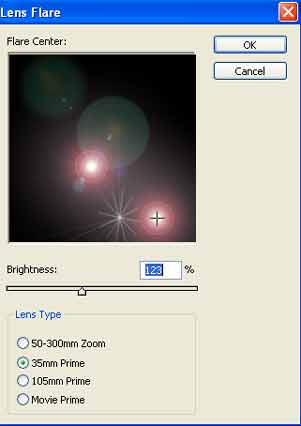
Create a new document with black background. Go to Filter > Render> Lens Flare.
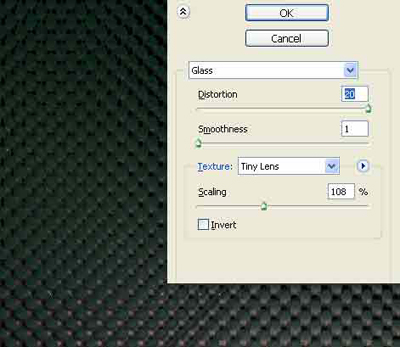
Then Filter > Distort > Glass
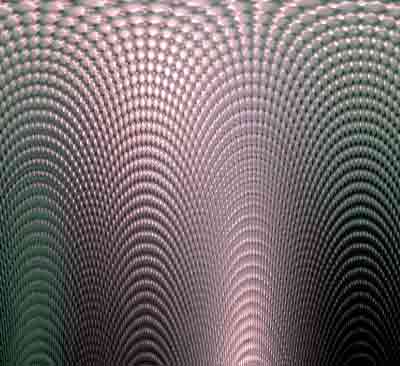
Now to Filter > Distort > Polar coordinates (polar to rectangular).
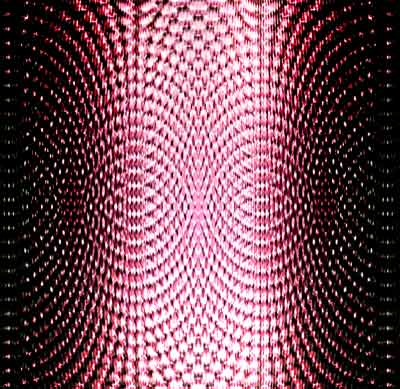
Copy layer (Ctrl+C, Ctrl+V) and transform it Edit > Transform > Flip vertical. Change layers Blending Mode to difference.
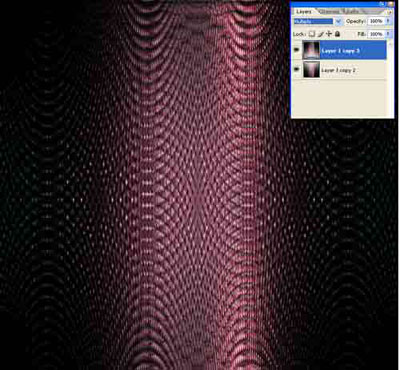
Click to enlarge
You can colorize layers (Ctrl+U) for more interesting result.
