In this logo we'll draw an iconic man in yoga posture using simple and preset custom shapes. Create a "Sign 2? shape using custom shape tool.

Create another big sign 2 shape. Press Ctrl+T. Right Click and select distort. Adjust the nodes to get the shape as shown.
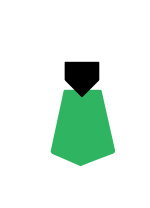
Enable "subtract from shape area" at the top bar. Create another "Sign 2? shape using custom shape tool.
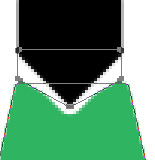
Enable add to shape area from the top bar. Create a triangular shape using polygon shape tool. Press Ctrl+T. Right Click and select distort. Adjust the nodes to get the shape as shown.
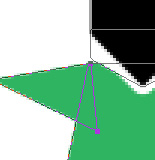
Create a rectangle using rectangular shape tool. Rotate and place as shown.
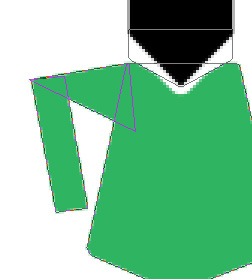
Create another triangular shape for the hand and place as shown.
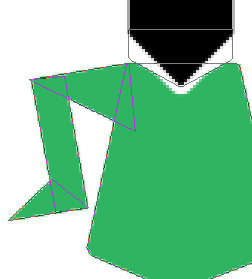
Duplicate the hand & arm paths. Press Ctrl+T. Right click and select Flip Horizontal and place on the other side.

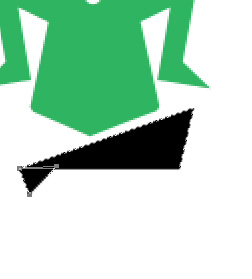
Create two more triangular shapes for the leg as well.
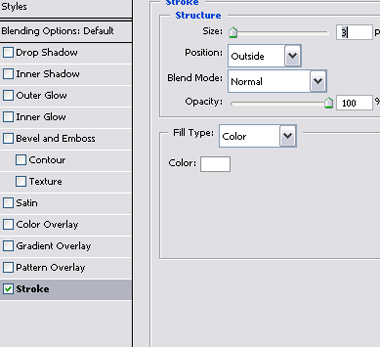
Double click the layer to open layer style window. Apply settings as shown.

Duplicate the layer. Press Ctrl+T. Right click and select Flip Horizontal and place on the other side.

Type "yoga for life" below the logo.