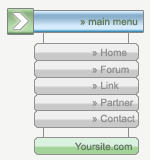
Here is a cool pixel menu for your website.
Open a new 150px x 160px document and fill the background layer with white.
Create a new layer, and with the "Rectangle Tool", holding the Shift key down, draw a little perfect square.
Open the blending option panel of this layer (
 ) and set:
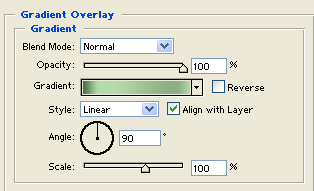
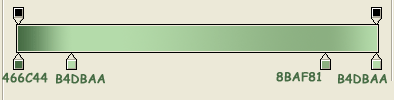
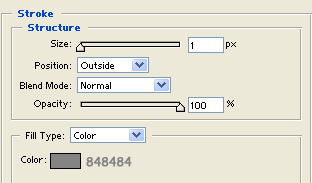
Now create a new layer and with the "Rectangle Tool" draw a rectangle a little small in height than the previous but with a triple weight.
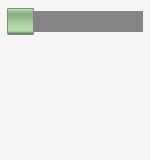
Move this layer down the previous.
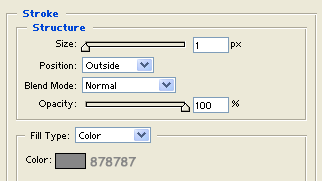
Open the "Blending Options" panel and set:
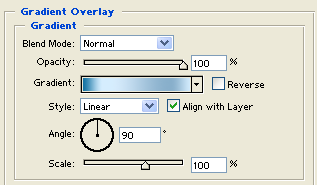
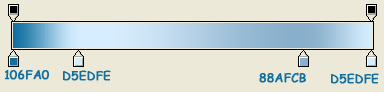
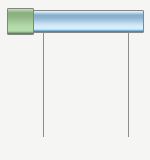
Create a new level and with the "Line Tool" draw 2 vertical line (1px) like this:
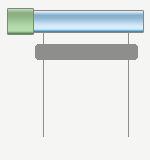
Create now a new layer and with the "Rounded rectangle tool" (
 ) with 4px of radius draw a little rectangle over the 2 lines.
Open the blending options panel and set:
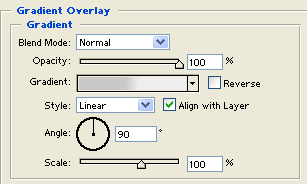
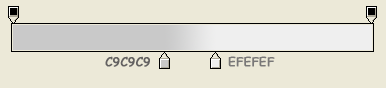
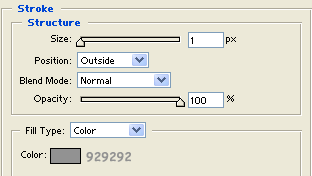
Duplicate this layer for each menu voice you need.
Now duplicate again the layer but place it at the end of the 2 lines.
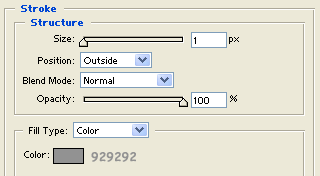
Open the blending options panel and set:
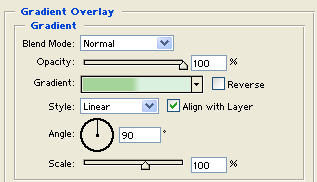
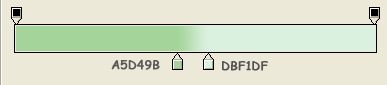
Here is what you get:
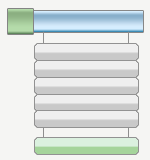
That's all, add now your text, and your pixel menu is ready to use.